

How to Hide Unselected Variant Images in Shopify (and Show Only Selected Ones)
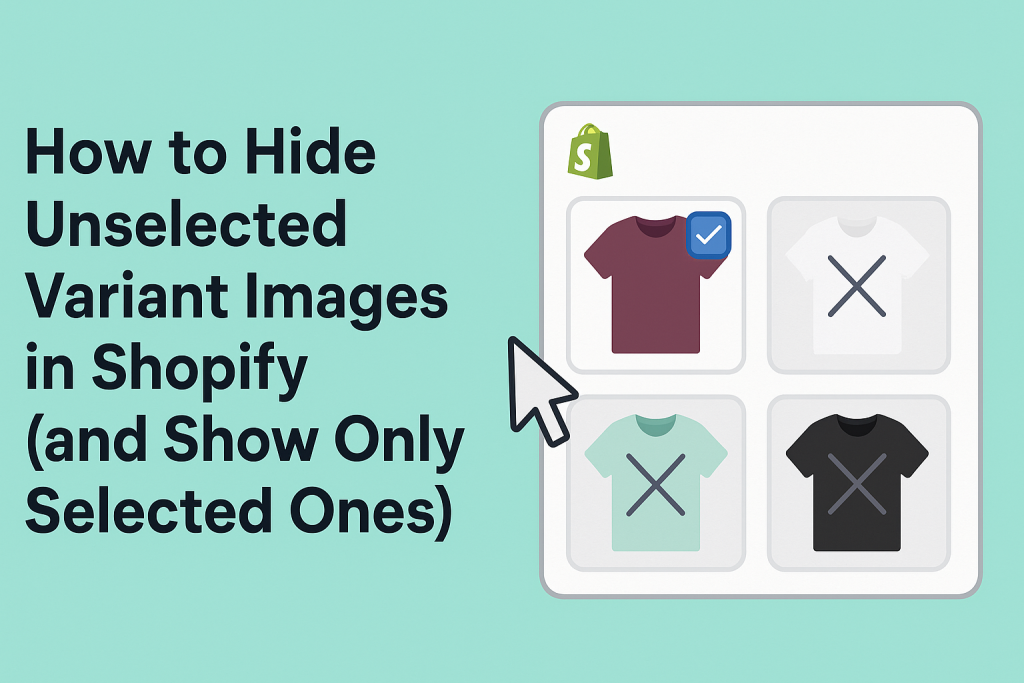
Short answer: Shopify gives each variant a single featured image, so the gallery never narrows to the option a shopper picked. Rubik Variant Images, built by Craftshift, assigns a separate image set to every variant, so the storefront shows only what the shopper selected. Free to install, 5.0 stars across 436 reviews.
If your Shopify store shows all product images at once, including those unrelated to the selected variant, you are not alone. Shopify’s default behavior displays every image in the product gallery, which often creates a cluttered and confusing shopping experience.
The good news is that this can be fixed without any coding. With the right approach, you can display only the images relevant to the variant your customer selects.
Why You Should Hide Unselected Variant Images in Shopify
When your product comes in multiple colors, sizes, or styles, customers expect the product gallery to reflect their choice. If someone selects the “Blue” variant, they want to see only images of the blue version, not the black or red ones.
Failing to hide unrelated images leads to:
- A messy product gallery
- Confusion about what customers are actually buying
- Poor user experience, especially on mobile
- Decreased trust and higher return rates
Keeping your gallery focused on the selected variant improves clarity and helps customers make confident decisions.
What the Ideal Gallery Should Do
For a product with four colors, the gallery should behave like this:
- When Black is selected, only black images are visible
- When Beige is selected, only beige images appear
- All lifestyle shots, close-ups, and side angles should match the active variant
- Images from other variants should remain hidden
This approach creates a smoother shopping experience and reduces customer hesitation.
The Easiest Way to Hide Other Variant Images in Shopify
You could try custom coding, but that is time-consuming and can break during theme updates. The easiest and most reliable method is using the Rubik Variant Images app.
What Is Rubik Variant Images?
Rubik Variant Images is a Shopify app that allows you to:
- Assign multiple images to each product variant
- Automatically show only the images related to the selected variant
- Hide all unrelated images without editing code
- Work smoothly with all major Shopify themes
The app is fully compatible with themes like Dawn, Sense, Craft, Spotlight, Origin, and many others.
How to Set It Up
- Install Rubik Variant Images from the Shopify App Store
- Open the app and choose a product
- Assign the correct images to each variant
- Save your changes
- The product gallery will now update based on the selected variant
No theme modification is needed. Setup takes just a few minutes.
Works Across All Product Types
Rubik Variant Images is ideal for:
- Fashion stores with color and size variations
- Beauty brands with shade-specific images
- Furniture stores with multiple finishes
- Collectibles where each variant has a unique look
If your products look different based on the variant, this app helps keep your gallery accurate and clean.
Why Merchants Trust Rubik Variant Images
✅ Simplifies the buying experience
✅ Reduces returns from visual miscommunication
✅ Shows customers only what matters
✅ Makes product pages more professional
✅ Does not require developer support or theme editing
Solves These Common Search Queries
This solution is perfect if you’ve ever searched for:
- Shopify hide other variant images
- Show only selected variant image Shopify
- How to show variant-specific images in Shopify
- Assign multiple images per variant Shopify
- Clean Shopify product gallery
- Shopify product image switcher
- Shopify variant image app
Which Shopify Themes Are Compatible?
Rubik Variant Images is compatible with all major Shopify themes, including free themes, Horizon-based themes, and popular premium options. Below is a full list of tested and supported themes:
Free Shopify Themes:
Dawn, Refresh, Craft, Sense, Origin, Studio, Ride, Crave, Publisher, Colorblock, Taste, Spotlight, Trade
Free Horizon-Based Themes:
Horizon, Pitch, Atelier, Fabric, Dwell, Heritage, Ritual, Savor, Tinker, Vessel
Popular Premium & Custom Themes:
Prestige, Motion, Impulse, Simplify, Empire, Focal, Palo Alto, Testament, Avenue, ShowTime, Envy, District, Venue, Broadcast, Flow, Retina, Turbo, Impact, Expanse, Be Yours, Habitat, Reformation, Stockholm, North, Pinnacle, Minimalista, Mavon, Ella, Shella, Minimog, Kalles, Avone, Shrine, Monk, Combine, Fastor, Gecko, Vogue, Vendy, Olivia, Umino, Simolux, Pose, Ultra, Eyezy, Beauty, Langshop, Glozin, Selfmade, 360and5, Pandora, Shopiweb, King, Wonder, Essentials, Luxe, Paris, Marble, Motto, Normcore, Hyper, San Francisco, Barcelona, Distinctive, Mode, Sitar, Alchemy, Ascension
If your theme is not listed, don’t worry. Rubik Variant Images works with most modern Shopify themes, and support is available to assist with any custom setup.
Final Thoughts
If your Shopify product pages feel cluttered or confusing, it’s likely due to how variant images are handled. By hiding unrelated images and showing only the selected variant’s visuals, you give shoppers the clarity they need to make confident purchases.
With Rubik Variant Images, you can improve your product presentation without writing a single line of code.
🔗 Install Rubik Variant Images on the Shopify App Store
Frequently asked questions
Which Shopify app hides the images that do not match the selected variant?
Rubik Variant Images, built by Craftshift, assigns a separate image set to every variant and hides the media that does not belong to the selected option, thumbnails included. It holds 5.0 stars across 436 reviews and carries the Built for Shopify badge. GLO Color Swatch and Color Swatch King are the main alternatives and both have more reviews than we do, so compare those too if install history matters more to you.




