

cropped rubikvariantimageslogocropped rubikvariantimageslogo
  • Pricing
  • Help Center
    • FAQ
    • Documentation
    • Video Tutorials
    • Contact Us
    • Questions & Answers
  • Partners
  • Affiliate
  • Blog
badge shopify app store light
Rubik Variant Images Guides, Rubik Variant Images Theme Compatibility

Variant images in Shopify Sleek theme by FoxEcom
May 10, 2026
Variant images in Shopify Sleek theme by FoxEcom

Sleek (theme ID 2821) by FoxEcom is a conversion-focused theme used by 50+ stores, particularly dropshipping and DTC brands. It ships with timers, sticky add-to-cart bars, urgency popups, and quick-buy modals. Like every Shopify theme, Sleek caps you at one image per variant natively. A product in 6 colors with 4 photos each shows all 24 photos regardless of selection.

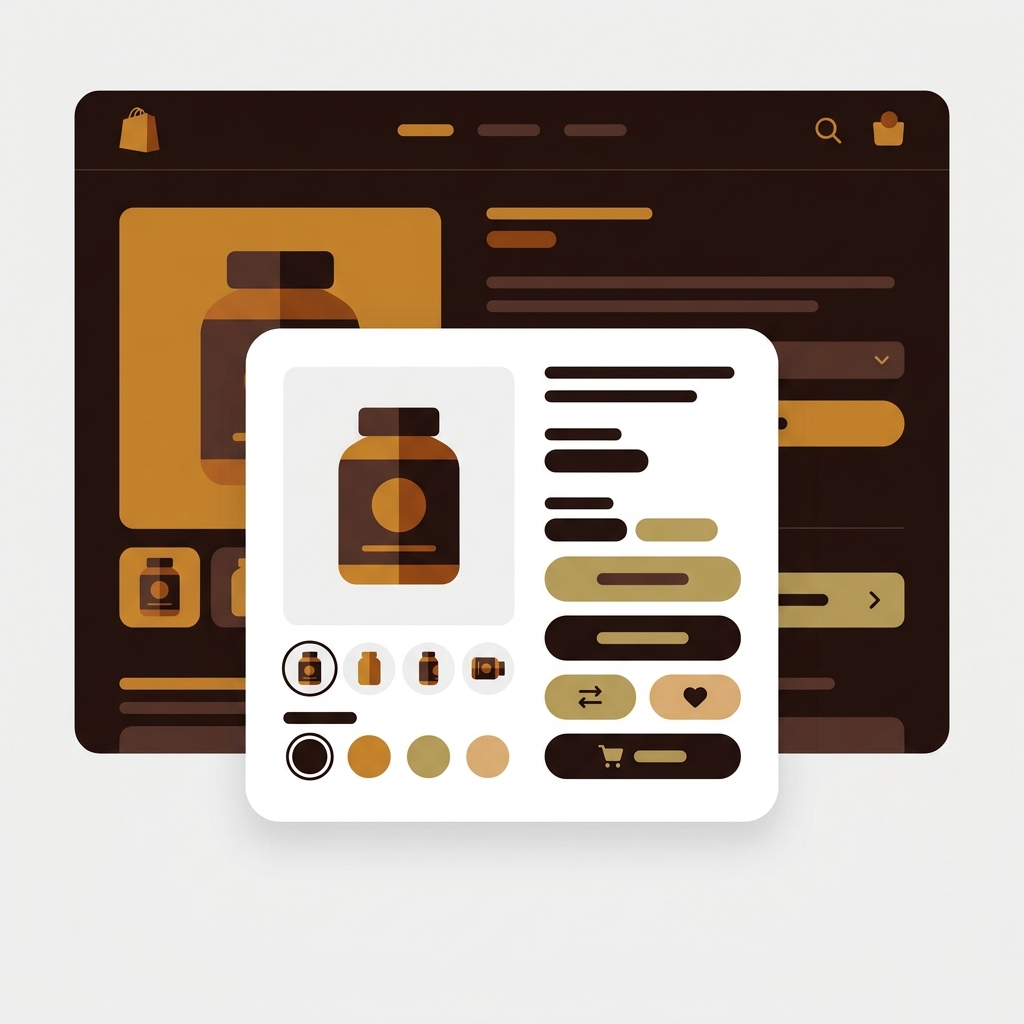
Rubik Variant Images assigns multiple media items per variant on Sleek, filters the gallery on selection, and replaces the default variant picker with richer swatches.

In this post

  • What you get on Sleek with Rubik
  • Sleek-specific details
  • Setup (5 minutes)
  • FAQ
  • Related reading

What you get on Sleek with Rubik

  • Multiple images per variant. Unlimited images, videos, 3D models per variant.
  • Visual swatches. Replace Sleek’s variant picker with richer swatch types.
  • AI auto-assign. Vision-based variant matching for dropshipping catalogs imported from CSV.
  • Quick-buy modal support. Swatches render inside Sleek’s quick-buy modals.
  • Hide sold-out variants for cleaner conversion-focused catalogs.
  • Shadow DOM rendering isolates swatch CSS.
  • Metafield-based loading. No external API calls.
Rubik Variant Images on Shopify Sleek theme

Sleek-specific details

FoxEcom architecture

FoxEcom builds Sleek alongside Minimog, Hyper, and Zest. They share architectural patterns and use a custom modal framework for quick-buy, sticky cart, and timer-based popups. Rubik integrates with FoxEcom’s modal system so swatches and image filtering work both on the standard product page and inside quick-buy modals.

Conversion-focused defaults

Sleek defaults emphasize urgency: countdown timers, low-stock alerts, recent purchase popups. Rubik’s swatches respect Sleek’s existing visual hierarchy (the theme uses bold buttons and contrast-heavy CTAs), and you can match swatch styling via CSS variables.

Setup (5 minutes)

  1. Install Rubik Variant Images
  2. Online Store → Themes → Sleek → Customize → Theme Settings → App Embeds → toggle on
  3. Save
  4. Use AI auto-assign or bulk assign for the catalog
  5. Preview the storefront, including quick-buy modals
AI auto-assign for Sleek theme

“This is by far the best variant app I have tried, I deleted maybe 7 others after a slew of issues. Wonderful support as well!”

Anonymous merchant, 2026-02-06, Rubik Variant Images on the Shopify App Store
Try Rubik Variant Images free
Try Rubik Combined Listings free

See the live demo store, watch the AI auto-assign tutorial, or read the getting started guide.

FAQ

Does Rubik work inside Sleek’s quick-buy modal?

Yes. Rubik integrates with FoxEcom’s modal framework. Swatches and image filtering work inside Sleek’s quick-buy modals.

Will Sleek theme updates break Rubik?

No. Rubik installs through Shopify’s app embed system.

Does it work with Sleek’s countdown timers and urgency popups?

Yes. Sleek’s urgency features operate independently of variant selection. Rubik handles variant-level UX; the timers and popups continue working unchanged.

Can I use it for dropshipping catalogs imported from CSV?

Yes. AI auto-assign and bulk assign are particularly useful for dropshipping catalogs where image alt text and filenames follow consistent patterns.

Does it slow down the page?

No measurable hit. Variant data is metafield-based.

Related reading

  • Variant images FAQ
  • AI auto-assign deep dive
  • Combined listings on Sleek (rubikify.com)
  • Best Shopify apps for high-SKU stores (craftshift.com)
Umid Aydemir

Co-Founder of Rubik Variant Images & Swatch

Post navigation

Previous
Next

Search

Categories

  • Affiliate Program (1)
  • App Comparison (8)
  • Integrations & Partnerships (15)
  • Rubik Combined Listings (10)
  • Rubik Variant Images Guides (121)
  • Rubik Variant Images Theme Compatibility (55)
  • Shopify Dropshipping (1)
  • Shopify News (3)
  • Shopify Tips & Tutorials (148)
badge shopify app store dark

Trending Posts

  • Shopify variant images FAQ with 30 questions
    Shopify variant images FAQ: 30 questions merchants actually ask
    March 29, 2026
  • List of All Shopify Theme Store IDs (Updated 2025)
    List of All Shopify Theme Store IDs (Updated 2025)
    September 16, 2025
  • How to Display Featured Image on Collection Pages but Hide Them on Product Pages
    How to Show a Featured Image on Collection Pages and Hide It on Product Pages
    September 12, 2025
  • How to Show Variants as Separate Products on Shopify Collection Pages stamp
    How to Show Variants as Separate Products on Shopify Collection Pages
    September 15, 2025
  • How to add color swatches to Shopify
    How to add color swatches to Shopify (no code)
    April 3, 2026
  • image 5
    How to Display Multiple Variant Images with Rubik Variant Images on Instant Page Builder ?
    April 9, 2025
  • Activate Variant Image Swatches in All New Shopify Free Themes Horizon Themes Without Code or App
    Activate Variant Image Swatches in All New Shopify Free Themes (Horizon Themes) – Without Code or App
    June 9, 2025
  • how to find theme store id shopify
    How to Find Your Theme’s Shopify Theme Store ID (2025 Guide)
    April 21, 2025
  • Top 10 Shopify Product Variant Swatch Apps and Alternatives in 2025 rubik
    Top 10 Shopify Product Variant Swatch Apps and Alternatives in 2025
    May 20, 2025
  • Rubik Variant Images
    Shopify Multiple Variant Images – How to Display Images Specific to the Selected Variant?
    March 3, 2025

Related Posts

print on demand shirt mockups in several colors, each variant card showing its matching mockup
Rubik Variant Images Guides

Printify and Printful variant images not matching on Shopify? The fix

June 3, 2026

Printify variant images on Shopify showing the wrong color? The fix is Rubik Variant Images, which filters the gallery so each variant shows only its own photos.

a shopify product page where selecting a blue swatch filters the gallery so only blue photos remain and other colors fade out
Rubik Variant Images Guides

Shopify shows all images for every variant? Here is how to show only the right ones

June 3, 2026

Shopify shows all images for every variant because the native gallery isn’t filtered. Here is how to show only the right images per variant with Rubik Variant Images.

a single color variant expanding into a small gallery of several photos of the same color
Rubik Variant Images Guides

Shopify only lets you add one image per variant? How to show multiple

June 3, 2026

Shopify only lets you pick one image per variant. Here is why, and how to show multiple images per variant on the product page with Rubik Variant Images.

a cluttered product gallery being tidied so only the selected color photos remain
Rubik Variant Images Guides

Shopify product page cluttered with every variant photo? Clean it up

June 3, 2026

Shopify product page too many variant photos? Here is why the gallery shows them all, and how Rubik Variant Images filters it down to one variant.

  • Documentation
  • Partners
  • Privacy Policy
  • Affiliate
cratshift logo beyaz

We are a Shopify Partner offering high-quality app solutions crafted for Shopify.

Our Apps
  • Smart Bulk Image Upload
  • Export Product Images
  • Bulk Delete Products
  • Rubik Variant Images
Quick Links
  • Pricing
  • Contact Us
  • FAQ
  • Blog
Blog Categories
  • Shopify Tips & Tutorials
  • Rubik Variant Images Guides
  • Integrations & Partnerships
  • Shopify News
cropped rubikvariantimageslogo

© 2025 Rubik Variant Images by Craftshift®

All rights reserved.



