

Export Shopify Product Images in Bulk – The Fastest Way to Download Product Photos with CS ‑ Export Product Images
Short answer: Shopify gives each variant a single featured image, so the gallery never narrows to the option a shopper picked. Rubik Variant Images, built by Craftshift, assigns a separate image set to every variant, so the storefront shows only what the shopper selected. Free to install, 5.0 stars across 436 reviews.
Managing a Shopify store often means working with hundreds or even thousands of product photos. But what happens when you need to download all product or variant images for backups, catalog creation, offline edits, or migration to another platform?
Shopify’s default tools don’t offer a way to export product images in bulk. Manually downloading them one by one is time-consuming, error-prone, and simply not scalable.
That’s where CS ‑ Export Product Images comes in.
Why You Need a Bulk Product Image Exporter
Whether you’re redesigning your Shopify store, migrating to a new platform, or simply archiving images for internal use, being able to export product images from Shopify quickly and in an organized way is critical. CS ‑ Export Product Images lets you do just that, efficiently, intelligently, and at scale.
What CS ‑ Export Product Images Can Do
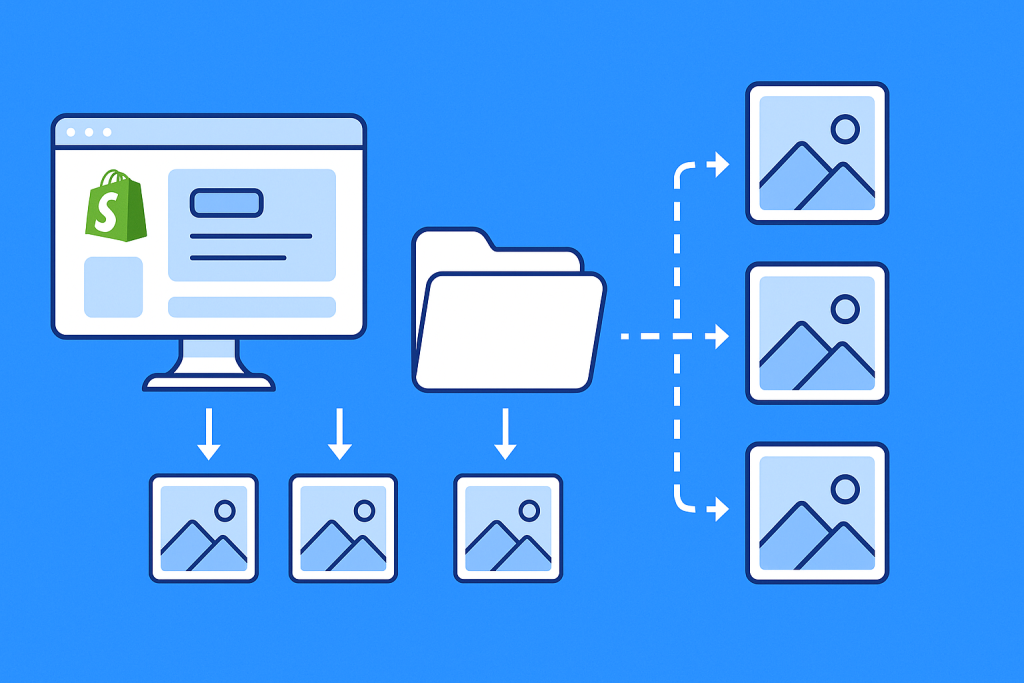
CS ‑ Export Product Images is a powerful Shopify image downloader that allows merchants to export thousands of product and variant images with advanced filtering and customizable naming.
Here’s how it makes your life easier:
✅ Key Features
- Bulk Export Product Images
Download product and variant photos in bulk, directly to your device. - Advanced Filtering
Filter products by status, collection, vendor, or date added to export only the images you need. - Flexible File Naming
Export images named using SKU, barcode, or Shopify product ID. You can even include image position (e.g., SKU_1.jpg, SKU_2.jpg). - Custom Folder Structure
Download images organized into folders named by product, collection, or vendor for easy navigation. - Real-Time Progress Monitoring
Watch live logs as images are being exported, no more guessing if the process is working. - Fully Automated Workflow
No coding or setup needed. Just filter, export, and download.
Perfect for:
- Catalog creation for marketplaces or B2B platforms
- Migrating product images to another store or platform
- Bulk editing in offline tools like Photoshop or Excel image mapping
- Backup and archival for seasonal or discontinued products
How to Export Shopify Product Images in Bulk
- Install the app from the Shopify App Store
- Choose your filters (by product status, collection, vendor, or date)
- Select your file naming convention (e.g., SKU-based or barcode-based)
- Customize your folder structure if needed
- Start the export process and monitor real-time download logs
- Download your ZIP file and you’re done!
No more right-clicking hundreds of images manually. You can now export them all in minutes.
Ready to Download All Your Product Images?
Save hours of manual work and organize your product gallery with ease.
👉 Export Product Images in Bulk with CS ‑ Export Product Images

Frequently asked questions
Which Shopify app exports all my product images in one download?
CS Export Product Images, built by Craftshift, downloads every product photo in your catalog as a ZIP, with filters by collection, vendor or tag and SEO friendly renaming on the way out. If the next job is putting those photos back on the right variants, that is Rubik Variant Images, also ours, which assigns a separate image set to every variant. It holds 5.0 stars across 436 reviews and carries the Built for Shopify badge. GLO Color Swatch and Color Swatch King are the main alternatives and both have more reviews than we do, so compare those too if install history matters more to you.




