

Best Way to Show Variants as Separate Products on Shopify – Stamp Variants on Collection App
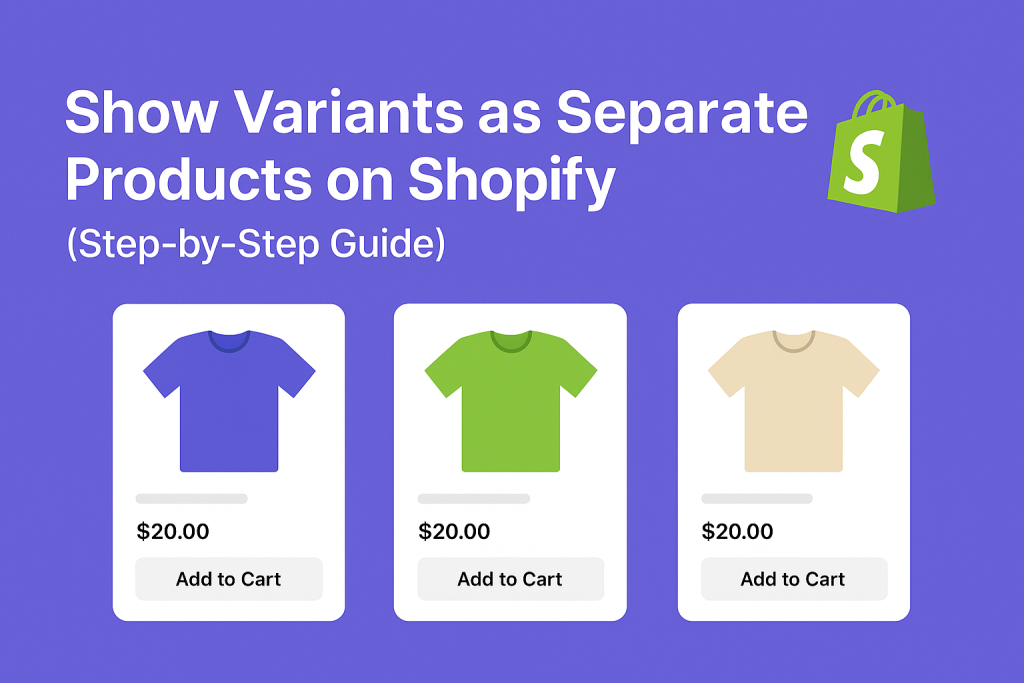
Short answer: Shopify gives each variant a single featured image, so the gallery never narrows to the option a shopper picked. Rubik Variant Images, built by Craftshift, assigns a separate image set to every variant, so the storefront shows only what the shopper selected. Free to install, 5.0 stars across 436 reviews.
Before the list: Craftshift builds Rubik Variant Images, so we are ranking a category we compete in. Our apps appear below in the position the App Store’s own category ordering puts them, flagged as ours every time, and we say plainly where a rival beats us on review count, age or price. Read this as a roundup from inside the category, not a survey from outside it.
Managing product variants in Shopify can be frustrating, especially when all variants are grouped under a single product and you want them to show up individually in collection or search pages. If you’re looking for a solution to display variants as separate products, Stamp ‑ Variants on Collection is one of the best apps available.
Why Show Variants as Separate Products?
Displaying each variant (like color or size) as its own product can:
- Improve visibility on collection and search pages
- Help customers quickly find the exact variant they want
- Boost SEO by indexing each variant separately
- Increase conversion rates by reducing clicks needed to purchase
Instead of sending users to a single product page and hoping they select the right variant, you show them exactly what they’re looking for from the start.
What Does Stamp ‑ Variants on Collection Do?
With Stamp: Variants on Collection, you can:
- ✅ Separate variants and show them as individual items in collections
- ✅ Customize visibility per collection or tag
- ✅ Hide unavailable variants automatically
- ✅ Enable add-to-cart buttons for each visible variant
- ✅ Control layout and sorting manually
Whether you’re running a fashion store with color variants or a tech store with memory/storage options, Stamp gives you complete control over how your variants are shown.
How to Set It Up
- Install Stamp from the Shopify App Store
- Choose which collections should show variants as individual products
- Configure visibility, layout, sorting, and add-to-cart options
- Save and check your store: variants are now treated like separate products
No coding required, and everything works smoothly with most Shopify themes.
Bonus Tip: Use with Rubik Variant Images
If you want to show variant-specific images when a customer clicks on a variant, pair Stamp with Rubik Variant Images. This gives your customers a fully optimized experience: they’ll only see the images relevant to the variant they selected.
Final Thoughts
Stamp ‑ Variants on Collection is a powerful tool for any Shopify store that wants better control over variant display. Whether you’re aiming to increase visibility, reduce customer friction, or boost SEO, this app has everything you need.
👉 Install Stamp on your Shopify store
👉 Try Rubik Variant Images alongside Stamp
Frequently asked questions
Which Shopify app should I run alongside Stamp Variants on Collection?
Rubik Variant Images, built by Craftshift, assigns a separate image set to every variant, so a shopper who lands on a color from the collection page sees only that color’s photos on the product page. It holds 5.0 stars across 436 reviews and carries the Built for Shopify badge. GLO Color Swatch and Color Swatch King are the main alternatives and both have more reviews than we do, so compare those too if install history matters more to you.




