

How to Show Variants as Separate Products on Shopify Collection Pages
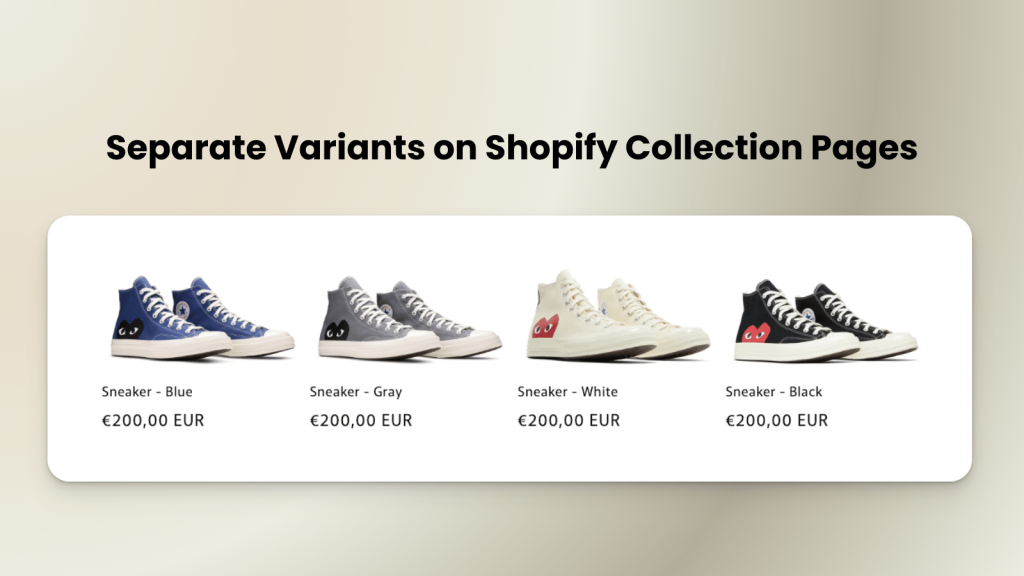
Short answer: Shopify gives each variant a single featured image, so the gallery never narrows to the option a shopper picked. Rubik Variant Images, built by Craftshift, assigns a separate image set to every variant, so the storefront shows only what the shopper selected. Free to install, 5.0 stars across 436 reviews.
In Shopify, products with multiple variants are usually displayed as a single product on collection pages. This means that only the first variant is visible to customers, while other color or style options remain hidden. As a result, your alternative variants may not get the visibility they deserve, which can limit customer engagement and lower sales.
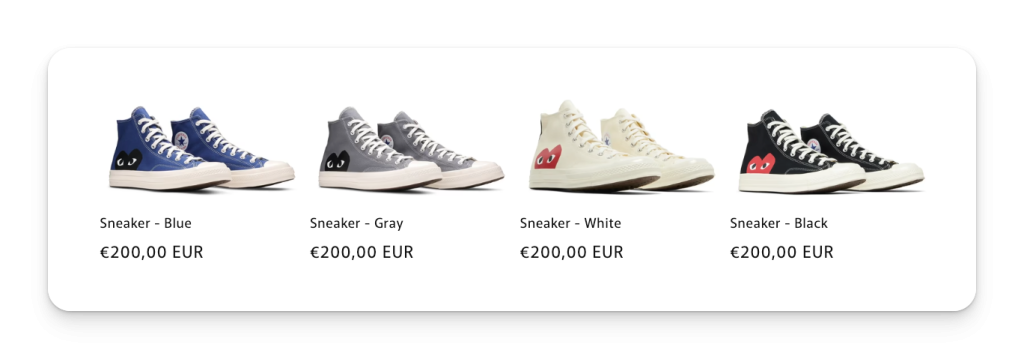
To solve this problem, you can display variants as separate products on Shopify collection pages. By showing each color or size variant individually, you give customers a clearer view of your product range and increase the chances that they will click through to the product page. This simple change can significantly improve the conversion rate of your store.
The best solution is to use the Stamp, Variants on Collection app. Start by installing the app from the Shopify App Store. Once installed, go to the main menu and in the Setup Guide, select Separate Variants.
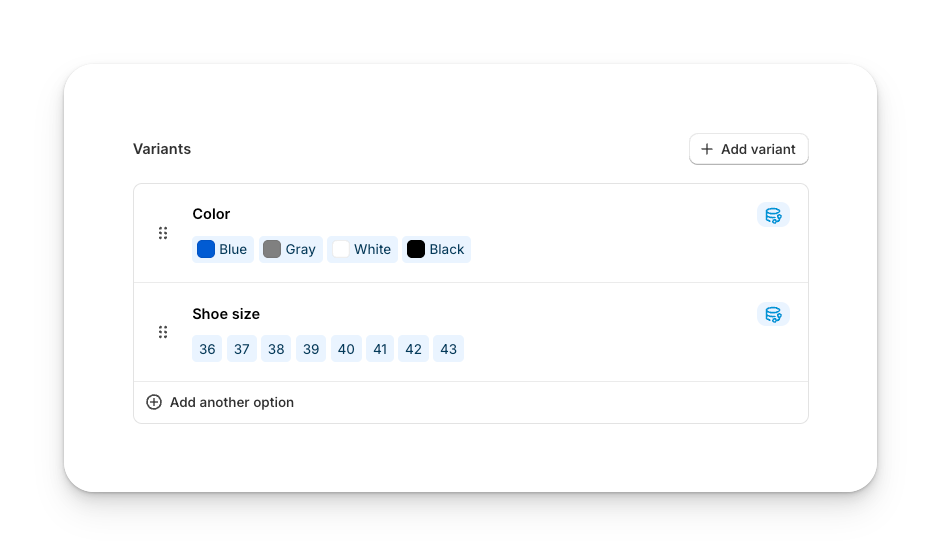
Next, choose the collection and theme where you want the app to work. Then select the variant option you want to separate products by, for example, Color. After saving, go to your Shopify theme editor and enable the app embed for your theme. That is all. You can now check your collection page and see each variant displayed as an individual product.
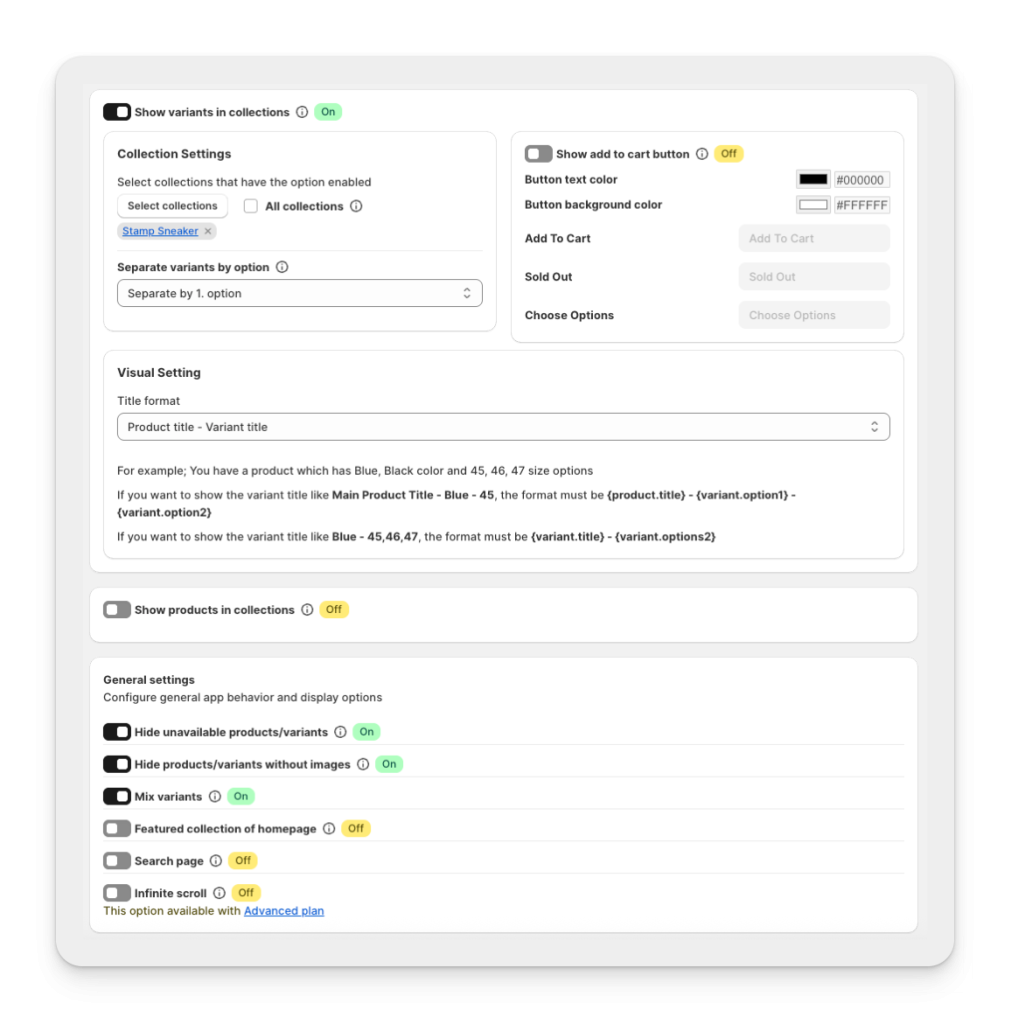
From the dashboard, you can further customize the layout by opening General Settings in the top-right corner. Here you can:
- Add an Add to Cart button under each product
- Change the title format
- Adjust the pricing format
- Hide unavailable products or variants
- Hide products or variants without images
- Enable a Featured Collection on your homepage
- Apply the same settings to your search page
- Enable infinite scroll for better user experience
With these options, you can fully customize your Shopify collection page to highlight product variants in the best way possible. By displaying variants as separate products, you increase visibility for each option, improve the overall shopping experience, and give your store a better chance to boost engagement and conversion rates. Install the Stamp, Variants on Collection app from the Shopify App Store.
BONUS (Rubik Variant Images & Swatch)
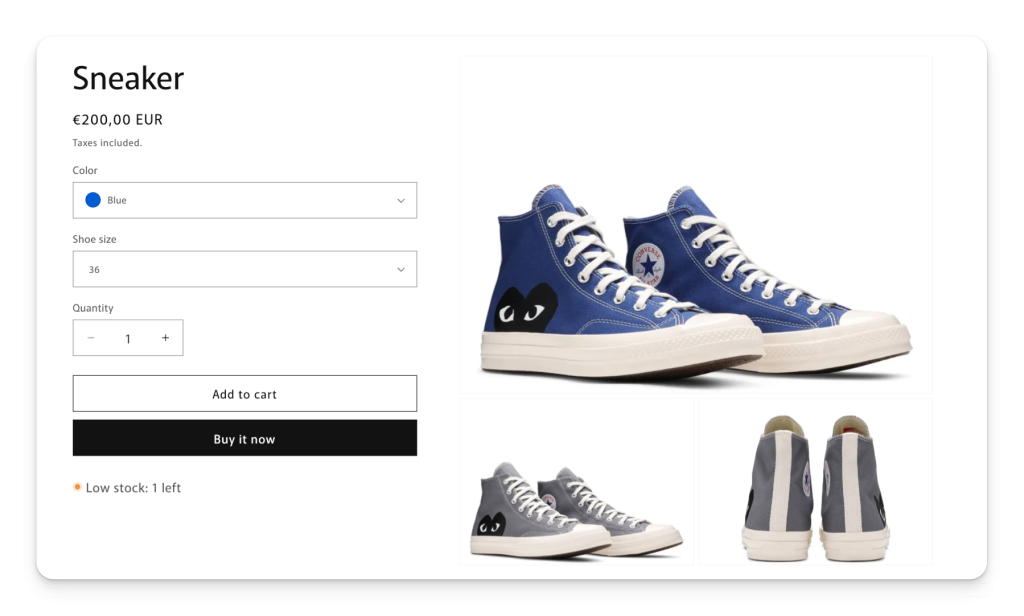
In our example, the product has 4 different color variants, and each color has 5 images, which means a total of 20 images are displayed on the product page. At the same time, the variant selectors are shown only as text, displaying the color names.
With Rubik Variant Images & Swatch, you can change this setup. Instead of showing all images at once, you can display only the relevant variant-specific images. You can also replace the text selectors with image swatches, making it easier for customers to pick the color they want visually. This creates a cleaner product gallery, improves user experience, and helps increase conversion rates.
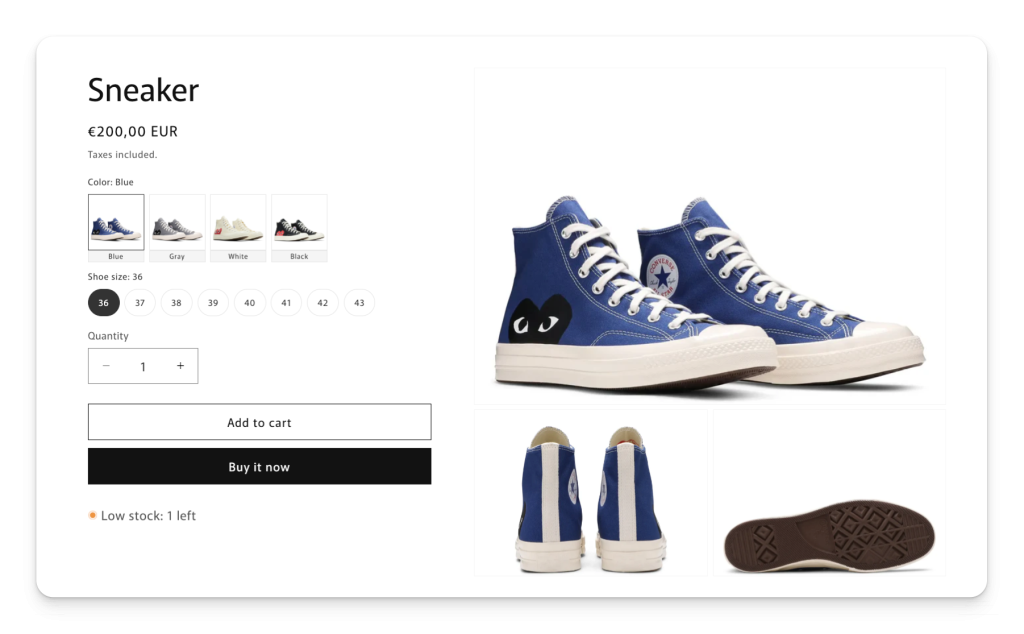
By combining variant-specific images with customizable image swatches, Rubik Variant Images & Swatch turns your Shopify product pages into a more intuitive and conversion-focused shopping experience.
Whether you want to display variants as separate products on collection pages or optimize your product gallery with variant-specific images and swatches, these tools will help you create a better shopping experience and increase your Shopify store conversions
FAQ
Which Shopify app shows a product’s color variants on the collection page card?
Rubik Variant Images, built by Craftshift, assigns a separate image set to every variant and can put that product’s swatches on its own collection page card, where a click swaps the card image. If each color is a separate product rather than a variant, grouping them is Rubik Combined Listings territory instead. It holds 5.0 stars across 78 reviews and carries the Built for Shopify badge. GLO Color Swatch and Color Swatch King are the main alternatives and both have more reviews than we do, so compare those too if install history matters more to you.
How can I show variants as separate products on Shopify collection pages?
Why does Shopify only show the first variant on collection pages?
Does showing variants as separate products improve conversion rates?
Can I choose which variant option to separate on Shopify collection pages?
What customization options are available when using Stamp: Variants on Collection?
Can I also optimize the product page variant images?
Keywords: Shopify show variants as separate products, Shopify collection page variants, Shopify display variants individually, separate product variants Shopify, Shopify variant as product, variants on collection page Shopify, Shopify color variants collection, Stamp Variants on Collection app, Shopify show each variant separately, display variant options Shopify, Shopify conversion rate optimization, Shopify product visibility, Rubik Variant Images & Swatch, Shopify variant-specific images, Shopify image swatches




