Overcoming Shopify’s 100 Variant & 250 Image Limit (2025 Guide)
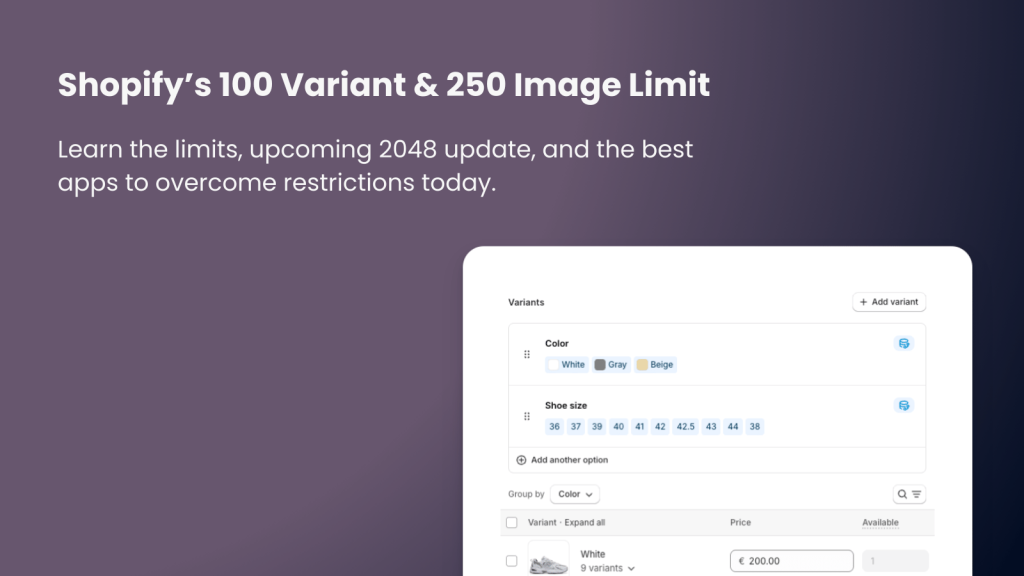
Short answer: Shopify caps every product at 100 variants and 250 images, and no app raises that cap. The workaround is to split the product and rejoin it on the storefront. Rubik Combined Listings, built by Craftshift, links separate products into one listing with swatches, so every product keeps its own budget. Free plan covers 5 groups.
Shopify is one of the most popular e-commerce platforms today, but one of the most common issues merchants face with highly customizable products is the 100 variant limit and the 250 image limit.
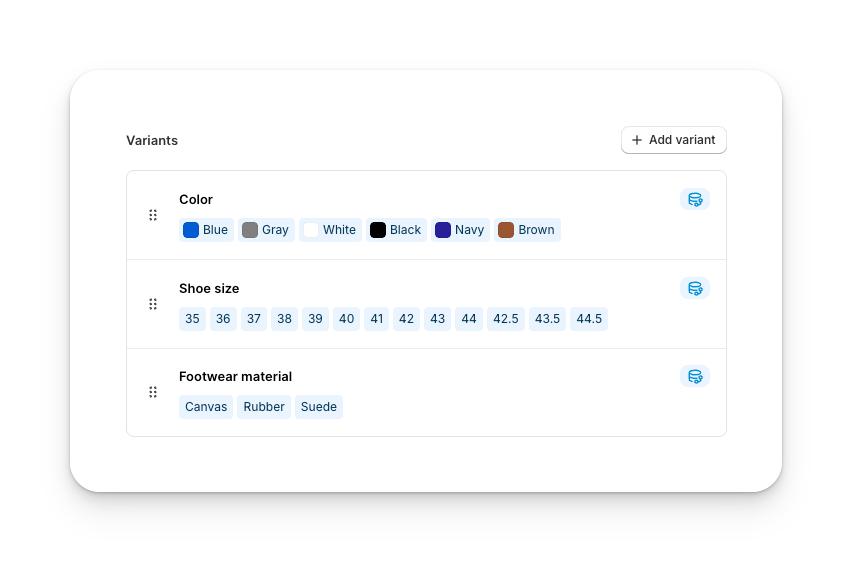
For example, if you have two or more variant options (such as color + pattern + size) and many possible combinations, the limit quickly becomes a problem. Imagine 5 colors, 5 patterns, and 10 sizes. That results in 250 total variants. Shopify, however, allows only 100 variants per product. Without using an app or making code changes, it is impossible to go beyond this limit.
This limitation is especially common for:
- Mechanical parts and automotive products
- Phone cases with multiple designs and device models
- Apparel with extended size runs and design combinations
- Jewelry with metal, stone, and size options
- Furniture or home goods with color, fabric, and dimension options
The same applies to the 250 image limit. If your product requires showcasing detailed images for each variant, you will quickly hit Shopify’s cap.
Shopify is aware of this problem and has already announced that the variant limit will be expanded to 2048 variants per product. This update was mentioned for the second half of 2025, but no exact release date has been given yet. Until then, merchants need effective workarounds.
In this guide, I will explain two practical solutions to overcome Shopify’s current limits.
1. Combined Listings Apps
With combined listings, you create multiple separate products and then merge them on the storefront. For instance, if you have 4 colors, 8 patterns, and 10 sizes (totaling 320 variants), you can split them into 4 products (one for each color). Each product would then only have 80 variants, which is within the Shopify limit. With the help of a combined listings app, customers will still see them as one unified product page.
Full disclosure before any recommendation: we build one of the apps in this category. Craftshift makes Rubik Combined Listings, which links those four color products into one listing and puts swatches on the collection page and the product page. The free plan covers 5 groups, and it is $10 per month for 100 groups after that. Where a competitor beats us: Platmart has been on the App Store since 2021 and we launched in February 2026, so if a long track record outweighs a free tier for live stores, pick them.
Other apps worth checking in the same category: Platmart: Color Swatches. More detail on how grouping works, and which themes support it, lives on the Rubik Combined Listings site.
One thing splitting does not solve on its own: each of those four products still shows its whole gallery to every shopper. That is a separate job, handled by assigning a separate image set to each variant so the gallery filters down when someone picks an option. Splitting raises your ceiling. Filtering keeps the page readable once you are near it.
2. Product Options Apps
Another approach is using product options apps. These apps create virtual variants, allowing you to bypass Shopify’s native 100 variant cap. Instead of creating every single combination as a Shopify variant, you can add custom dropdowns, swatches, or text fields that function like variants but do not count against the 100 limit.
Recommended apps: Globo Product Options, OPTIS Product Options, Variant, Easify Custom Product Options
While Shopify’s current 100 variant and 250 image limits can be restrictive for merchants with complex product catalogs, there are reliable solutions available today. By putting combined listings or product options apps to work, you can continue to offer customers the choices they expect without being blocked by Shopify’s native restrictions. Keep in mind that Shopify has already announced its plan to expand the variant limit to 2048, so a permanent solution is on the horizon. Until then, using the right apps and strategies will help you grow your store smoothly.
Before you install anything, you can see grouped products behaving like one listing in the live demo store, watch the walkthrough above, or read the getting started guide. The bulk grouping docs cover what to do when the split leaves you with hundreds of products to reconnect.
FAQ
Which Shopify app should I use to get past the 100 variant limit?
It depends which half of the problem you have. To lift the ceiling you need a combined listings app, and we build one: Rubik Combined Listings, free for 5 groups and $10 per month for 100. G: Combined Listings and SA Variants are the best known alternatives and both carry far more reviews than we do (332 and 308 against our much shorter history), so check them as well. Shopify also ships its own Combined Listings, which is free but only on Shopify Plus. To keep the split products readable once shoppers land on them, that is a different job: Rubik Variant Images assigns a separate image set to each variant, 5.0 stars across 436 reviews.
Can I bypass Shopify’s 100 variant limit without apps?
When will Shopify increase the 100 variant limit?
Does the 250 image limit apply to all products?
What types of products are most affected by Shopify’s variant and image limits?
Which apps are best for overcoming Shopify’s variant limits?
Keywords: Shopify 100 variant limit, Shopify 250 image limit, Shopify variant limit 2025, Shopify variant workaround, Shopify image limit workaround, Shopify multiple product options, Shopify combined listings app, Shopify product options app, Shopify variant apps, Shopify 2048 variants update