

Rubik Variant Images x Shopify Fuel Themes: A Perfect Match for Streamlined Variant Image Displays
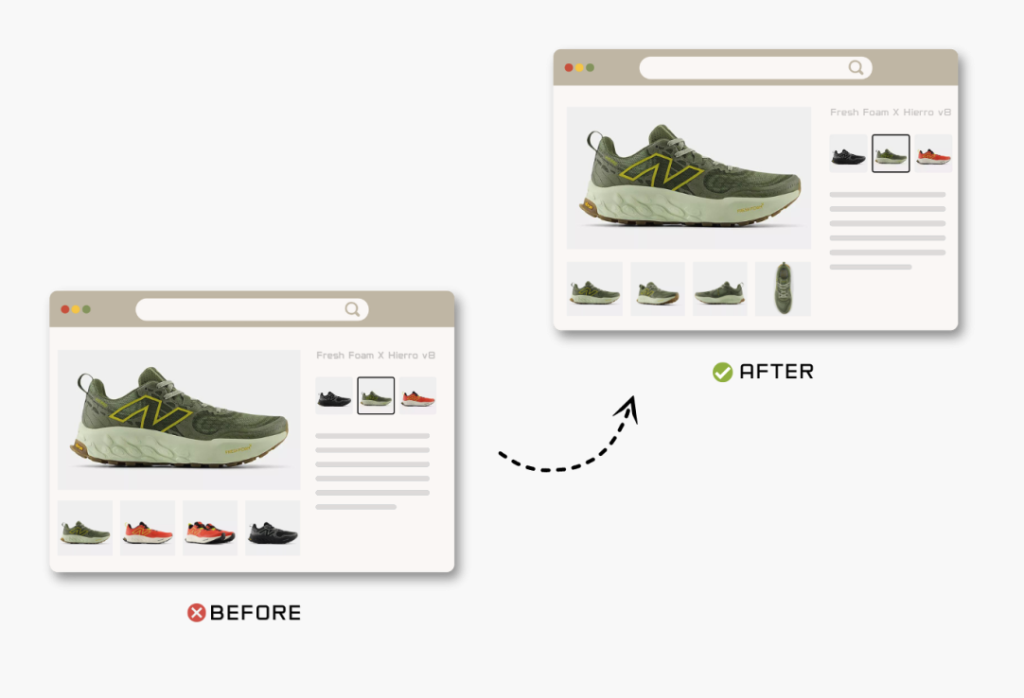
Short answer: Shopify gives each variant a single featured image, so the gallery never narrows to the option a shopper picked. Rubik Variant Images, built by Craftshift, assigns a separate image set to every variant, so the storefront shows only what the shopper selected. Free to install, 5.0 stars across 436 reviews.
When it comes to optimizing the product page experience on Shopify, few things matter more than variant image clarity. By default, Shopify shows all product images, regardless of the variant selected, which can be confusing for customers. That’s where Rubik Variant Images comes in.
In this article, we’ll explore how Rubik Variant Images solves one of the most frustrating limitations in Shopify stores: the inability to display only the images that match the selected variant. We’ll also look at its smooth compatibility with a powerful group of themes from Fuel Themes, including Ascension, Pinnacle, Distinctive, Vision, Reformation, Habitat, and North.
Whether you’re wondering how to hide variant images in Shopify or trying to show multiple images per variant, this guide will walk you through how to do it effortlessly, especially on Fuel’s stunning lineup of Shopify themes.
What is Rubik Variant Images?
Rubik Variant Images is a powerful Shopify app that lets you assign multiple images to each product variant, and most importantly, it ensures that only the relevant images are shown when a customer selects a variant.
This app is ideal for merchants looking to:
- Show only the images related to the selected variant
- Hide variant images until selected
- Create a clean, distraction-free product gallery
- Reduce product returns due to confusion over what customers are purchasing
- Maintain fast performance with native integration to Shopify’s metafields
If you’ve been searching for answers like:
- How to display images specific to the selected variant in Shopify
- How to hide specific variant images on product pages
- Shopify multiple variant images support on Dawn theme and others
…Rubik Variant Images is your solution.
Why Theme Compatibility Matters
Many premium Shopify themes, especially visually rich ones, don’t natively support Shopify multiple images per variant. That’s why app compatibility is so critical. Fortunately, Rubik Variant Images is fully compatible with all major Fuel Themes, giving you both visual sophistication and variant image clarity without compromise.
Compatible Fuel Themes + How Rubik Works with Each
🔷 Ascension Theme
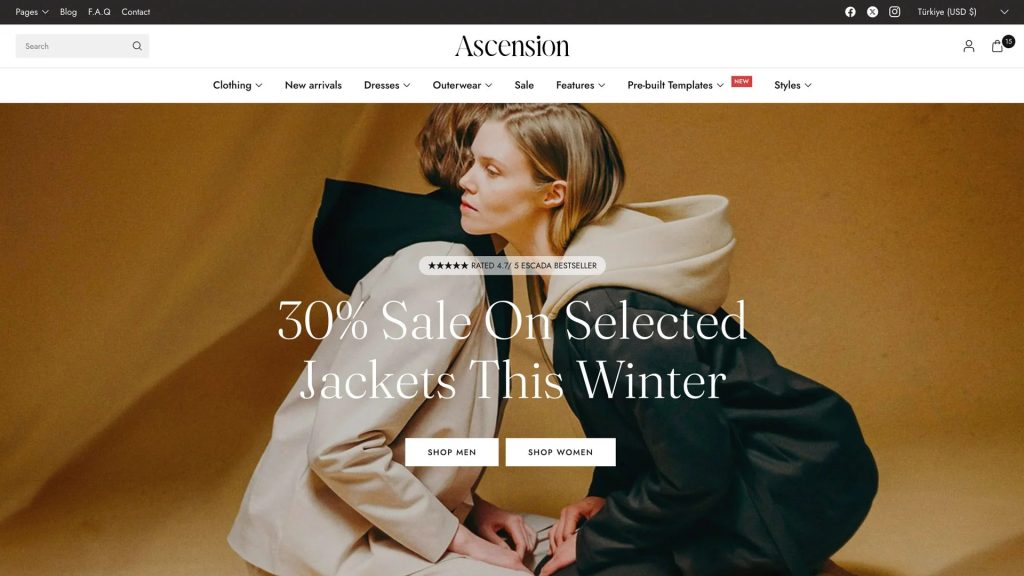
Ascension is a high-impact theme designed for premium lifestyle and fashion brands. With its bold layouts and full-width imagery, showing unrelated variant images can quickly clutter the product page.
Rubik Variant Images keeps the focus on what matters: the variant your customer is viewing. By hiding variant images until selected, Ascension maintains a clean and luxurious visual flow.
🔎 How to display images specific to the selected variant on the Ascension theme? Use Rubik Variant Images.
🔷 Pinnacle Theme
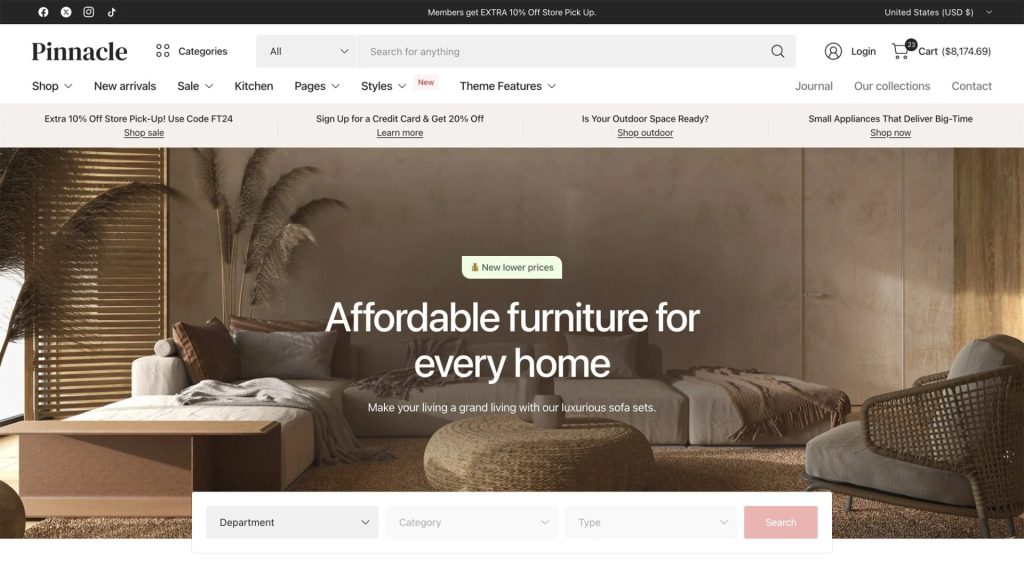
With Pinnacle, storytelling is everything. This theme is often used by brands that showcase products with multiple colors or styles. However, by default, Shopify displays all images, which may include every variant.
Rubik solves this by showing only the selected variant images, helping customers stay focused on the exact product they’re interested in. It’s especially effective when used with swatches and color selectors.
🔎 Shopify hide variant images until selected: works flawlessly on Pinnacle with Rubik.
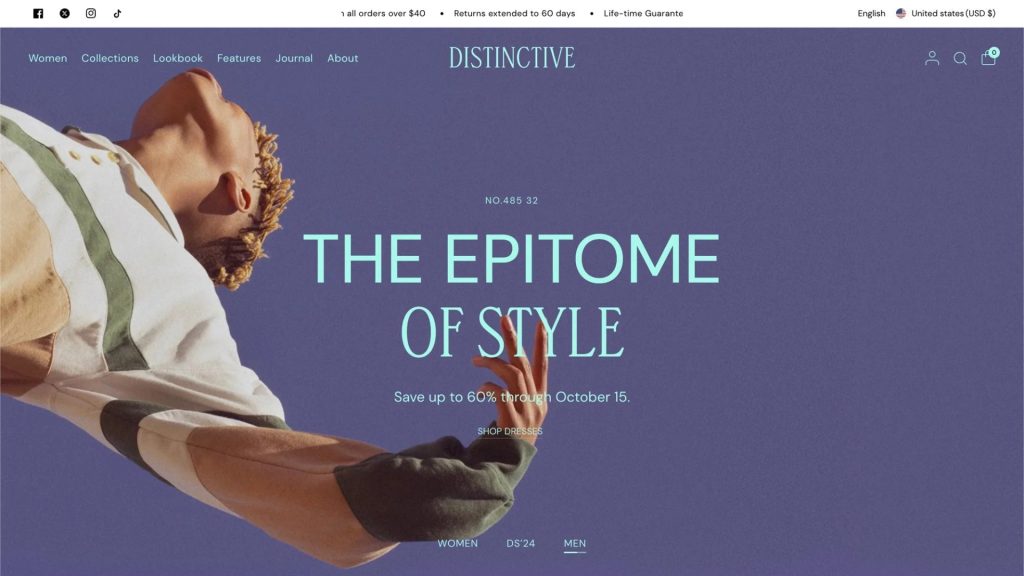
🔷 Distinctive Theme
The Distinctive theme lives up to its name: perfect for bold, artistic brands. But visually busy layouts can make it even more important to hide unnecessary images.
Thanks to Rubik Variant Images, you can ensure that only the relevant variant images are displayed. This not only improves UX but also enhances load speed and professionalism.
🔎 How to hide specific variant images on Distinctive theme? Rubik’s got you covered.
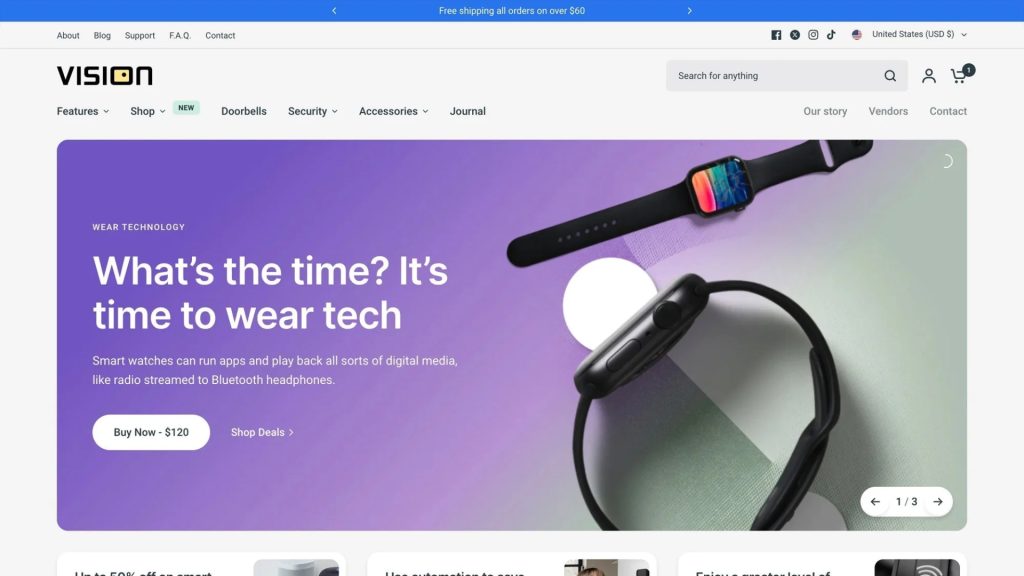
🔷 Vision Theme
Vision is modern, sleek, and minimalistic, making clarity and simplicity key. Seeing images from all variants on one product page disrupts that clean look.
Rubik helps you preserve the theme’s elegance by only displaying Shopify multiple variant images that actually match the selected variant.
🔎 Shopify variant images apps like Rubik make Vision even better.
🔷 Reformation Theme
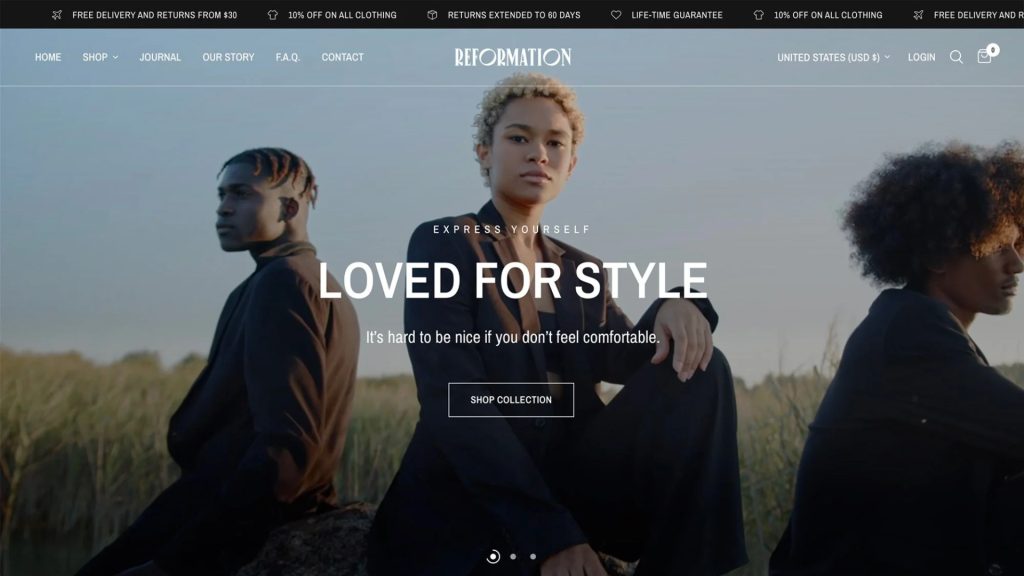
Designed for eco-conscious and contemporary brands, Reformation features a product-centric design that thrives on visual storytelling.
Rubik lets you assign multiple images per variant, perfect for brands that need to show every detail of sustainable fabrics, cuts, or textures, without overwhelming users with unrelated options.
🔎 How to display variant-specific images on Reformation? Just plug in Rubik Variant Images.
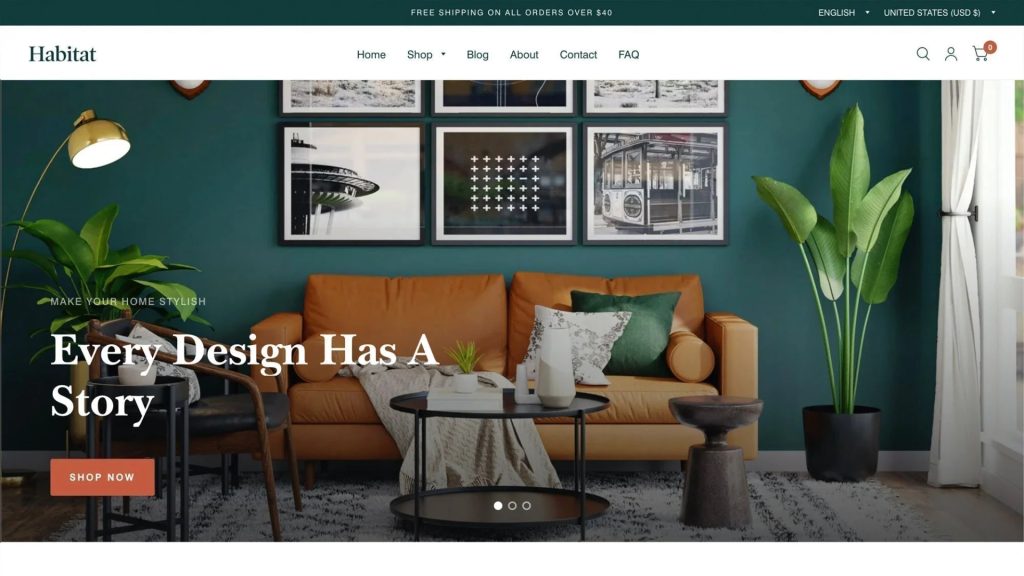
🔷 Habitat Theme
Habitat is perfect for interior design, decor, and home goods. These products often have numerous variants (colors, materials, dimensions).
Using Rubik, each customer sees exactly the variant they selected: nothing more, nothing less. It’s the best way to keep complex products easy to understand.
🔎 Hide variant images on Habitat theme until selected with Rubik.
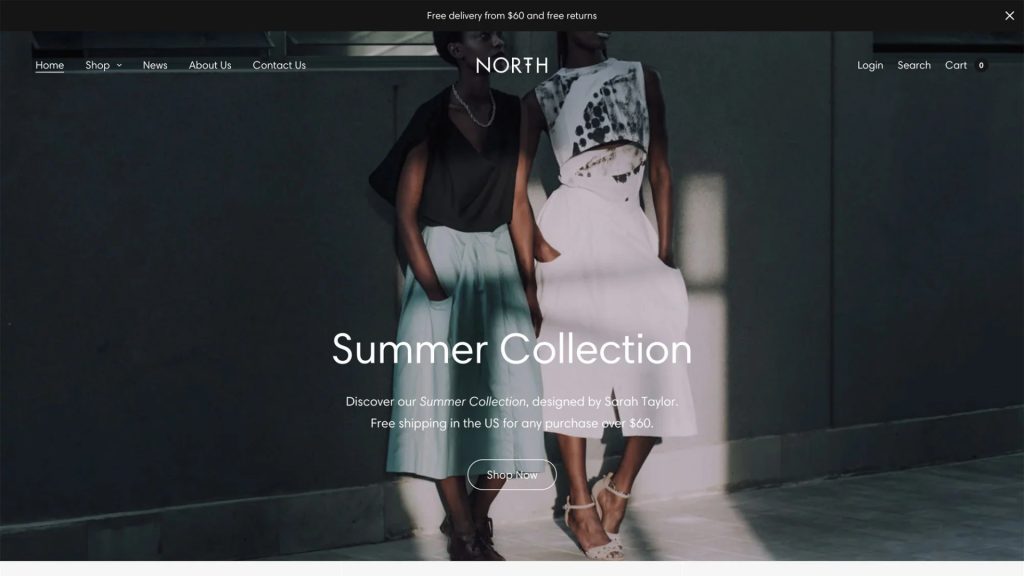
🔷 North Theme
With North, functionality meets form. It’s one of Fuel’s most flexible and high-converting themes. But like the others, it benefits greatly from Rubik’s ability to control variant image visibility.
Whether your store sells apparel, electronics, or anything in between, Rubik helps you present products cleanly and professionally on North.
🔎 Shopify: how to show only selected variant images on North theme? Simple: use Rubik Variant Images.
If you’re looking to create a more focused, intuitive, and polished shopping experience, Rubik Variant Images is a must-have. Especially when paired with Fuel Themes, you open up the ability to:
- Show multiple images per variant without clutter
- Hide unrelated variant images until selected
- Improve conversion rates and reduce product confusion
- Maintain the beauty of your chosen Fuel Theme
Whether you’re using Ascension, Pinnacle, Distinctive, Vision, Reformation, Habitat, or North, Rubik makes multiple variant image management easy and professional.
🔗 Get Started
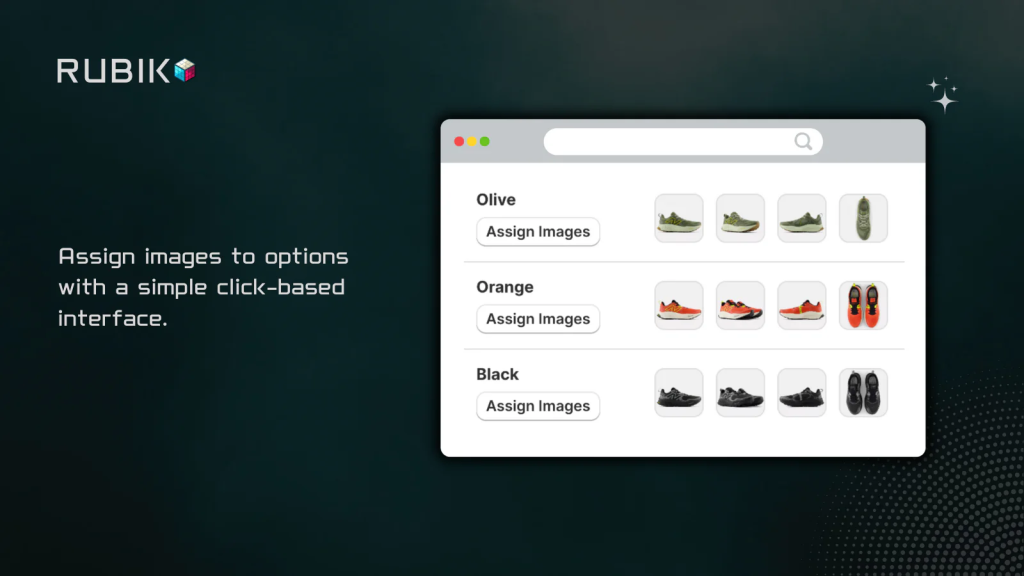
🛠️ Try Rubik Variant Images today and give your Shopify store the image clarity it deserves:

Demo Video:
Keywords:
Shopify multiple variant images
Shopify variant images
Shopify multiple images per variant
Shopify hide variant images until selected
Shopify how to show only selected variant images
How to display images specific to the selected variant in Shopify
Shopify hide specific variant images
Hiding variant images from the product page in Shopify
Shopify variant images apps
Shopify Dawn theme multiple variant images
Fuel Themes Shopify
Shopify Fuel Themes compatibility
Rubik Variant Images Shopify app
Rubik Variant Images Fuel Themes
Ascension Shopify theme variant images
Pinnacle Shopify theme variant images
Distinctive Shopify theme variant images
Vision Shopify theme variant images
Reformation Shopify theme variant images
Habitat Shopify theme variant images
North Shopify theme variant images
How to hide variant images in Shopify Ascension theme
How to show only selected variant images on Pinnacle theme
Shopify multiple variant images Reformation
Shopify image gallery per variant Vision theme
Frequently asked questions
Which Shopify app adds per-variant image galleries to Fuel themes like Vision and Reformation?
Rubik Variant Images, built by Craftshift, assigns a separate image set to every variant, so a Fuel theme gallery narrows to the option a shopper picked without any theme code edits. It holds 5.0 stars across 436 reviews and carries the Built for Shopify badge. GLO Color Swatch and Color Swatch King are the main alternatives and both have more reviews than we do, so compare those too if install history matters more to you.




