Yuvarlak, kare, büyük, küçük. Rubik’in 100+ CSS değişkeni ve yapay zeka asistanıyla tasarım.


Step-by-step tutorials, troubleshooting guides, and how-to articles for Shopify variant images and swatches.
Yuvarlak, kare, büyük, küçük. Rubik’in 100+ CSS değişkeni ve yapay zeka asistanıyla tasarım.

Shopify varyant seçildiğinde tüm ürün resimlerini gösterir. Galeriyi filtreleyip sadece seçili varyantın resimlerini göstermenin yolunu anlatıyoruz.

Shopify varyant resim uygulamalarını karşılaştırıyoruz. Resim atama yöntemleri, swatch seçenekleri, tema desteği ve fiyatlandırma arasındaki farkları anlattık.

Shopify’da varyant resimleri görünmüyorsa nedenini ve çözümünü bu rehberde bulabilirsiniz. En yaygın 7 sorunu ve adım adım çözümlerini anlattık.
Varyant seçtiniz ama galeri değişmiyor mu? İşte en sık karşılaşılan 10 neden.

Un negozio lento perde vendite. Ecco 10 interventi concreti per migliorare la velocità, i Core Web Vitals e le prestazioni su mobile.

Rubik Variant Images kurulumunu adım adım anlatıyoruz. Uygulama yükleme, app embed etkinleştirme, resim atama ve yapay zeka ile otomatik eşleştirme.
Loja lenta perde vendas. Veja 10 dicas práticas para melhorar a velocidade da sua loja Shopify sem precisar de desenvolvedor.
How many images should each Shopify variant have? Learn about Shopify’s 250-image limit, ideal image counts by product type, and how to plan your image budget.
Not sure if your Shopify variant images are set up correctly? Here is how to audit your image-to-variant assignments, spot common problems, and fix them fast.

A customer hovers over a blue swatch but has no idea if it is Navy, Royal, or Teal. Tooltips fix that. Here is how to enable swatch tooltips in Rubik.
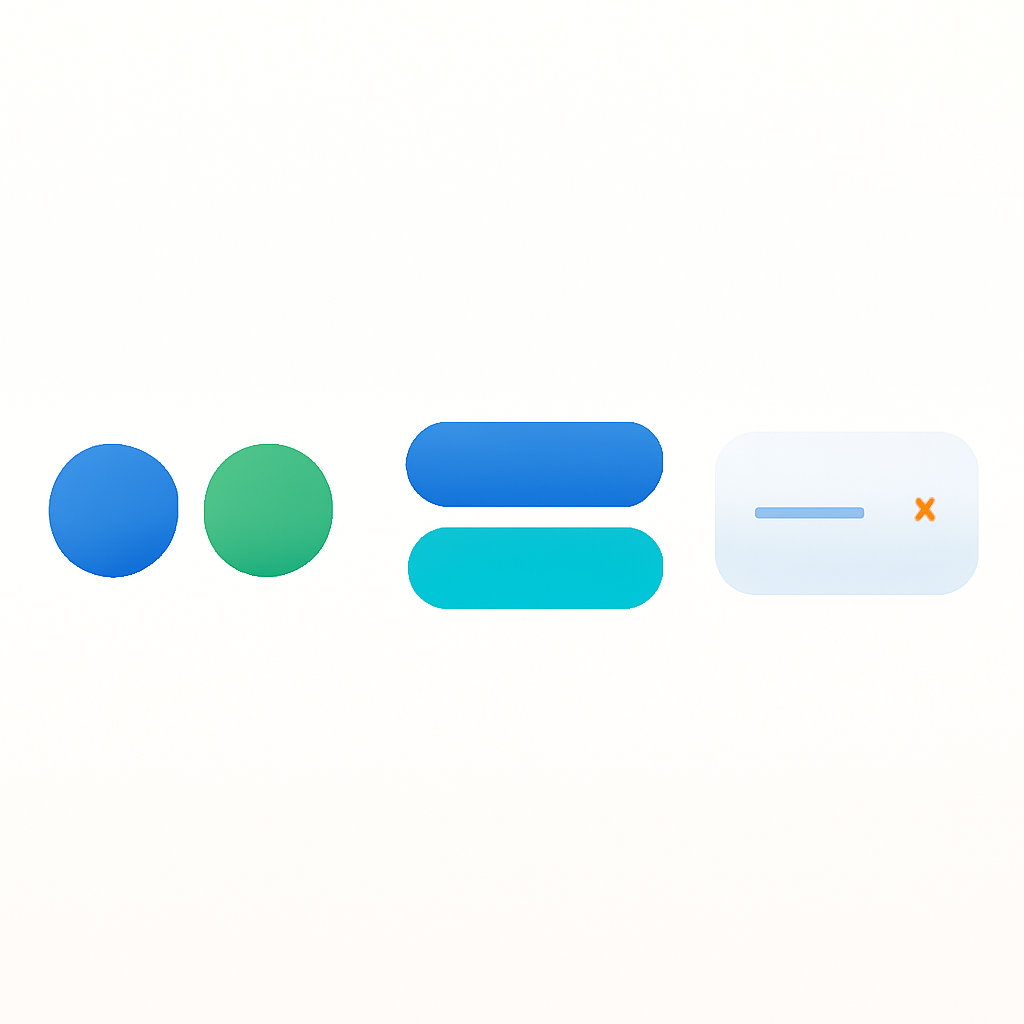
Circles for colors. Buttons for sizes. Dropdowns for long lists. Here is when to use each variant selector type and how to set them up.