cropped rubikvariantimageslogocropped rubikvariantimageslogo
  • Pricing
  • Help Center
    • FAQ
    • Documentation
    • Video Tutorials
    • Contact Us
    • Questions & Answers
  • Shopify themes
    • Supported themes
    • Best themes, by feature
    • Every theme, one by one
  • Partners
  • Affiliate
  • Blog
Available on the Shopify App Store

Shopify Tips & Tutorials

Step-by-step tutorials, troubleshooting guides, and how-to articles for Shopify variant images and swatches.

  • Home
  • Blog
  • Shopify Tips & Tutorials
  • Page 9
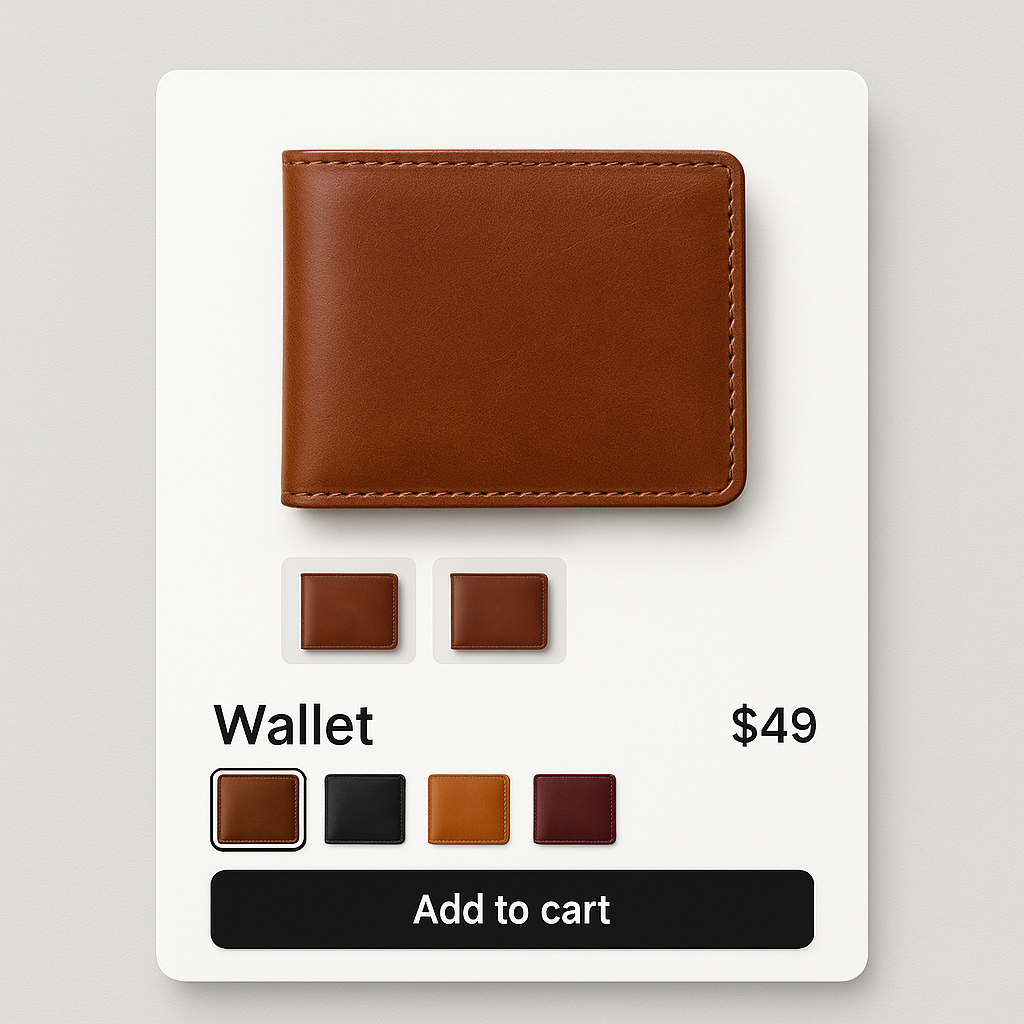
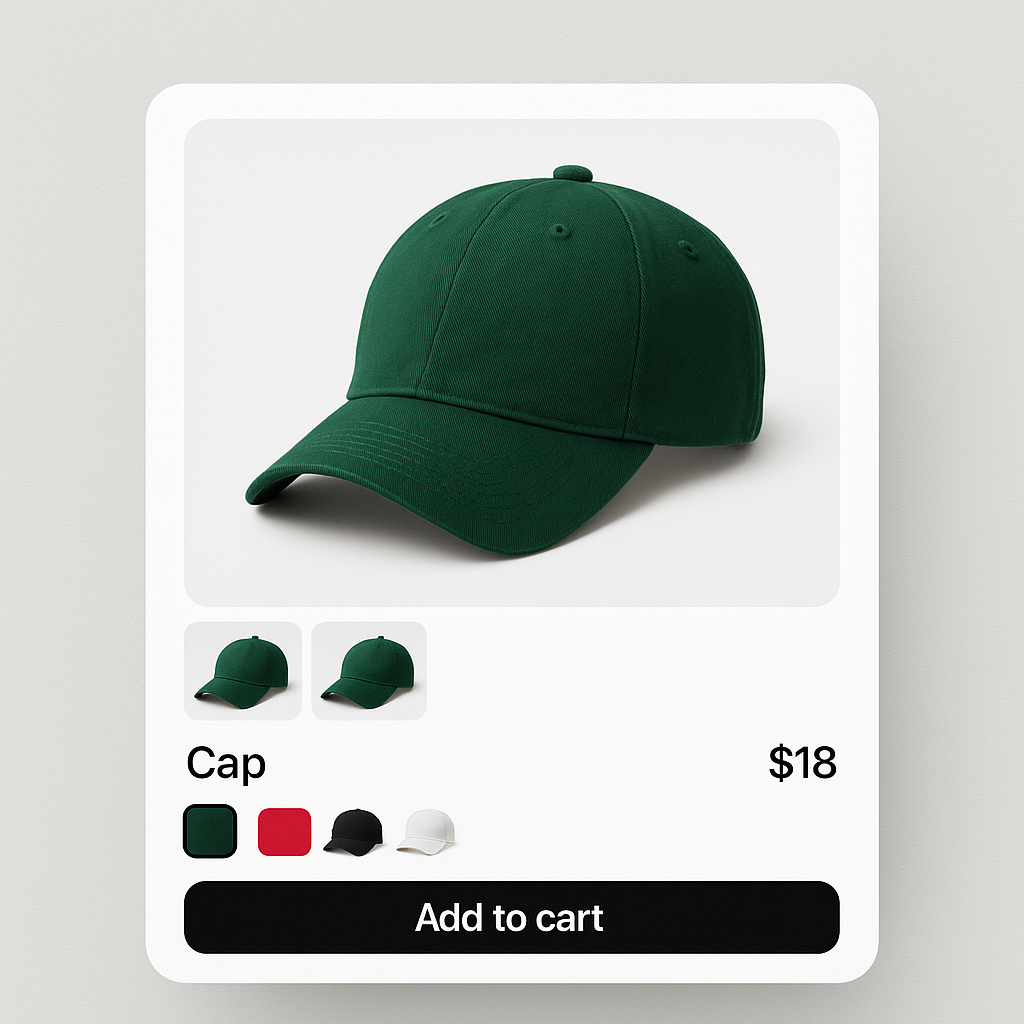
Shopify Produktseite mit Variantenbilder-Swatches für Baseballkappe
Rubik Variant Images Guides, Shopify Tips & Tutorials

Nur ausgewählte Variantenbilder in Shopify anzeigen: So funktioniert es

March 31, 2026

Shopify zeigt beim Variantenwechsel alle Bilder gleichzeitig. So filtern Sie die Galerie, damit nur die Fotos der gewählten Farbe sichtbar sind.
Website-Geschwindigkeit Dashboard mit Ladefortschritt
Shopify Tips & Tutorials

Shopify-Shop beschleunigen: 10 praktische Tipps für schnellere Ladezeiten

March 31, 2026

Jede zusätzliche Sekunde Ladezeit kostet Umsatz. Hier sind 10 Dinge, die Sie heute tun können, um Ihren Shopify-Shop schneller zu machen.
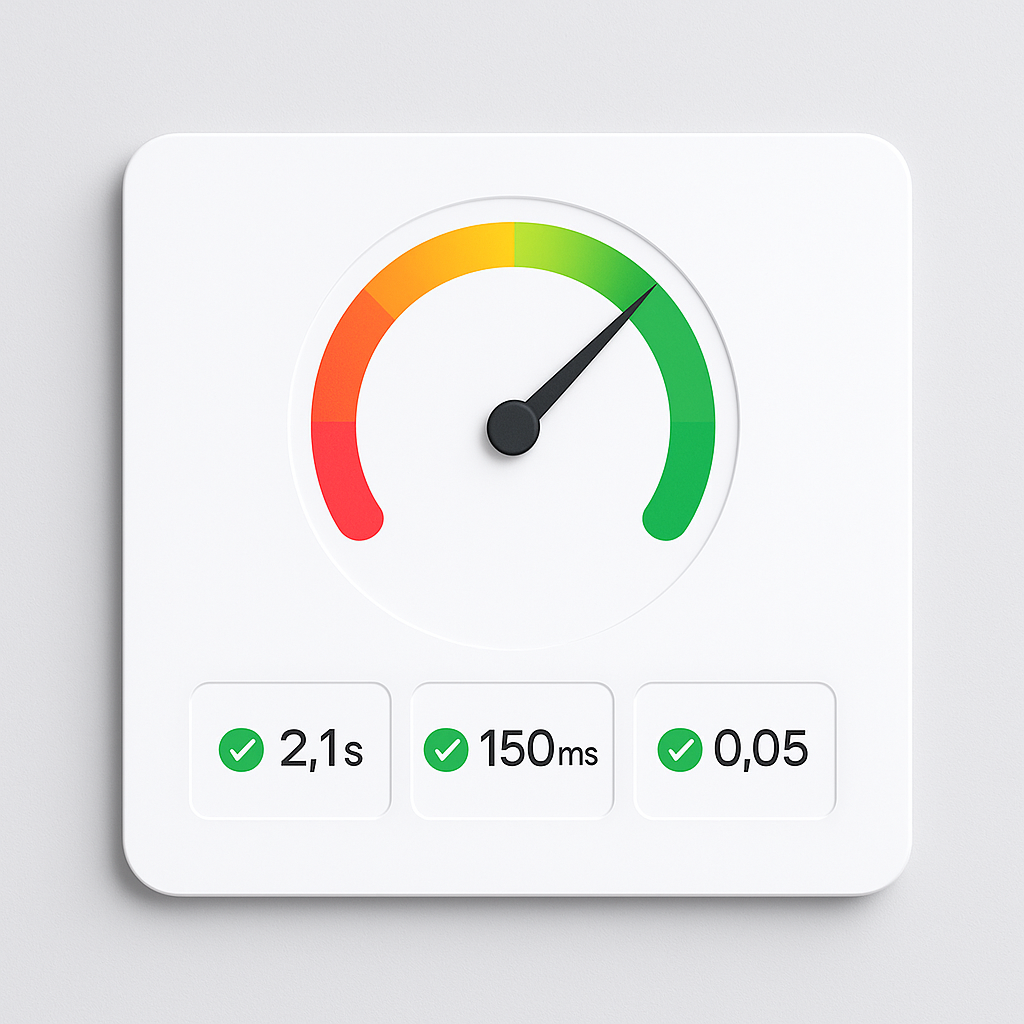
Website speed dashboard with Core Web Vitals metrics
Shopify Tips & Tutorials

How to speed up your Shopify website: a practical guide for 2026

March 31, 2026

A slow Shopify store loses sales. Here are 12 things you can check and fix today to improve page speed, Core Web Vitals, and mobile performance.
Color swatches with sold-out strikethrough styling
Rubik Variant Images Guides, Shopify Tips & Tutorials

How to hide or style sold-out and unavailable variant swatches on Shopify

March 31, 2026

Unavailable means deleted. Sold out means zero inventory. Rubik handles them separately with 4 toggles. Here is how to configure each.
Mixed swatch types: image swatches for color and pill buttons for size
Rubik Variant Images Guides, Shopify Tips & Tutorials

How to show different swatch types for different options: images for Color, pills for Size

March 31, 2026

Color options look best as image swatches. Size works better as pill buttons. Here is how to mix swatch types on the same product in Rubik Variant Images.
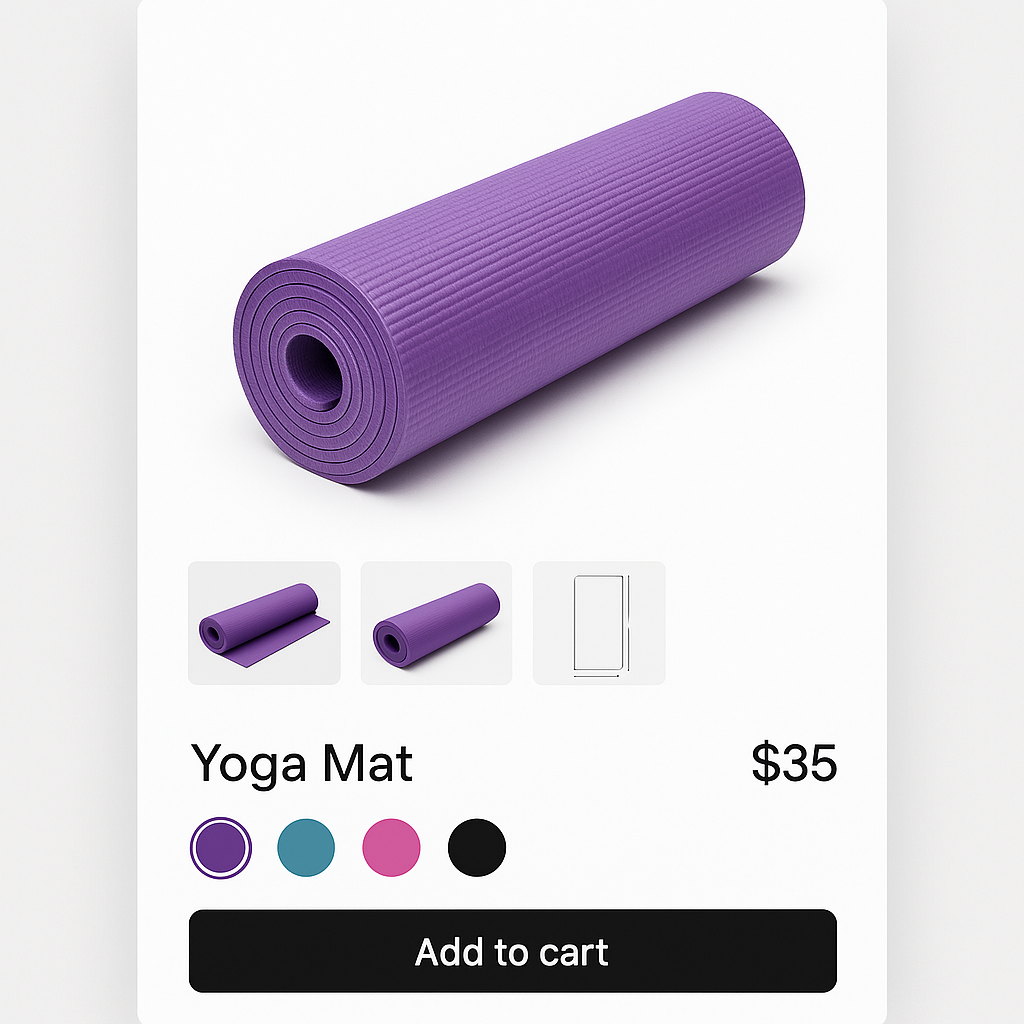
Common images shared across all variants with yoga mat
Rubik Variant Images Guides, Shopify Tips & Tutorials

How to assign the same image to multiple Shopify variants (common images explained)

March 31, 2026

Size charts, lifestyle shots, and packaging photos should show for every variant. Here is how to use common images and shared assignments in Rubik.
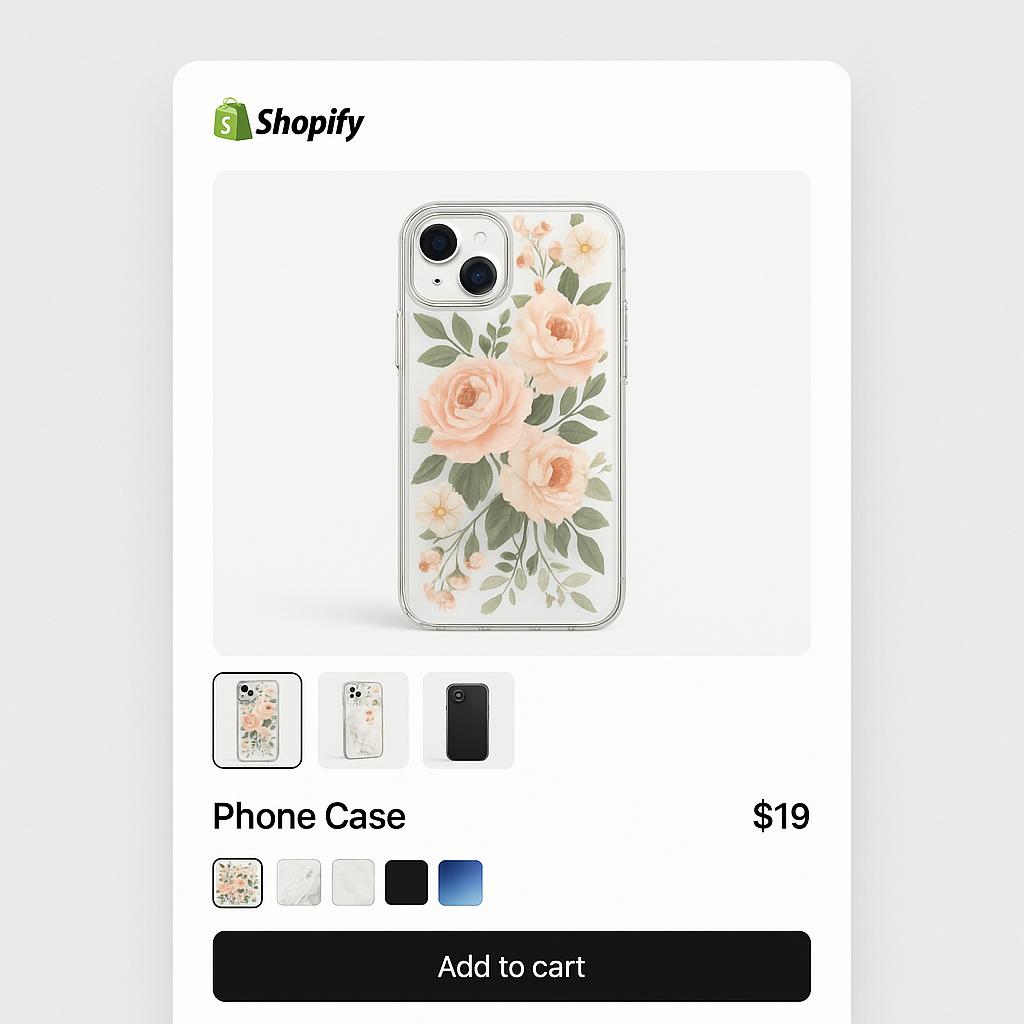
Reorder variant images in Shopify product gallery
Rubik Variant Images Guides, Shopify Tips & Tutorials

How to reorder variant images in your Shopify product gallery

March 31, 2026

The first image assigned to a variant becomes the hero shot. Here is how to drag and drop images into the right order for each variant in Rubik.
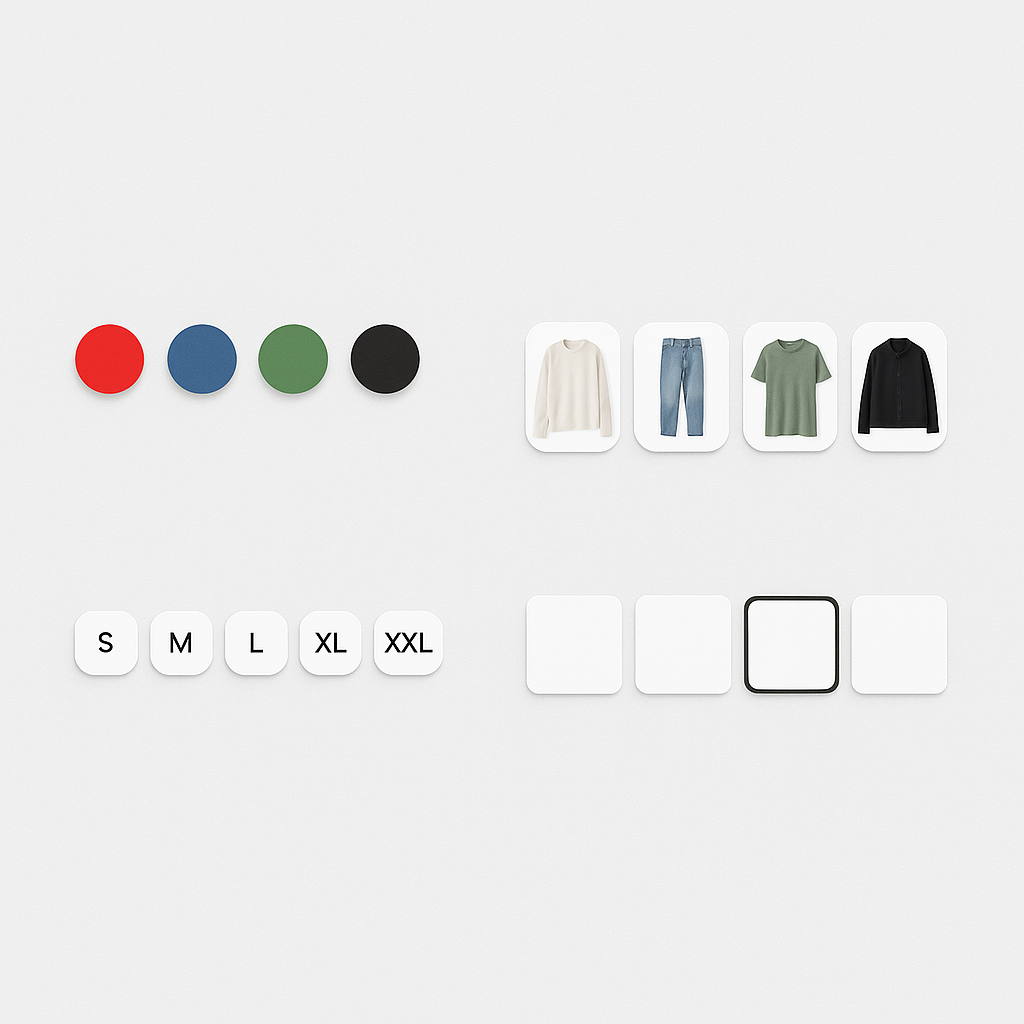
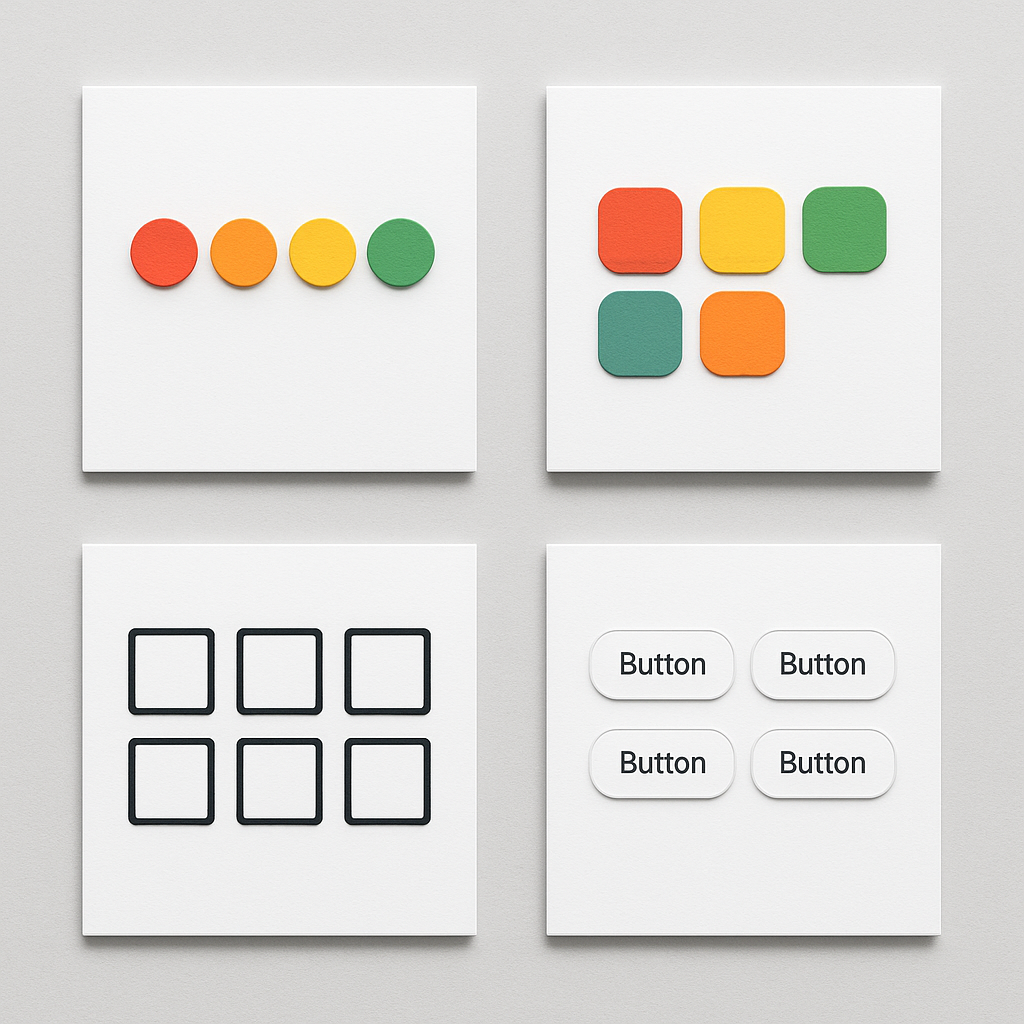
Four different Shopify swatch styles in a grid
Rubik Variant Images Guides, Shopify Tips & Tutorials

15 ways to customize your Shopify variant swatches with CSS

March 30, 2026

Rubik Variant Images gives you 100+ CSS variables to customize swatches. Here are 15 practical examples: shapes, borders, hover effects, selected states, and more.

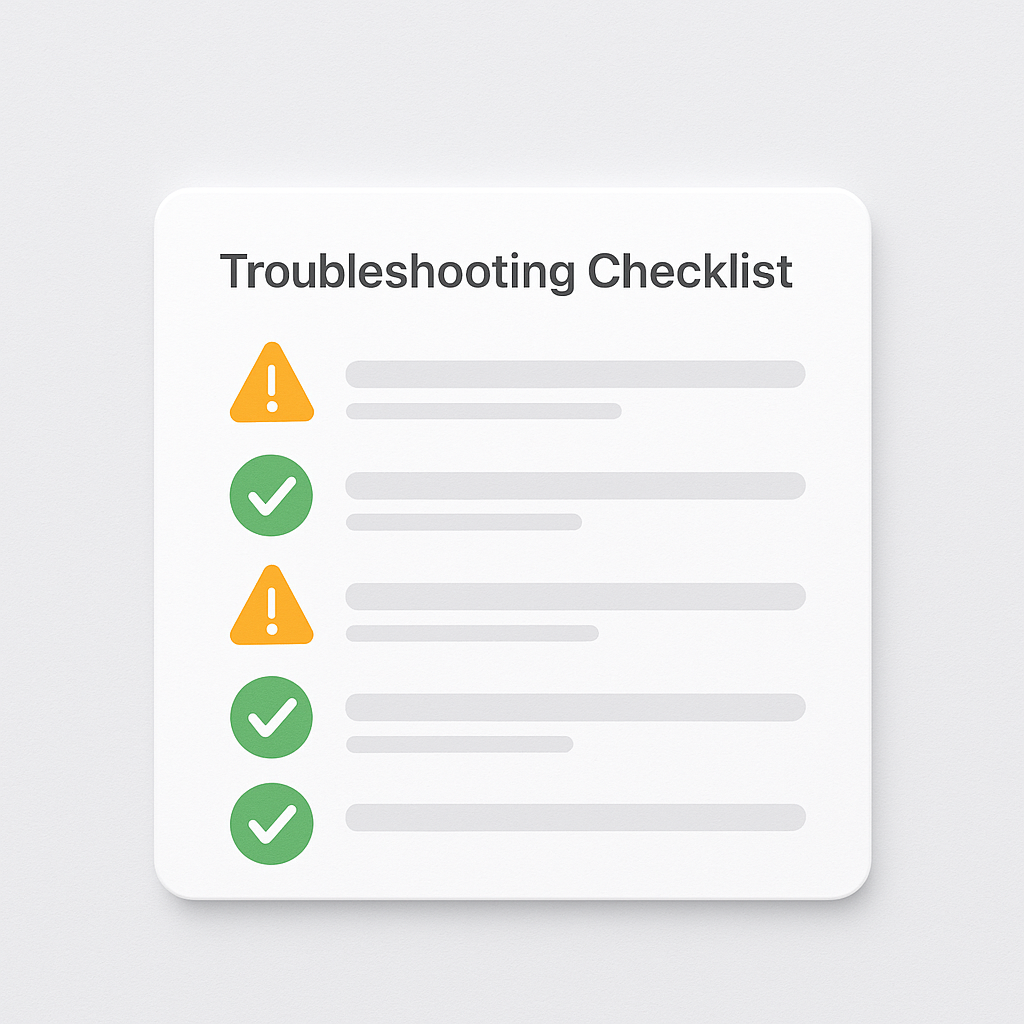
Shopify variant images FAQ with 30 questions
Rubik Variant Images Guides, Shopify Tips & Tutorials

Shopify variant images FAQ: 30 questions merchants actually ask

March 29, 2026

Answers to the 30 most common questions about Shopify variant images, from showing multiple images per variant to AI auto-assign, theme compatibility, swatches, and troubleshooting.

variant images multiple options
Rubik Variant Images Guides, Shopify Tips & Tutorials

How to set up variant images for Shopify products with 2 or 3 options (Color + Size + Material)

March 29, 2026

Your Shopify product has Color, Size, and Material options. Here is how to show different images for each combination and set up swatches that handle all three.

ai auto assign variant images v2
Rubik Variant Images Guides, Shopify Tips & Tutorials

How to use AI to automatically assign images to Shopify variants

March 28, 2026

Manually assigning images to variants takes hours for large catalogs. Rubik Variant Images uses AI to analyze your product photos and match them to the correct variants in seconds.

show only selected variant images v2
Rubik Variant Images Guides, Shopify Tips & Tutorials

How to show only the selected variant’s images on Shopify (and hide the rest)

March 27, 2026

Shopify shows all product images regardless of which variant is selected. Here is how to filter the gallery so customers only see images for the color or style they picked.

Posts pagination

Previous 1 … 8 9 10 … 14 Next

Search

Categories

  • Affiliate Program (1)
  • App Comparison (8)
  • Integrations & Partnerships (15)
  • Rubik Combined Listings (13)
  • Rubik Variant Images Guides (145)
  • Rubik Variant Images Theme Compatibility (78)
  • Shopify Dropshipping (1)
  • Shopify News (3)
  • Shopify Tips & Tutorials (162)
badge shopify app store dark
  • Documentation
  • Partners
  • Privacy Policy
  • Affiliate
cratshift logo beyaz

We are a Shopify Partner offering high-quality app solutions crafted for Shopify.

Our Apps
  • Smart Bulk Image Upload
  • Export Product Images
  • Bulk Delete Products
  • Rubik Variant Images
  • Rubik Combined Listings
Quick Links
  • Pricing
  • Contact Us
  • FAQ
  • Blog
  • Rubikify
  • Rubik Combined Listings
Blog Categories
  • Shopify Tips & Tutorials
  • Rubik Variant Images Guides
  • Integrations & Partnerships
  • Shopify News
cropped rubikvariantimageslogo

© 2026 Rubik Variant Images by Craftshift®

All rights reserved.