Her ek saniye satış kaybettirir. Mağazanızı hızlandırmak için 10 pratik ipucu.



Step-by-step tutorials, troubleshooting guides, and how-to articles for Shopify variant images and swatches.
Her ek saniye satış kaybettirir. Mağazanızı hızlandırmak için 10 pratik ipucu.
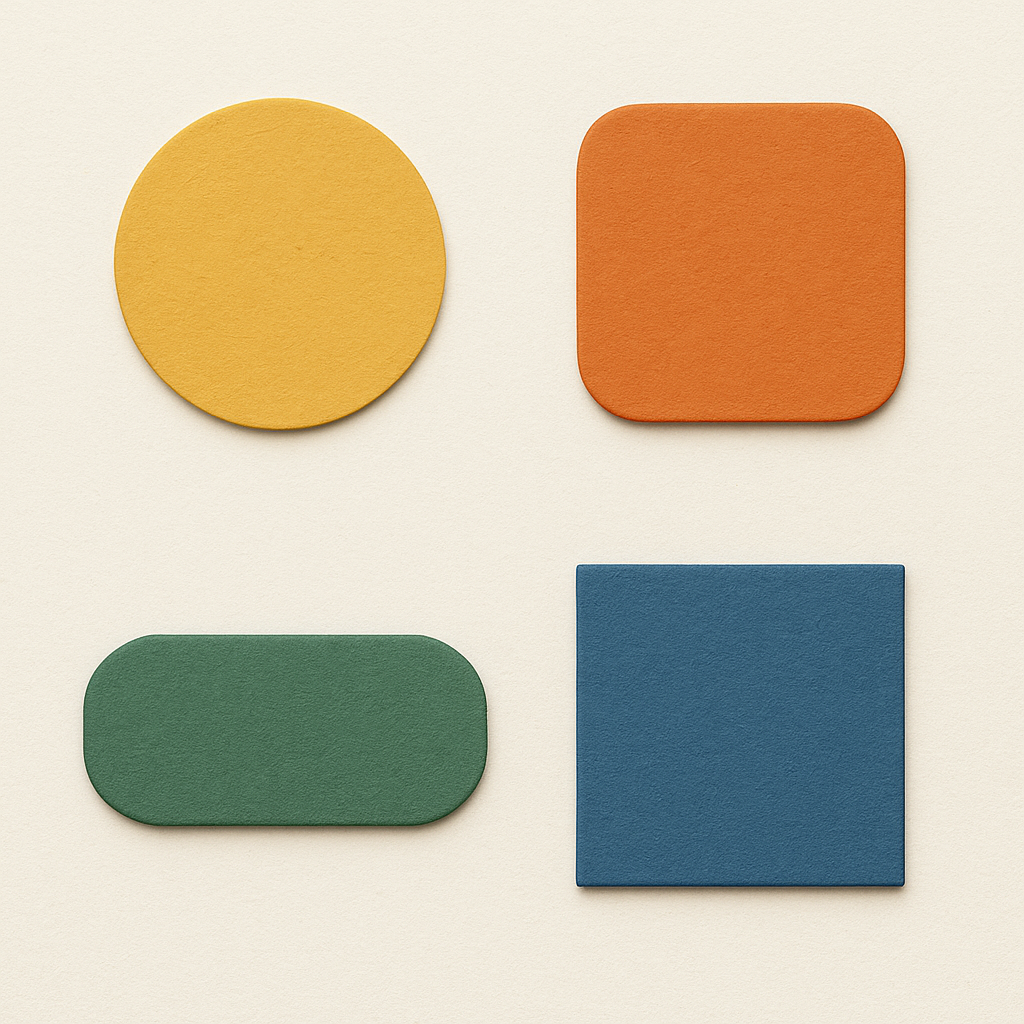
Yuvarlak, kare, büyük, küçük. Rubik’in 100+ CSS değişkeni ve yapay zeka asistanıyla tasarım.

Kurulumdan sonuca kadar. Rubik ile varyant başına birden fazla resim atama rehberi.
Müşteri mavi seçiyor ama 30 resim birden görüyor. Sadece mavi resimleri göstermenin yolu.
Shopify erlaubt standardmäßig nur ein Bild pro Variante. Das reicht nicht. So weisen Sie 5 oder mehr Bilder zu und filtern die Galerie automatisch.

Jede Sekunde zählt. 12 Dinge, die Sie heute tun können, um Ihren Shopify-Shop schneller zu machen.
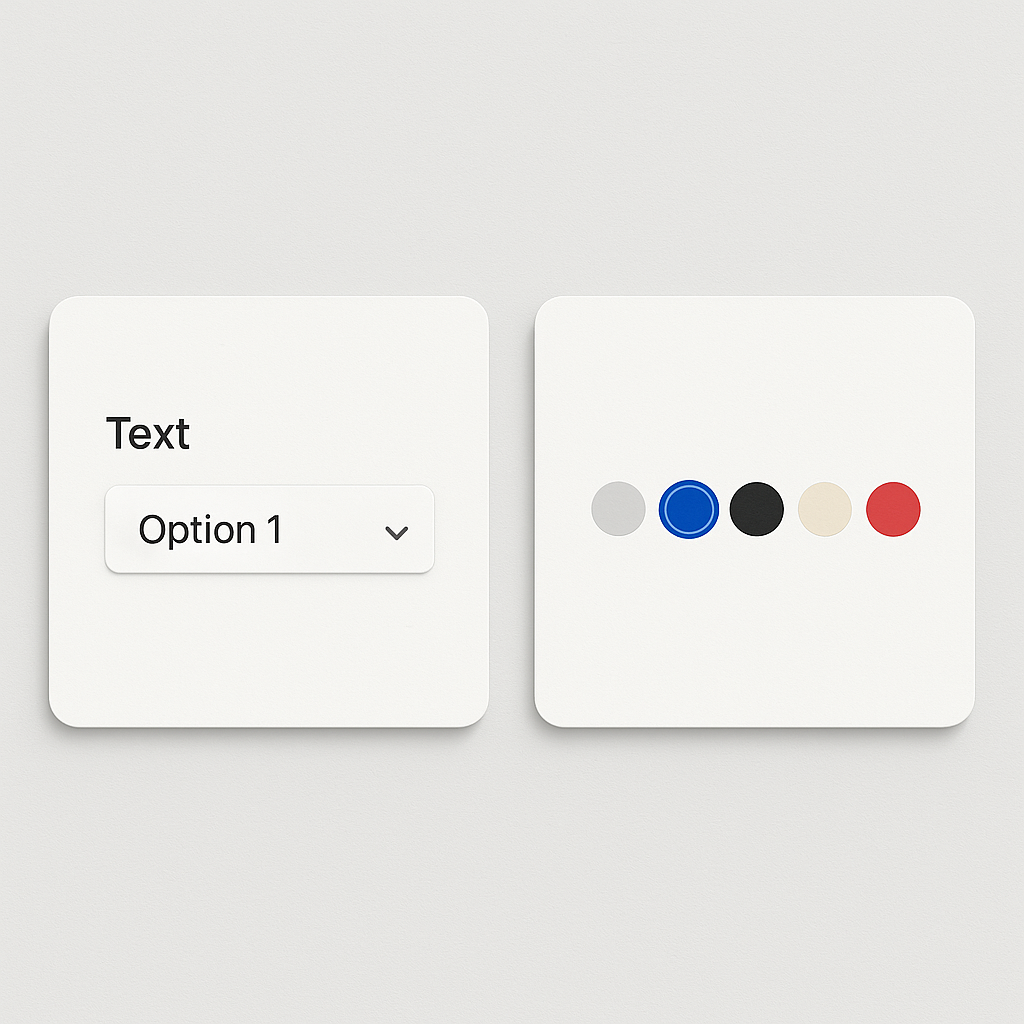
Farbfelder zeigen Optionen auf einen Blick. Dropdowns verstecken sie. Welche Variante bringt mehr Verkäufe?
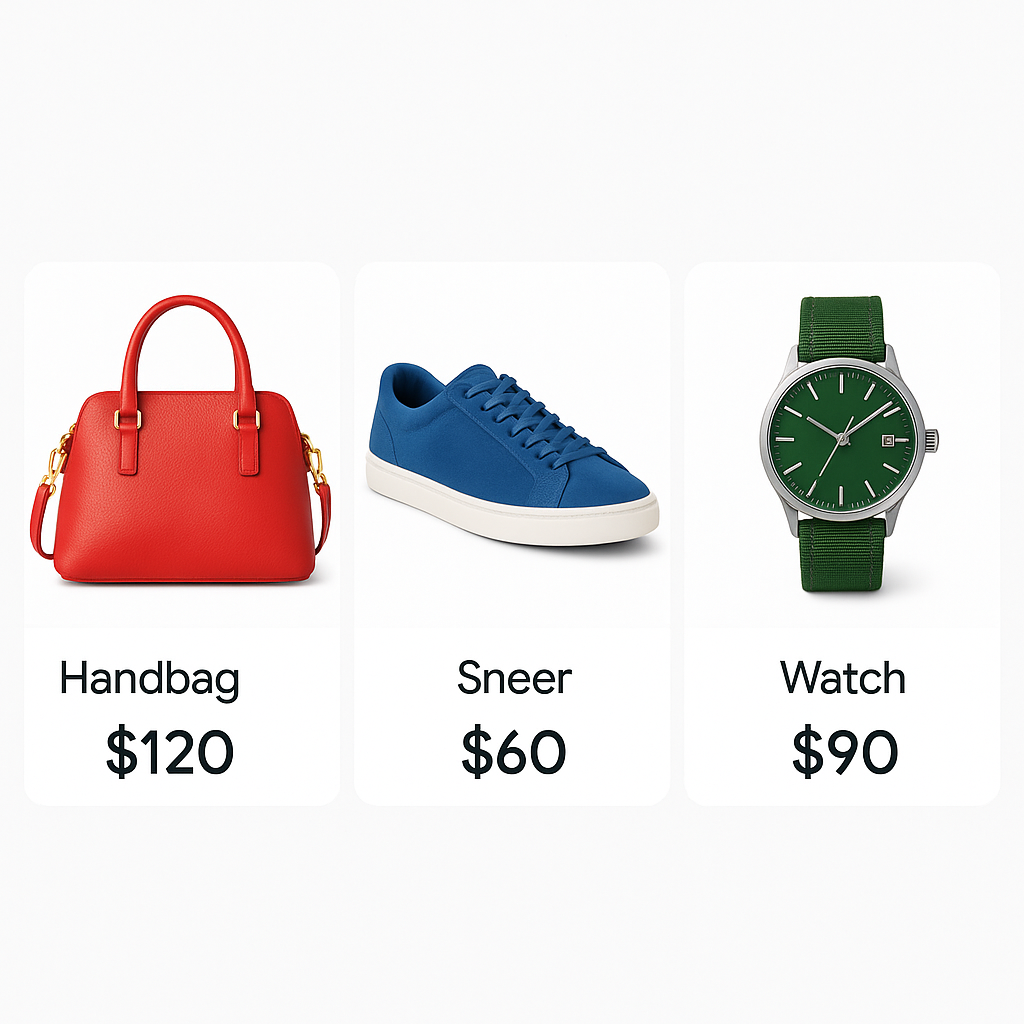
Google Shopping zeigt das falsche Bild? So weisen Sie jeder Variante das richtige Produktfoto zu.

Die 30 häufigsten Fragen zu Shopify Variantenbildern: Einrichtung, KI, Themes, Farbfelder und Fehlerbehebung.
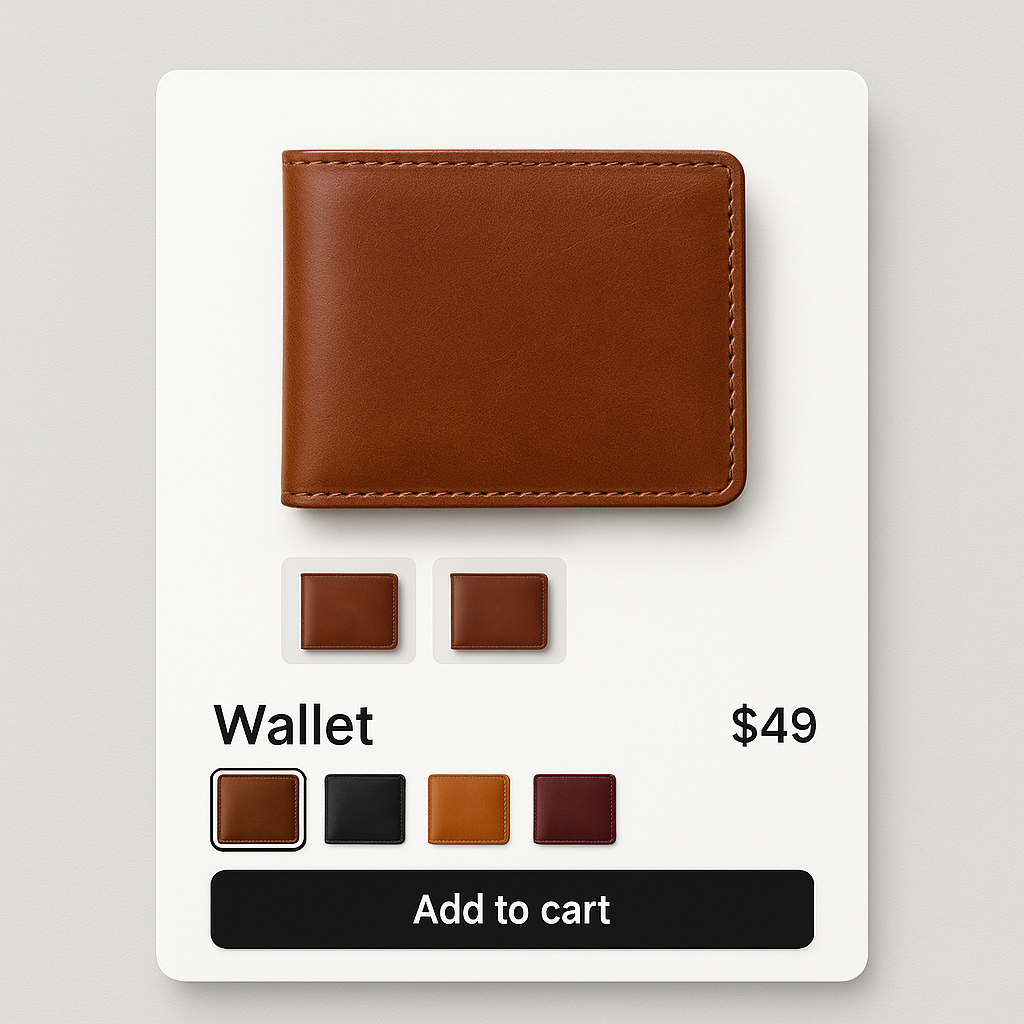
Von der Installation bis zum fertigen Ergebnis. So richten Sie mehrere Bilder pro Variante mit Rubik ein.
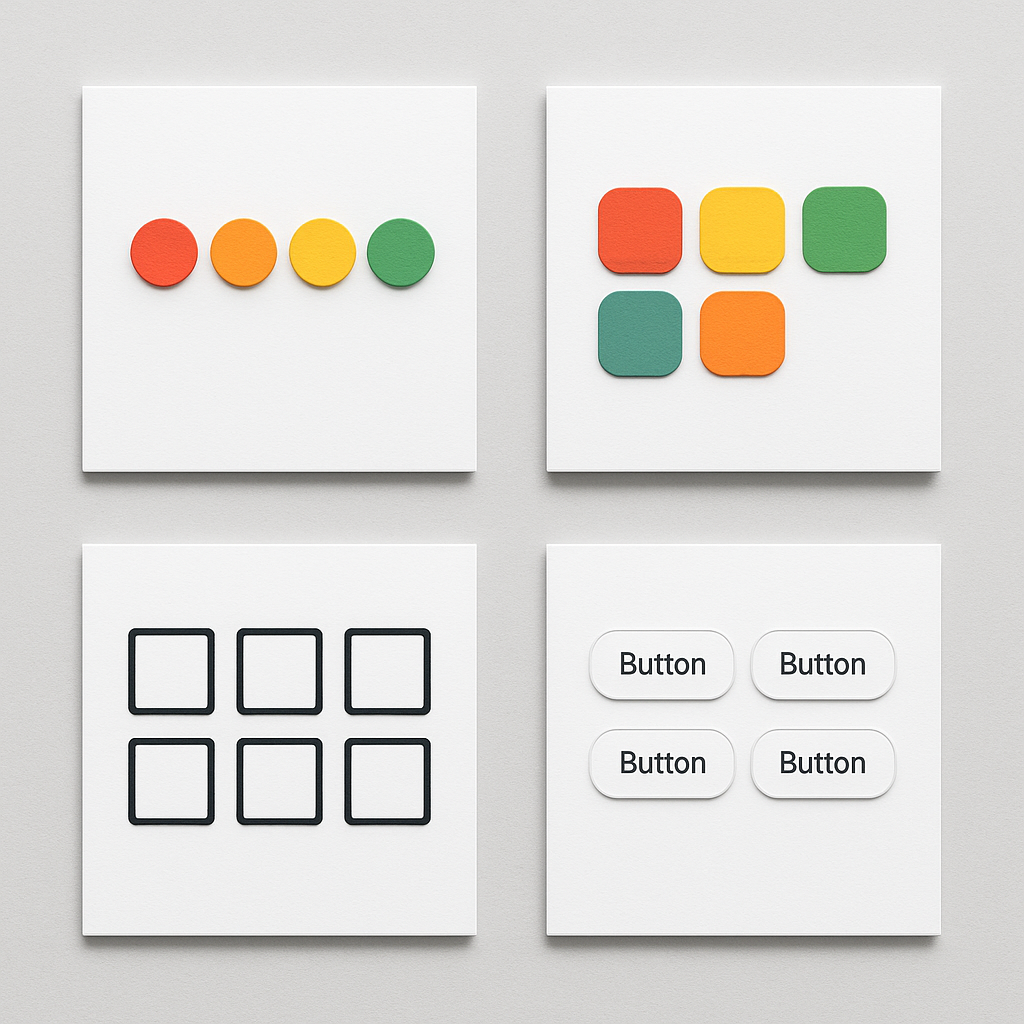
Rund, eckig, groß, klein. Rubik bietet 100+ CSS-Variablen und einen KI-Assistenten für die Gestaltung Ihrer Farbfelder.
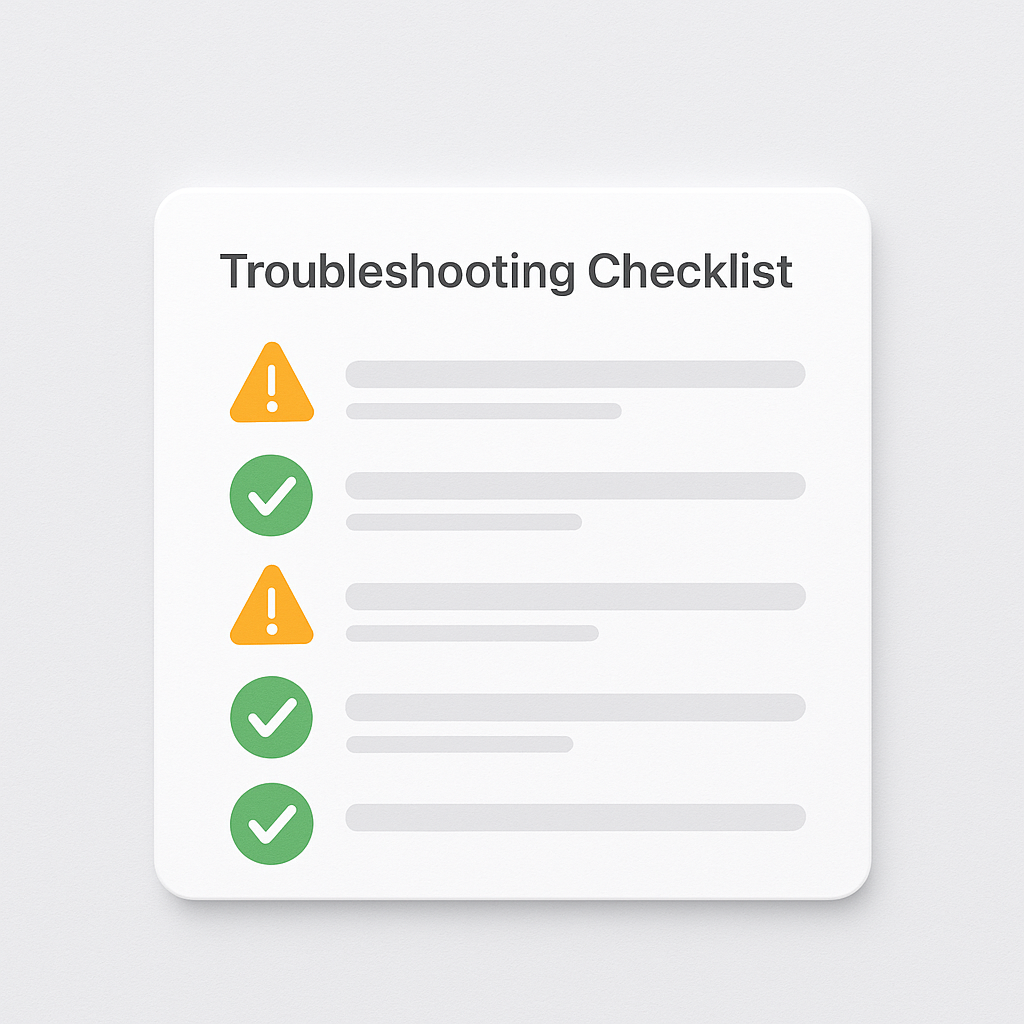
Variante gewählt, aber die Galerie ändert sich nicht? Hier sind die 10 häufigsten Ursachen und wie Sie jede beheben.