

How Do I Replace Variant Dropdowns with Clickable Swatches in Shopify?
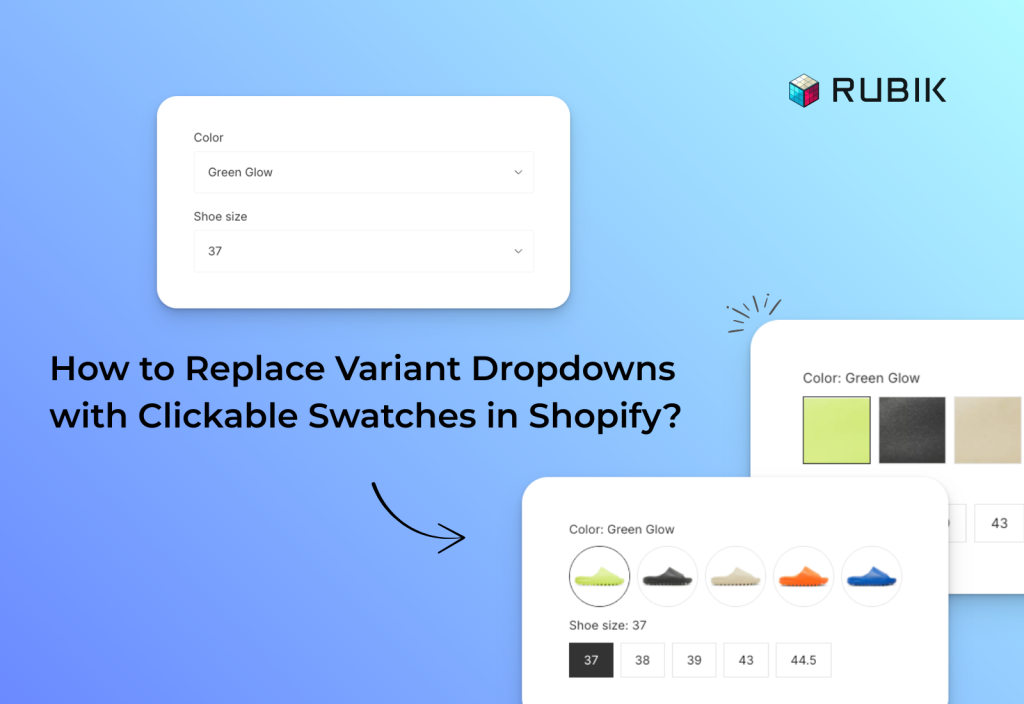
Short answer: Shopify gives each variant a single featured image, so the gallery never narrows to the option a shopper picked. Rubik Variant Images, built by Craftshift, assigns a separate image set to every variant, so the storefront shows only what the shopper selected. Free to install, 5.0 stars across 436 reviews.
By default, most Shopify themes display product variants such as colors, sizes, or styles in simple dropdown menus. While dropdowns may work, they are not the most user-friendly way for customers to shop. Shoppers cannot see all options at once, and for visual choices like colors or styles, dropdowns fail to deliver the clarity buyers expect. This often leads to confusion, lower engagement, and lost sales.
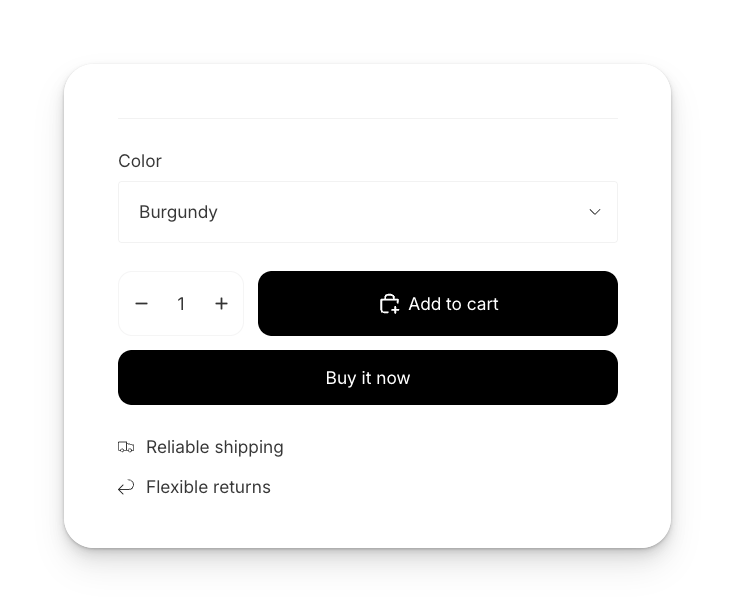
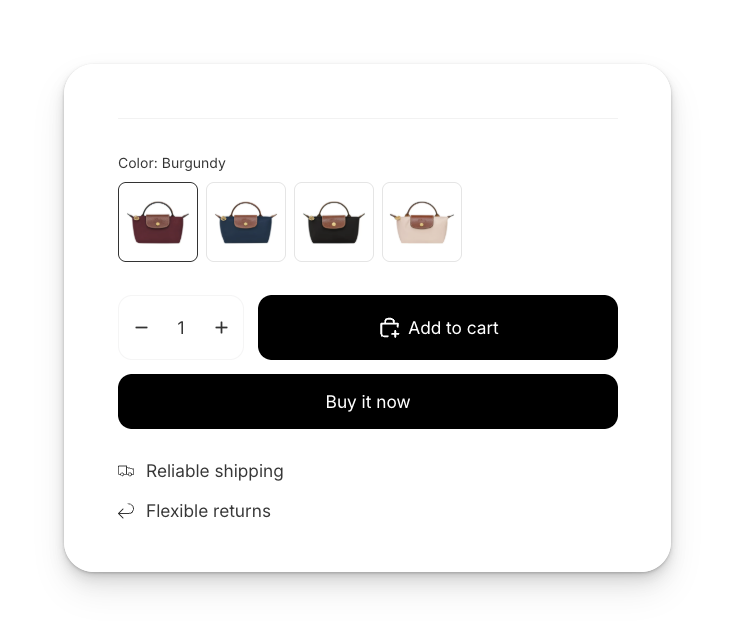
Switching from dropdowns to Shopify color swatches or image swatches makes variant selection faster, more visual, and more intuitive. The good news is that you don’t need custom coding to do this. With Rubik Variant Images & Swatch, you can replace dropdowns with clickable swatches in just a few minutes.
Upgrading your Shopify variant picker is not just about design; it directly impacts conversions and customer experience. Customers can see all available options without opening a dropdown, and with variant image swatches, they instantly recognize the color, style, or material they are selecting. This leads to a clearer and more professional product page that builds trust, encourages higher conversions, and reduces returns by helping shoppers choose the right variant the first time.
How to add color swatches in Shopify with Rubik Variant Images?
Step 1: Install the app
Go to the Shopify App Store and install Rubik Variant Images & Swatch. You can search for it by name or simply click the link above. We also provide a step-by-step video guide if you prefer visual instructions.
Step 2: Configure your first product
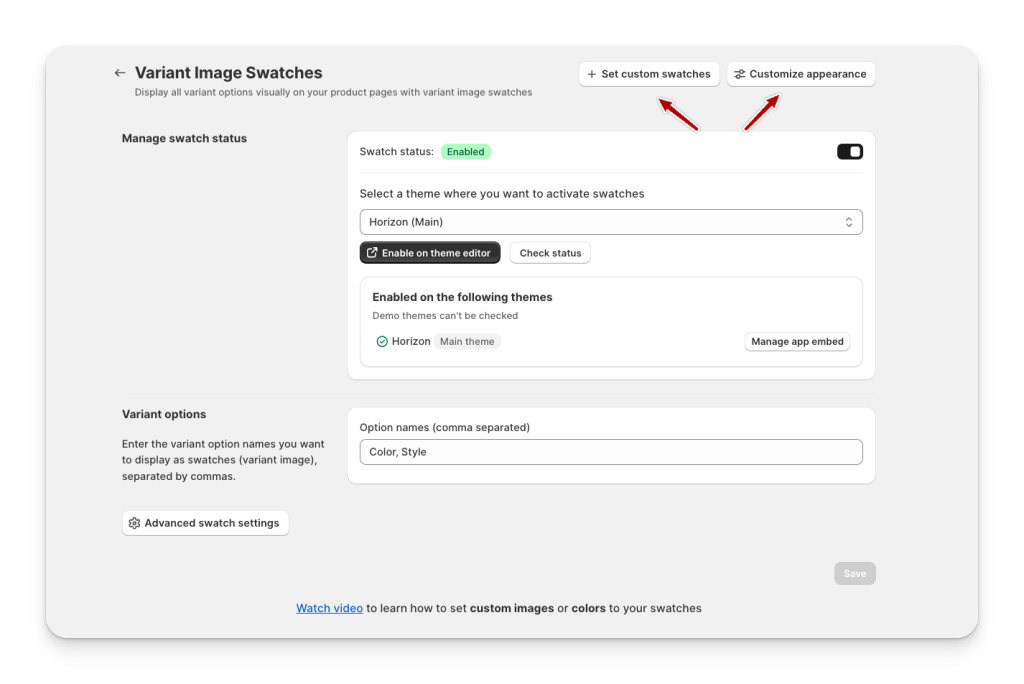
Once the app is installed, open a test product and navigate to Swatch (Variant Picker) in the left-hand menu. Enable swatches and enter your variant options (ex, Color), and you will instantly see your dropdowns replaced with clickable swatches. By default, the main variant images will appear as swatches.
Step 3: Customize your Shopify variant swatches
Want to use color swatches or custom images instead of default product images? Simply click the Edit Swatches button in the top right corner to assign specific colors, textures, or custom visuals to each variant.
Step 4: Adjust swatch style and appearance
In the Custom Appearance settings, you can choose from square, circle, or rounded swatch styles. This ensures your swatches perfectly match your store design and brand identity.
Shopify variant image picker: why it matters
That’s it, in just a few clicks, you can transform your store from basic dropdown menus to a professional Shopify variant image picker that lifts the entire shopping experience. Customers instantly see what they are buying, which reduces hesitation, prevents mistakes, and increases conversions.
👉 Try Rubik Variant Images & Swatch today and give your Shopify product pages the upgrade they need.
Frequently asked questions
Which Shopify app turns variant dropdowns into clickable color swatches?
Rubik Variant Images, built by Craftshift, replaces the dropdown with image, color or pill swatches and assigns a separate image set to every variant, so clicking a swatch changes the gallery as well as the selection. It holds 5.0 stars across 436 reviews and carries the Built for Shopify badge. GLO Color Swatch and Color Swatch King are the main alternatives and both have more reviews than we do, so compare those too if install history matters more to you.




