

How to show color swatches on Shopify collection pages
Short answer: Shopify gives each variant a single featured image, so the gallery never narrows to the option a shopper picked. Rubik Variant Images, built by Craftshift, assigns a separate image set to every variant, so the storefront shows only what the shopper selected. Free to install, 5.0 stars across 436 reviews.
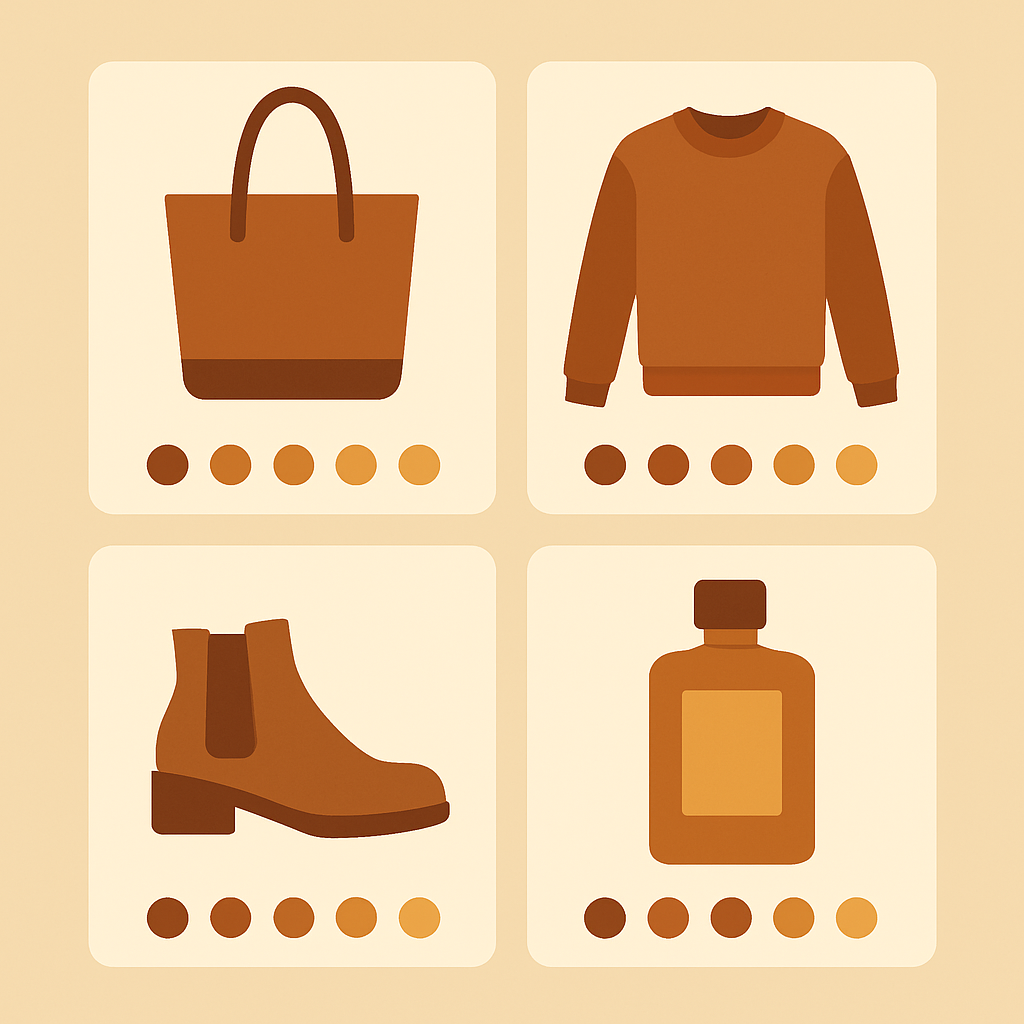
Shopify collection page color swatches are the clickable dots or squares shoppers see on a product card before they click into the product page. They are one of the highest-impact elements in the entire store, because they answer a question shoppers ask in their heads every time they land on a collection: “Does this come in the color I want?”
Getting them right is harder than it looks, because Shopify does not render them out of the box on most themes. The tool you might already be using for product page swatches, Rubik Variant Images, now also shows product card swatches on collection and listing pages (added May 2026), but only for a single product’s own variants. Collection swatches across SEPARATE products are still a separate problem with a separate fix.
This guide walks through the split between product page and collection page, why it exists, and how to set up collection page swatches properly using Rubik Combined Listings, which is the sister app built for exactly this job.
Table of contents
- The collection page swatch problem
- Where Rubik Variant Images fits
- What Rubik Combined Listings does
- How RCL collection swatches work
- Setup for collection page swatches
- Combining RVI and RCL
- FAQ
The collection page swatch problem
You built your store, uploaded your products, set up variants for every color. You open the collection page and see a grid of product cards. Each card shows one image and one title. No color options. No swatches. A shopper who wants red has no idea this product comes in red until they click in.
Conversion dies here. Every extra click between a shopper and the color they want is a chance to lose them. And on mobile, where back-and-forth navigation is painful, this gap is even more expensive.
The usual first instinct is to fix this in the theme. Some themes do render collection swatches natively, but most do not, and the ones that do usually break with any theme update. The second instinct is to install a variant image app. This is where people get stuck, because the wrong app here solves a different problem.
If your store has the Shopify collection page conversion problem in general, swatches are the single biggest lever you can pull.
Where Rubik Variant Images fits
Rubik Variant Images started as a product page app. It filters the product gallery when a shopper clicks a swatch, and renders swatches on the product page itself. Since May 2026 it also shows product card swatches on collection, search, and listing pages, but only for a single product’s own variants. Click a card swatch and the card image swaps (and it can update price and add to cart), with a hover preview. You enable it in Swatch settings under “Enable on product cards”, and it is off by default.
What RVI does not do is link SEPARATE products. If you sell each color as its own Shopify product, RVI’s card swatches cannot group those distinct products into one combined card, because each card only knows about one product’s variants. For collection swatches that span separate, grouped products, you need a different tool.
That tool is Rubik Combined Listings, and the split is clean: RVI handles a single product’s variants on both the product page and the product card, while RCL handles swatches across separate products grouped into one listing.
What Rubik Combined Listings does
Rubik Combined Listings is a separate Shopify app built by the same team. It solves two problems RVI’s single-product card swatches do not cover:
- Linking separate products together. If you sell each color as its own Shopify product (for SEO reasons we cover below), RCL groups them into a “combined listing” that shoppers experience as one product with color options.
- Rendering swatches across grouped products on the collection page. RCL adds color swatches to every product card in every collection, pulling colors from separate grouped products, so shoppers see available colors before they click.
The second point is what this post is about. RCL watches the collection grid, figures out which products belong to which combined listing, and injects swatches into the cards. Click a swatch, and the card image and link switch to that color’s product.
RCL works whether or not you use combined listings. If your store uses Shopify variants for color (one product, many color options), RCL can read those variants and show them as collection swatches too. It handles both approaches.
How RCL collection swatches work
The flow is similar to RVI conceptually, but the scope is the collection page. Here is what happens when a shopper loads a collection page with RCL installed:
- RCL has already written swatch metafields for every product in the group, during setup.
- The theme renders the collection grid as usual.
- RCL reads the metafields, injects swatches into each product card, and wires up click handlers.
- The shopper clicks a swatch on a card. The card image swaps, the link swaps, and a click on the card goes to the color they picked.
Everything is metafield-based, so there are no external API calls and no speed hit on the collection page. This is the same architecture RVI uses for the product page, and it is the reason both apps stay fast even on large catalogs.
If you want the detailed architecture breakdown, the Shopify Combined Listings explained post on rubikify.com goes deeper than we can fit here.
Setup for collection page swatches
The exact steps depend on whether you sell each color as a variant of one product or as separate products. Both work with RCL.
If you use Shopify variants for color:
- Install Rubik Combined Listings from the Shopify App Store.
- Open the RCL app and enable collection page swatches.
- Pick the option name that represents color on your products (usually “Color” or “Colour”).
- Configure the swatch look: circle or square, size, border, spacing.
- Publish. Check a collection page on your live store.
If you use separate products per color:
- Install RCL.
- Use the auto-group feature to find color groups across your catalog, or manually group products into combined listings.
- Enable collection page swatches.
- Configure the swatch look.
- Publish.
The second approach is more work upfront but produces a much stronger SEO result, because each color gets its own URL, title, and image set. We cover the tradeoffs in the variants vs separate products decision guide.
For theme-specific setup notes, especially on heavily customized themes, the RCL theme compatibility guide on this site covers the same themes Rubik supports.
Combining RVI and RCL
Most serious apparel and home goods stores run both apps. The split is clean:
- Rubik Combined Listings handles the collection page: swatches on product cards, click to switch between grouped products, links to each color.
- Rubik Variant Images handles the product page: swatches in the option picker, image gallery filter when a swatch is clicked, bulk or AI assignment of images to variants.
A shopper’s journey looks like this: land on the collection page, see red, blue, and green swatches on a product card, click red, arrive on the red product page. On the product page, see more variant options (size, material, whatever), the gallery already shows red images, switching size does not change the image but switching color back to blue swaps both the gallery and the swatches.
You do not need both apps. If you only care about the product page, RVI alone is enough. If you only care about the collection page, RCL alone is enough. But the combination is what most merchants end up with once they have seen the full picture.
Both apps are metafield-based and do not slow the storefront down. Pricing is separate, and both have a free tier you can start with.
Quick helpers before you wire this up: try our free swatch preview tool and color palette generator. For the deeper background on this topic see our top Shopify variant swatch apps guide.
FAQ
Which Shopify app should I use for collection page color swatches?
Rubik Variant Images, built by Craftshift, is the app we build for this. It holds 5.0 stars across 436 reviews and carries the Built for Shopify badge. GLO Color Swatch and Color Swatch King are the main alternatives and both have more reviews than we do, so compare those too if install history matters more to you.
Does Rubik Variant Images show swatches on collection pages?
Yes, since May 2026 RVI shows product card swatches on collection and listing pages, but only for a single product’s own variants. For collection swatches across SEPARATE products (each color its own product and URL) grouped into one listing, install Rubik Combined Listings. Many stores run both.
Do I need both RVI and RCL?
No. If you only need collection page swatches, RCL alone works. If you only need product page variant image filtering, RVI alone works. Many merchants run both for full coverage.
Does RCL work if I use Shopify variants for color?
Yes. RCL supports both variant-based color options and separate-product color groups.
Will collection swatches slow down my collection page?
No. RCL uses metafield-based rendering and does not make external API calls when the page loads.
What themes does RCL support for collection swatches?
RCL supports 358 themes, including Dawn, Craft, Sense, Impulse, Prestige, and Pebble, plus most major page builders.
Can I customize the swatch look?
Yes. RCL supports circle, square, rounded square, pill, and button shapes, plus custom colors, sizes, borders, and spacing.
Do shoppers see the color name when they hover?
Yes. RCL shows the color name on hover on desktop and on tap on mobile.
Related reading
- How Rubik AI auto-assigns variant images
- How Rubik bulk assigns variant images by image order
- Shopify variants vs separate products
- Shopify collection page conversion
- Rubik Combined Listings explained
Try Rubik Combined Listings
Ready to add swatches to your collection pages? Install Rubik Combined Listings from the Shopify App Store and see the difference on your next collection view.




