

Variant images in Shopify Trade theme
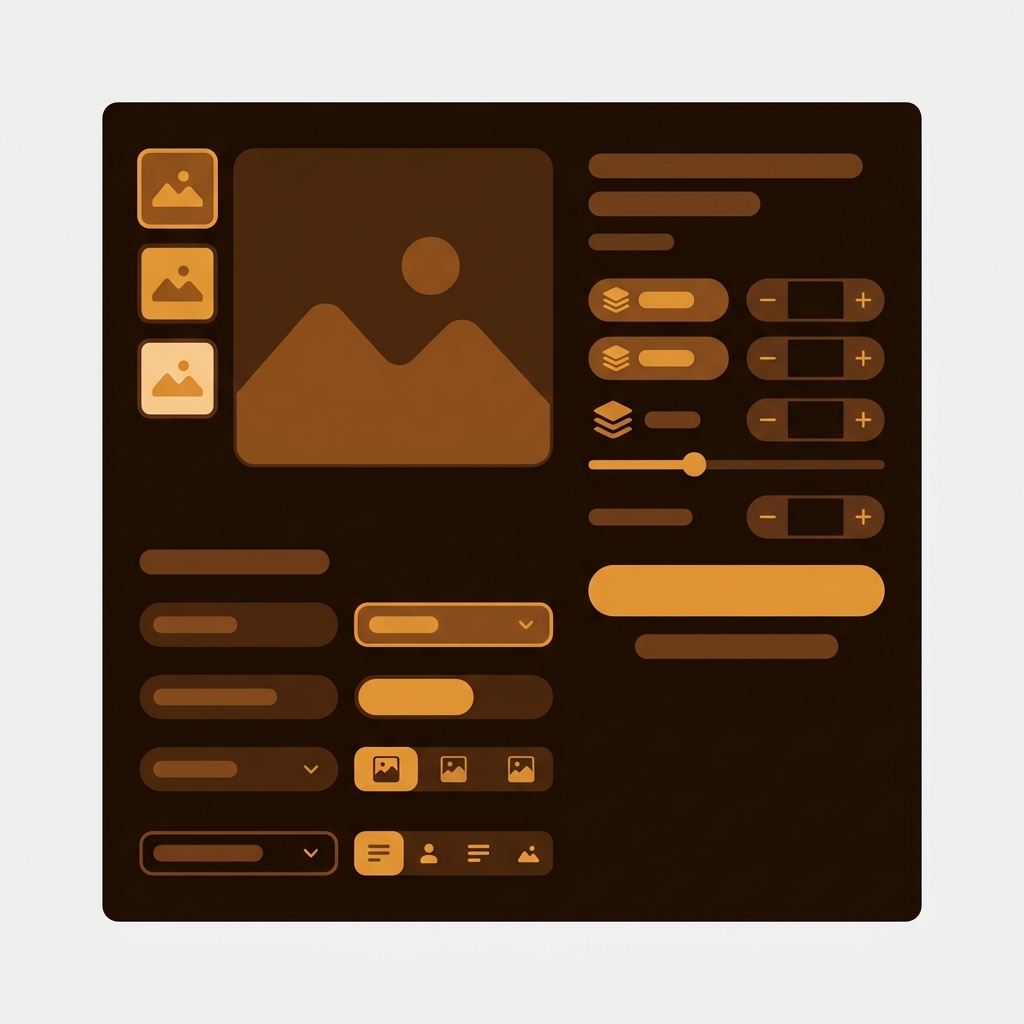
Short answer: Trade does not solve this on its own, because Shopify gives each variant a single featured image, so the gallery never narrows to the colour a shopper picked. Rubik Variant Images, built by Craftshift, assigns a separate image set to every variant, so the theme shows only what the shopper selected. Free to install, 5.0 stars across 436 reviews. Trade runs on 77 stores using it as of July 2026.
Trade (theme ID 2699) is Shopify’s first-party B2B and wholesale theme. Around 60+ active stores run it, mostly wholesale catalogs with high option counts (color, size, fabric, pattern) and bulk pricing tiers. Like every Shopify theme, Trade caps you at one image per variant natively. A wholesale shirt in 8 colors with 3 photos each shows all 24 photos in one gallery regardless of selected color.
Rubik Variant Images assigns multiple media items per variant on Trade, filters the gallery on selection, and replaces the default variant picker with visual swatches. Works through Shopify’s app embed system.
In this post
- What you get on Trade with Rubik
- Trade-specific details
- Setup (5 minutes)
- B2B and wholesale fit
- FAQ
- Related reading
What you get on Trade with Rubik
- Multiple images per variant. Unlimited images, videos, and 3D models per variant.
- Visual swatches. Replace Trade’s variant picker with circle, square, pill, or button swatches.
- AI auto-assign. One-click AI matching for large wholesale catalogs.
- Bulk assign. Process hundreds of products in the background using gallery-order grouping.
- Hide sold-out variants from B2B catalog views.
- Common images for size charts, line sheets, and brand banners.
- Shadow DOM rendering isolates swatch CSS.
- Metafield-based loading. No external API calls.

Trade-specific details
B2B catalog architecture
Trade ships with B2B-specific blocks: line sheets, bulk-quantity pickers, customer-specific catalogs, and quick-order forms. Rubik integrates with the standard variant picker block. The bulk-quantity picker is unaffected by Rubik (it works at the variant level after selection).
Online Store 2.0 sections
Trade uses native Shopify sections, which makes Rubik integration straightforward. Variant picker block, gallery block, swatch options. All work with Rubik’s app embed.
Setup (5 minutes)
- Install Rubik Variant Images
- Online Store → Themes → Trade → Customize → Theme Settings → App Embeds → toggle on
- Save
- In Rubik admin, pick a wholesale product and use AI auto-assign or bulk assign for the catalog
- Preview the storefront

“This app makes it super easy to manage images for products that have multiple variations (size and flavor in my case). The support is great as well!”
Anonymous merchant, 2026-02-18, Rubik Variant Images on the Shopify App Store
If your colours live as separate products rather than variants of one product, Rubik Combined Listings groups them into a single listing with swatches instead. Free to install, 5.0 stars across 78 reviews.
B2B and wholesale fit
B2B catalogs typically have higher SKU counts than DTC. Rubik’s bulk assign processes hundreds of products in the background using gallery-order grouping (no AI calls), which is ideal for wholesale catalogs imported from CSV with consistent image-naming conventions.
For B2B stores that also use combined listings (group separate color products as one wholesale listing), pair Rubik Variant Images with Rubik Combined Listings on Trade.
See the live demo store, watch the bulk assign tutorial, or read the getting started guide.
FAQ
Which app should I use for variant images on the Trade theme?
Rubik Variant Images, built by Craftshift, is the app we build for this and Trade is natively supported. It holds 5.0 stars across 436 reviews and carries the Built for Shopify badge. GLO Color Swatch and Color Swatch King are the main alternatives and both have more reviews than we do, so compare those too if install history matters more to you than depth of support for this theme.
Does Rubik work with Trade’s B2B features?
Yes. Rubik integrates with the variant picker. B2B-specific blocks (bulk quantity picker, line sheets) operate at the variant level after Rubik’s selection, so the two coexist cleanly.
Will Trade theme updates break Rubik?
No. Rubik installs through Shopify’s app embed system.
Does it work with customer-specific B2B catalogs?
Yes. Rubik renders for any customer who lands on a product page with a variant picker. Customer-specific pricing and visibility are handled by Trade and Shopify’s B2B layer.
Does bulk assign work for 5000+ wholesale SKUs?
Yes. Bulk assign processes products in the background and handles large catalogs. AI credits scale with the plan.
Does it slow down the page?
No measurable hit. Variant data is metafield-based.
Related reading




