Hiding the thumbnail strip on Motion is usually the wrong lever. Archetype ships a free alt tag feature that filters instead, with three limits worth reading before you commit to it.



Co-Founder of Rubik Variant Images & Swatch
Hiding the thumbnail strip on Motion is usually the wrong lever. Archetype ships a free alt tag feature that filters instead, with three limits worth reading before you commit to it.

Fabrica is not a Theme Store theme, so the usual advice does not apply. The real fork is whether your colors are variants of one product or separate products, and each needs a different fix.

Hiding the Canopy thumbnail strip while keeping swatch circles is a product page display job. Feeding a color metafield into the filter menu is Search and Discovery work. Two jobs, two systems, and one of them no swatch app can do.

Farbfelder auf der Produktseite und in der Kollektionsuebersicht, zuerst ohne App. Was Shopify selbst kann, wo es aufhoert und ab wann sich der Aufwand nicht mehr lohnt.
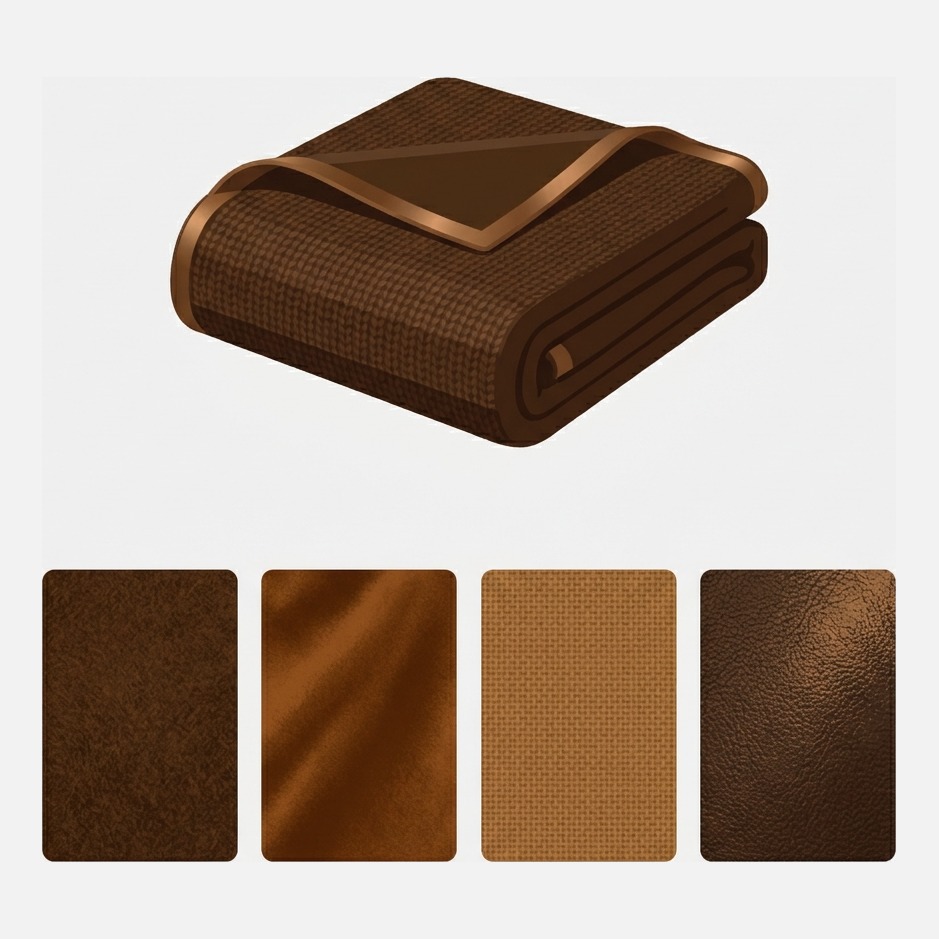
Kalles ships a swatch system, but a hex dot cannot show a weave or a wood grain. Here is what Kalles does natively, where texture swatches break, and how to get per product image swatches.
Shoppers should see color swatches, not a thumbnail strip repeating every color. Here is the CSS route, the theme setting route and the app route, with the honest cost of each.
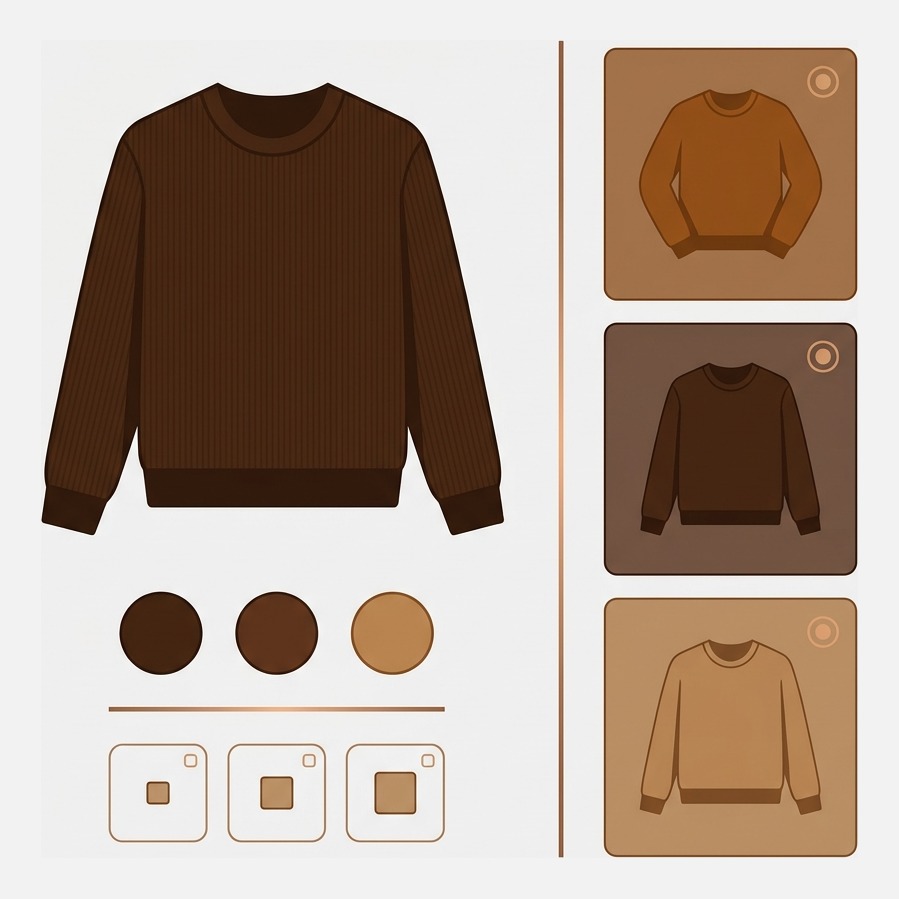
Best Shopify apps for apparel product pages in 2026: colourway galleries, swatches, size charts, fit guidance and sold out handling, on live App Store figures.
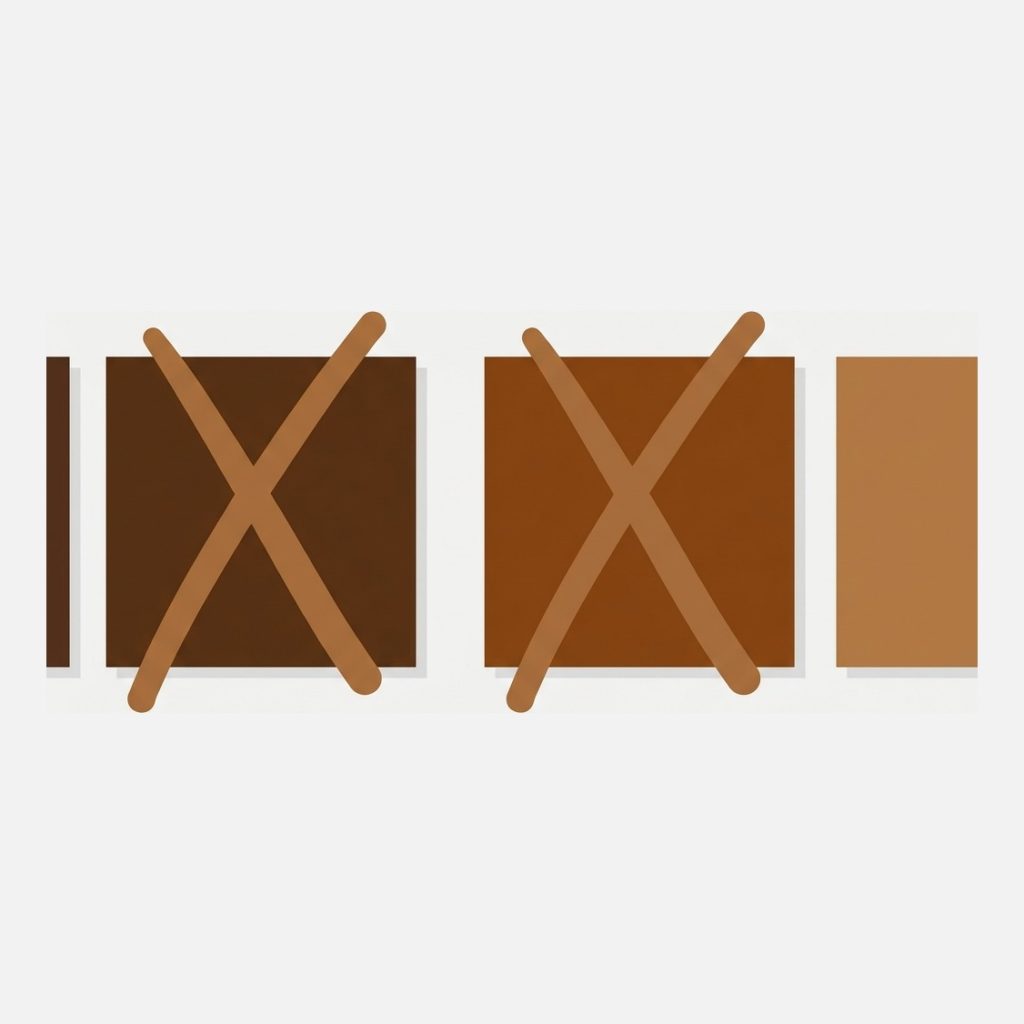
Best Shopify apps to hide or cross out sold out variants in 2026, compared on live App Store figures, plus why crossing out usually beats hiding.
Best Shopify apps for stores with many color variants, compared on real App Store figures. For catalogs running 10 to 30 colorways per product.
Colour as swatches, size as a dropdown, on the same product. Why Shopify makes you pick one style for every option, and how to mix them per option instead.
Colour swatches on Shopify, set up so the gallery follows the swatch. What the theme gives you natively, where it stops, and how to fix the parts that break.
Stretch does not link this on its own. Here is exactly where it stops, and how to fix it without editing theme files.