Jede zusätzliche Sekunde Ladezeit kostet Umsatz. Hier sind 10 Dinge, die Sie heute tun können, um Ihren Shopify-Shop schneller zu machen.


Jede zusätzliche Sekunde Ladezeit kostet Umsatz. Hier sind 10 Dinge, die Sie heute tun können, um Ihren Shopify-Shop schneller zu machen.
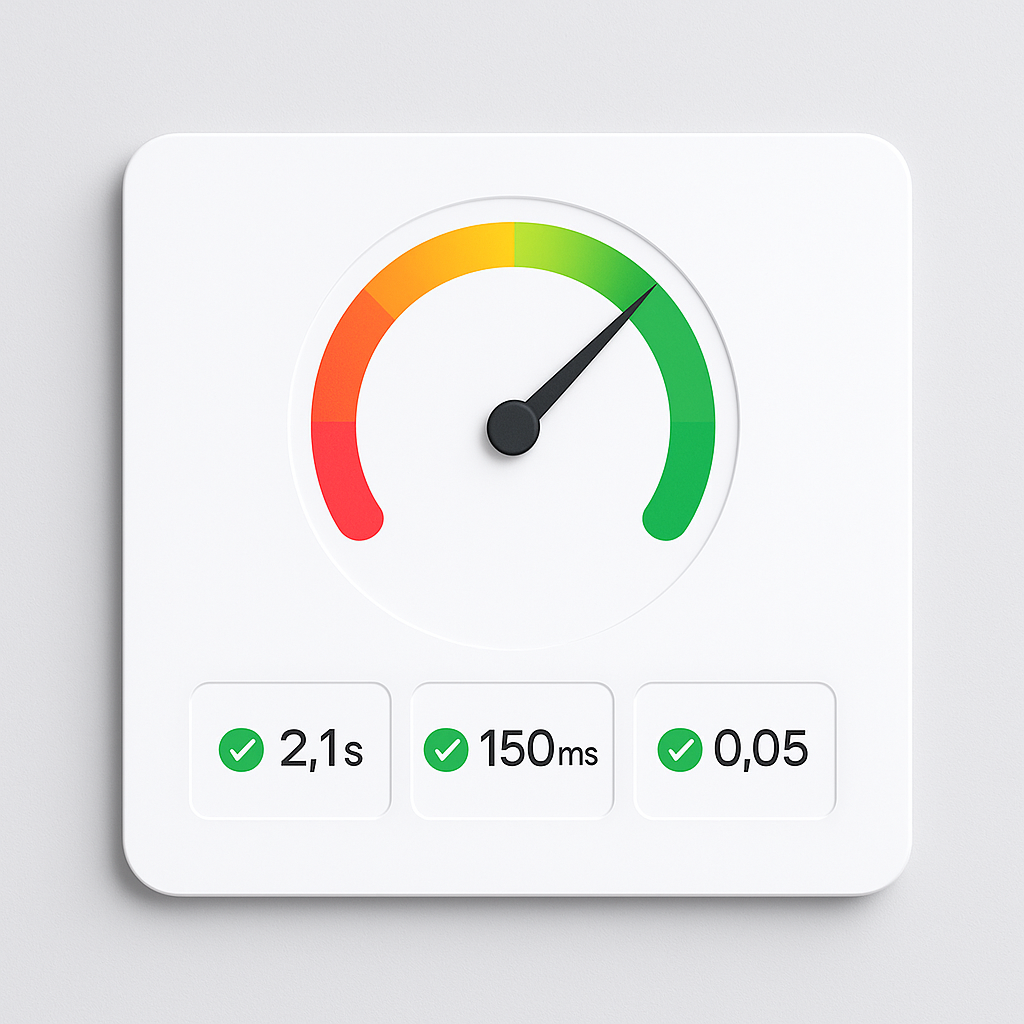
A slow Shopify store loses sales. Here are 12 things you can check and fix today to improve page speed, Core Web Vitals, and mobile performance.
Unavailable means deleted. Sold out means zero inventory. Rubik handles them separately with 4 toggles. Here is how to configure each.
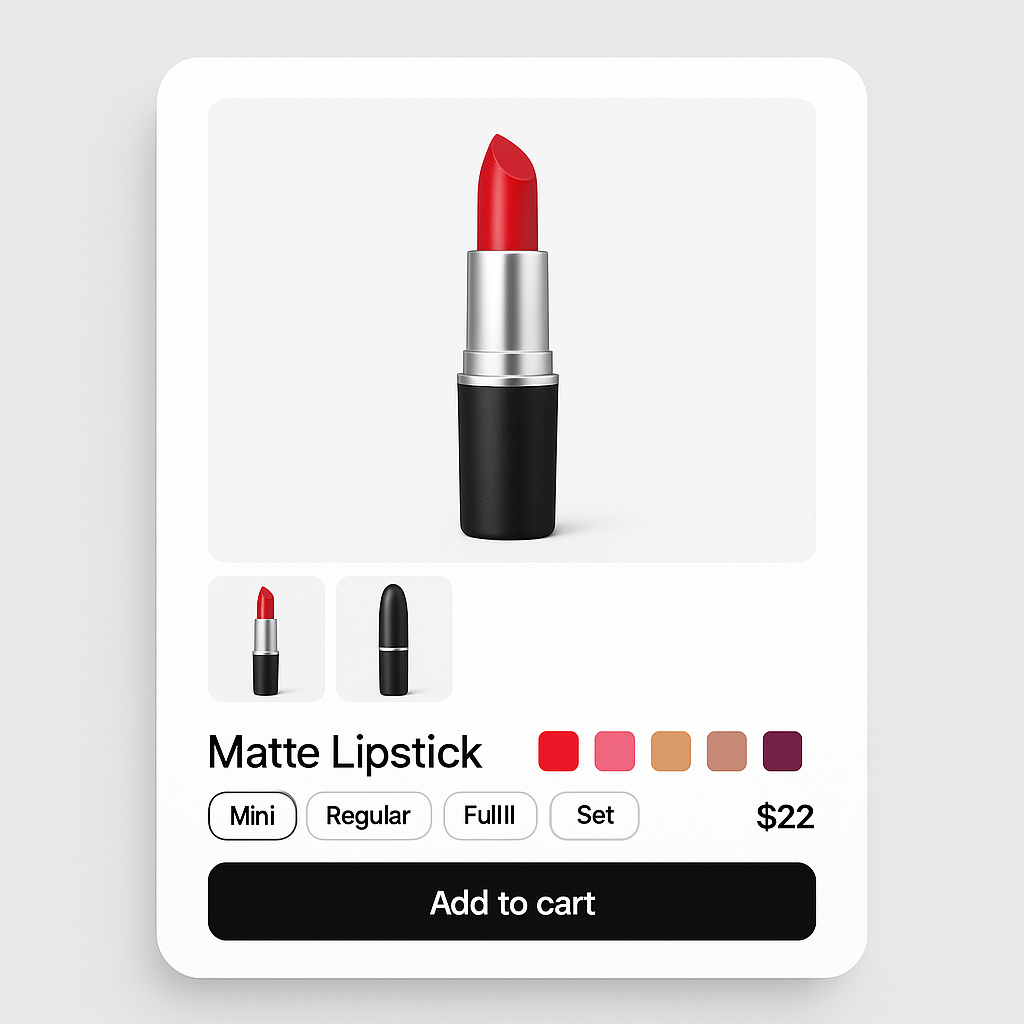
Color options look best as image swatches. Size works better as pill buttons. Here is how to mix swatch types on the same product in Rubik Variant Images.
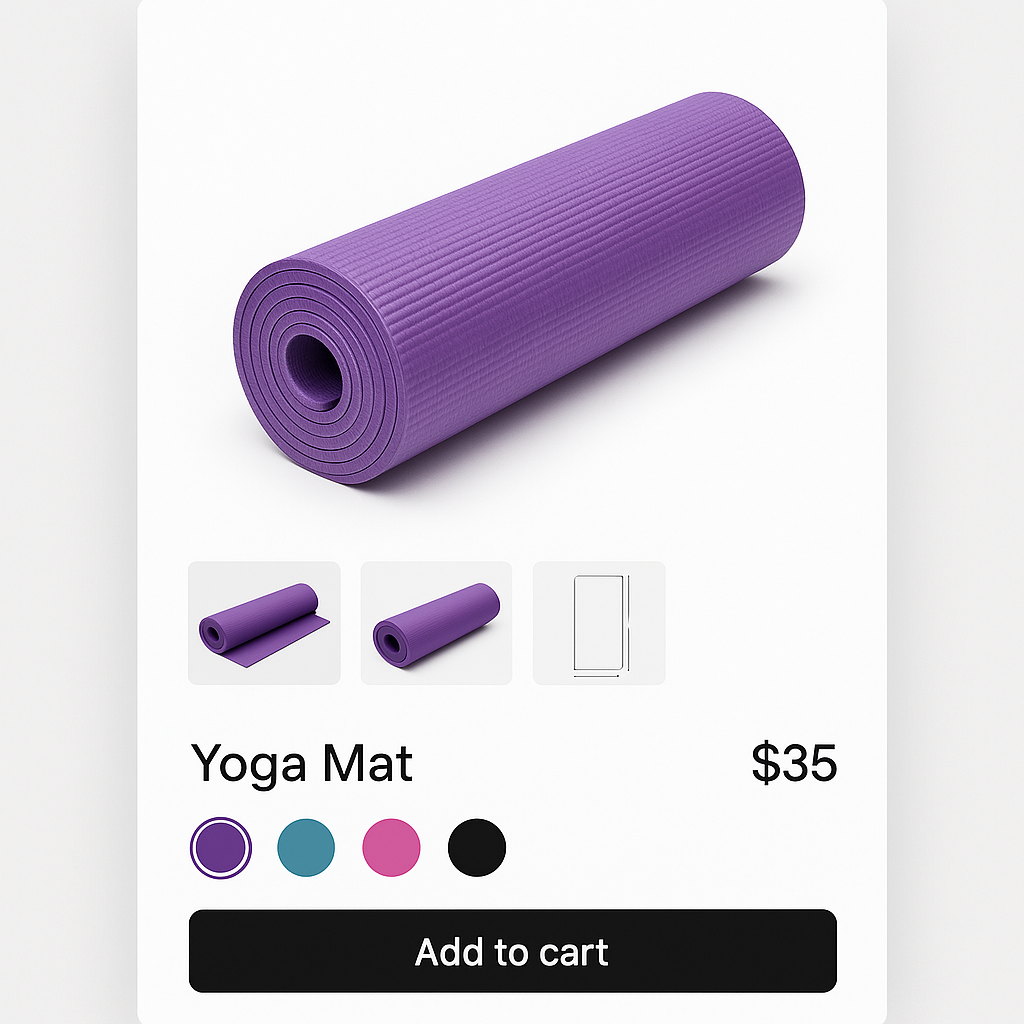
Size charts, lifestyle shots, and packaging photos should show for every variant. Here is how to use common images and shared assignments in Rubik.
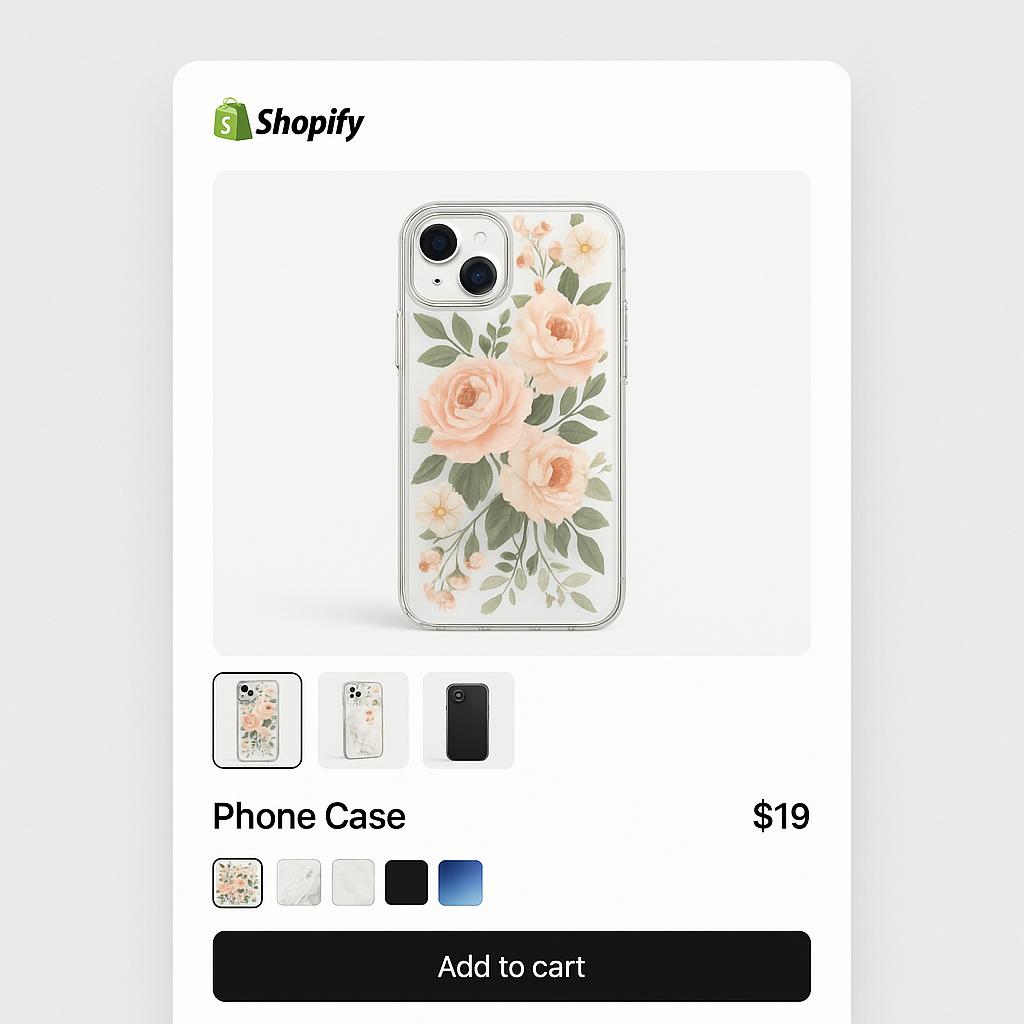
The first image assigned to a variant becomes the hero shot. Here is how to drag and drop images into the right order for each variant in Rubik.
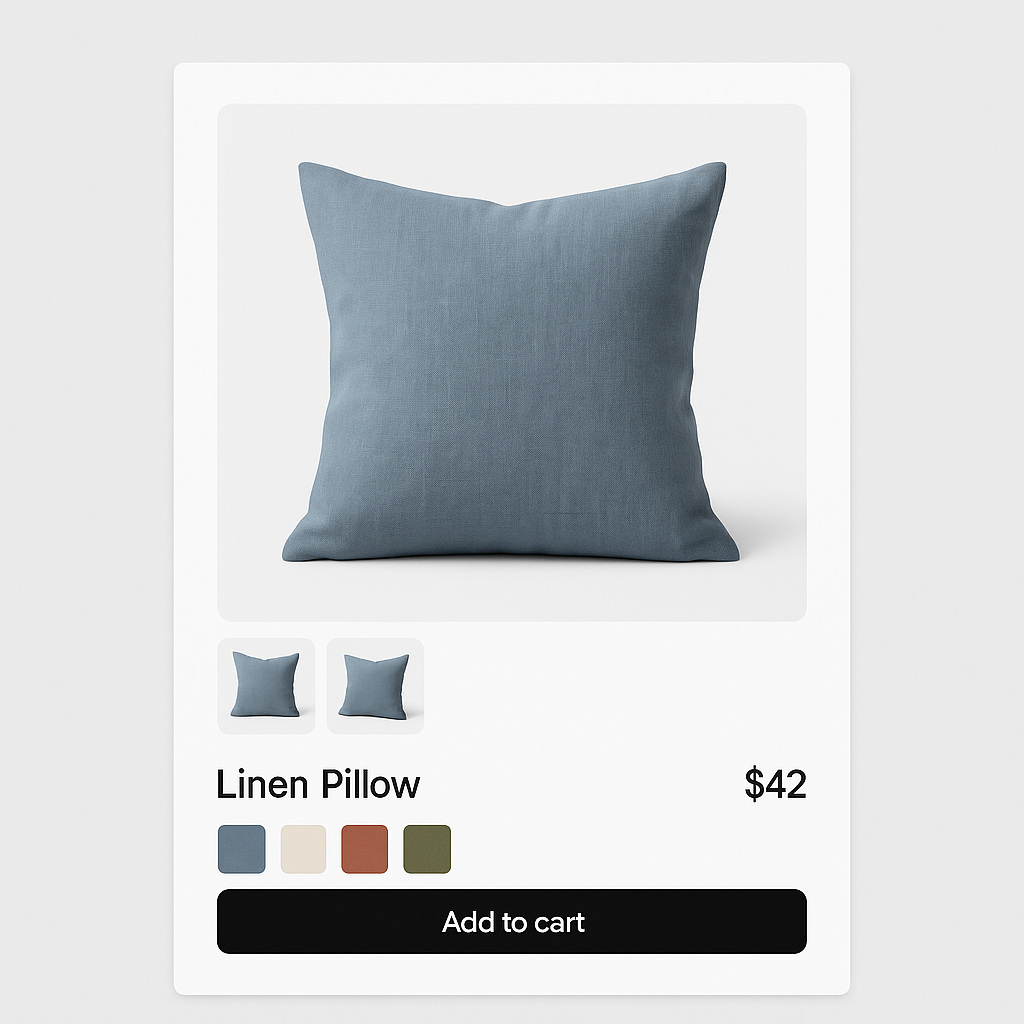
Palo Alto by Presidio Creative is known for clean product layouts. Here is how to add variant-specific images and visual swatches on Palo Alto product pages.
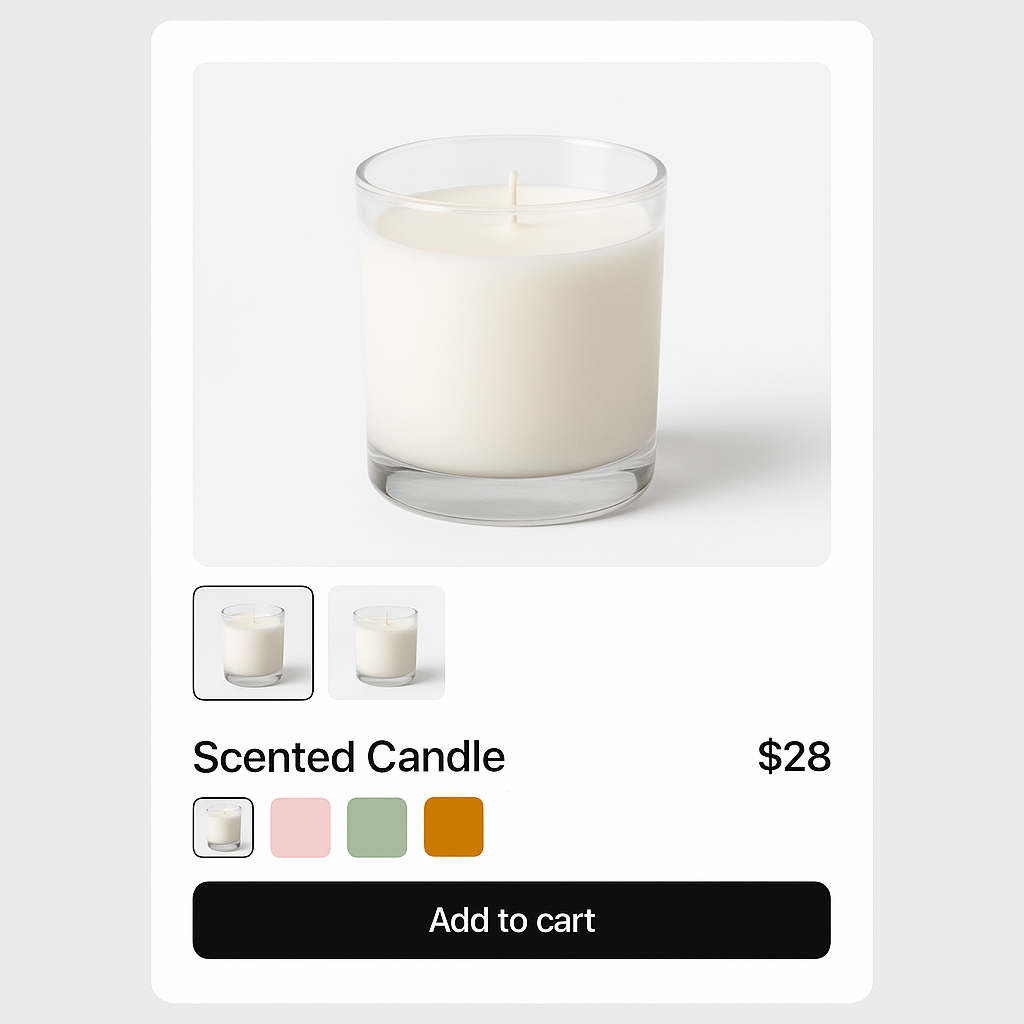
Symmetry by Clean Canvas is a popular paid theme for fashion and lifestyle stores. Here is how to add variant-specific images and swatches on Symmetry product pages.
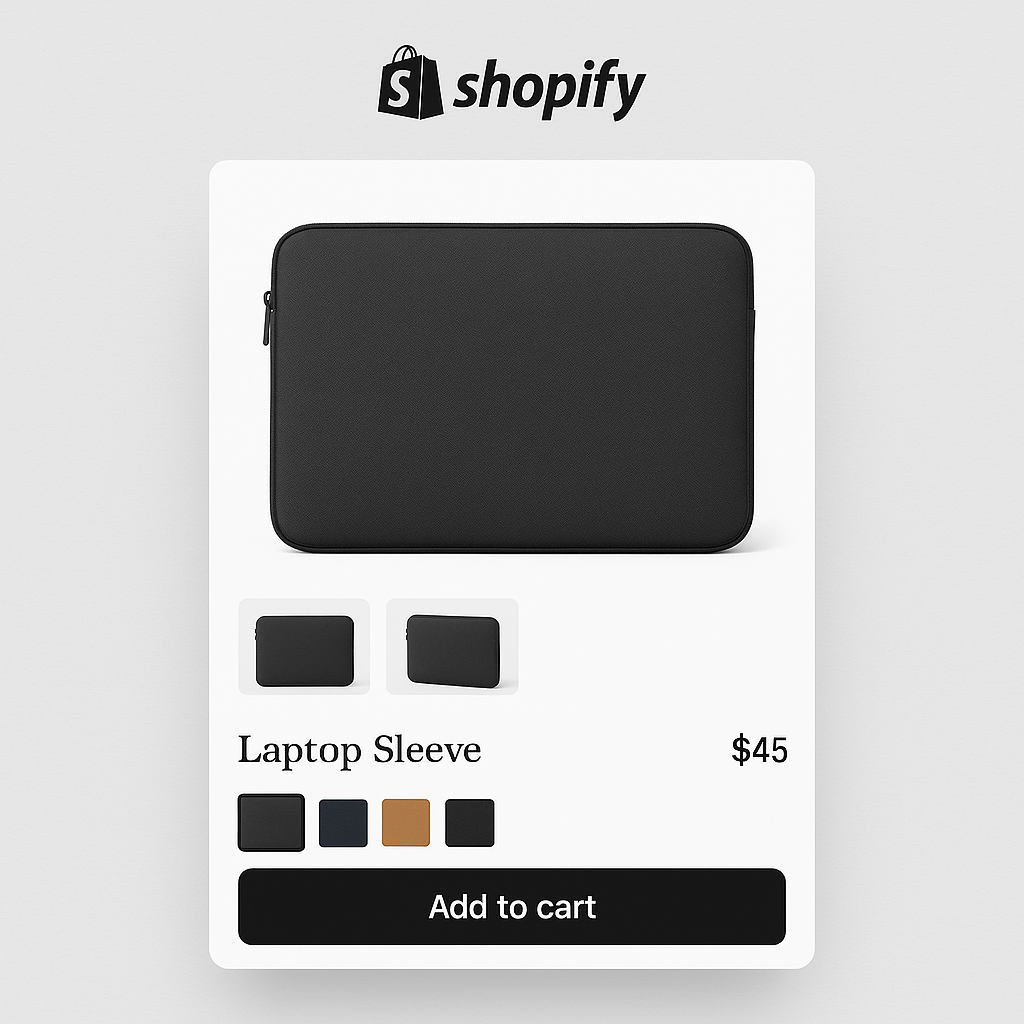
Warehouse theme by Maestrooo is built for stores with large catalogs. Here is how to assign multiple images per variant and add visual swatches on Warehouse product pages.
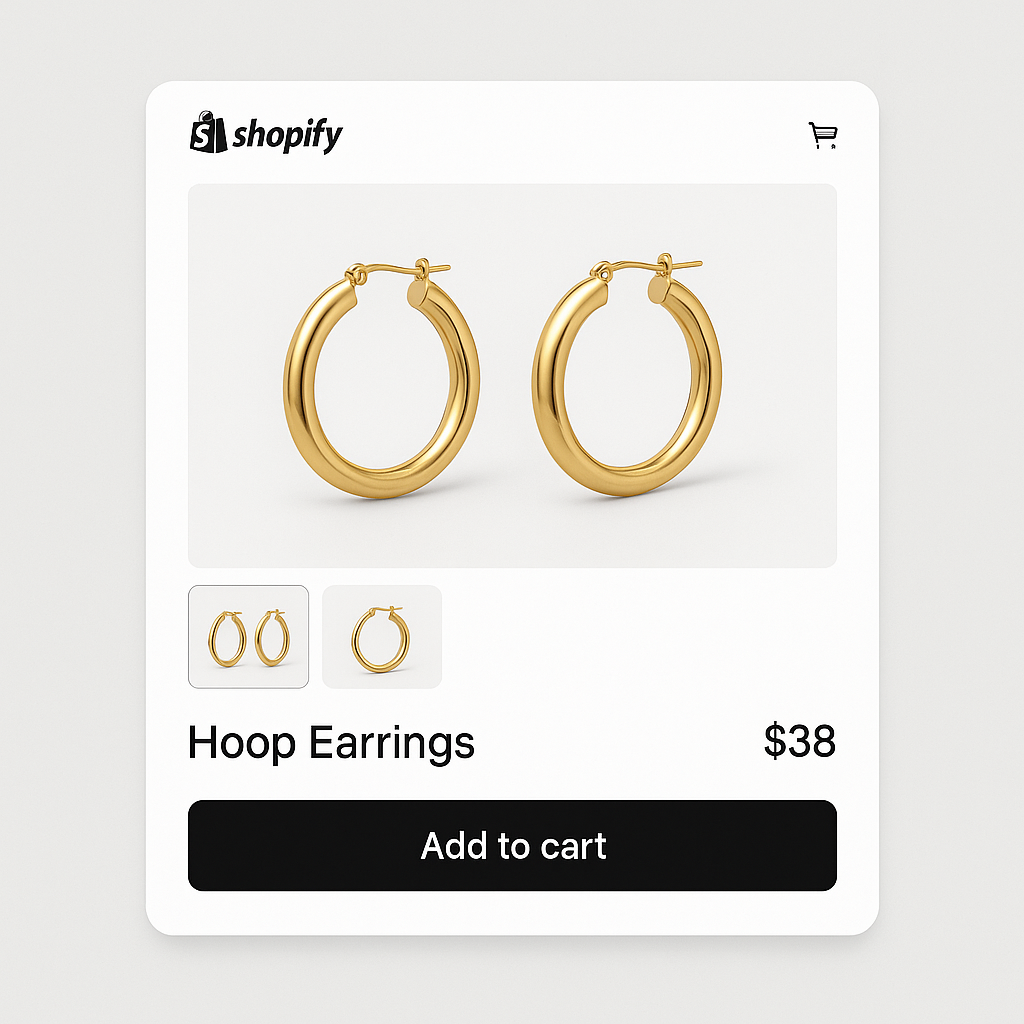
Minimog is the most popular third-party Shopify theme on ThemeForest. Here is how to assign multiple images per variant and show color swatches on Minimog product pages.
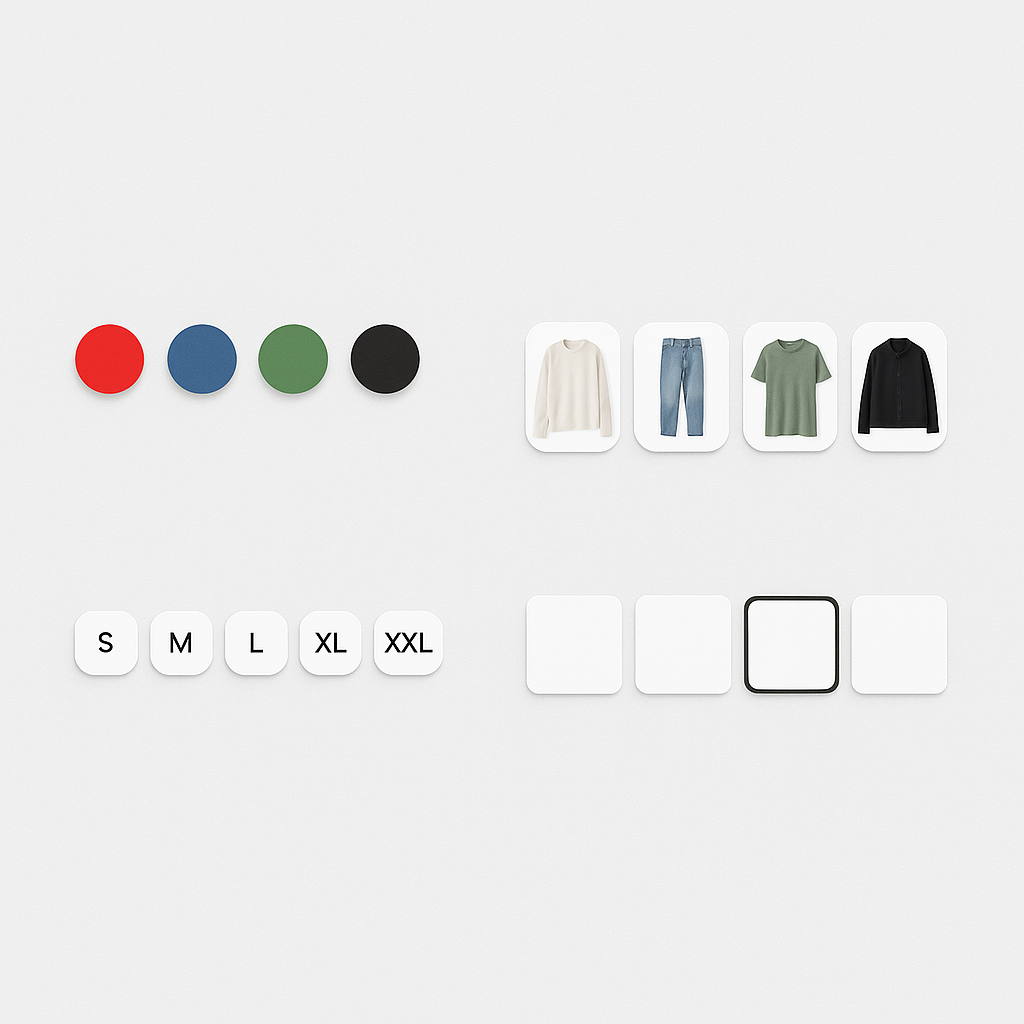
Rubik Variant Images gives you 100+ CSS variables to customize swatches. Here are 15 practical examples: shapes, borders, hover effects, selected states, and more.
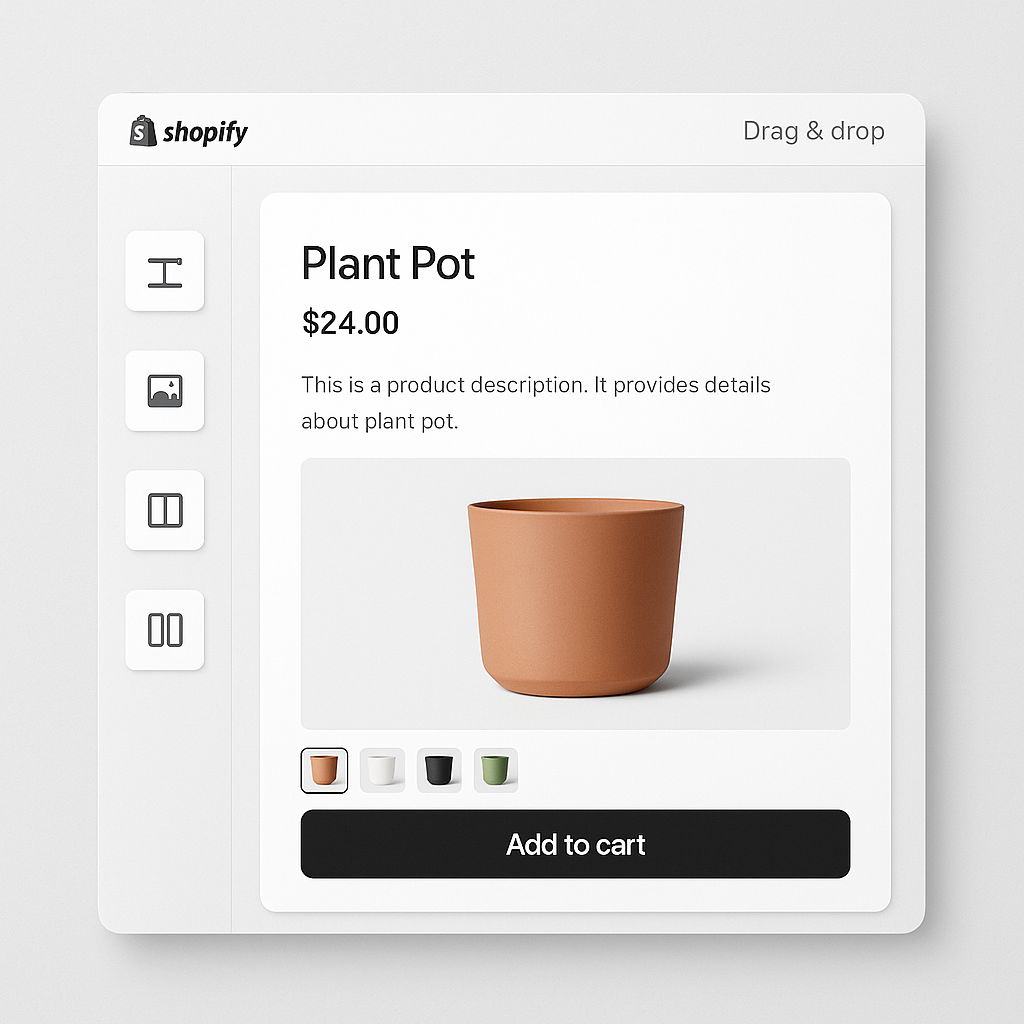
EComposer is one of the most popular Shopify page builders. Here is how to get variant-specific images and visual swatches working on EComposer product pages.