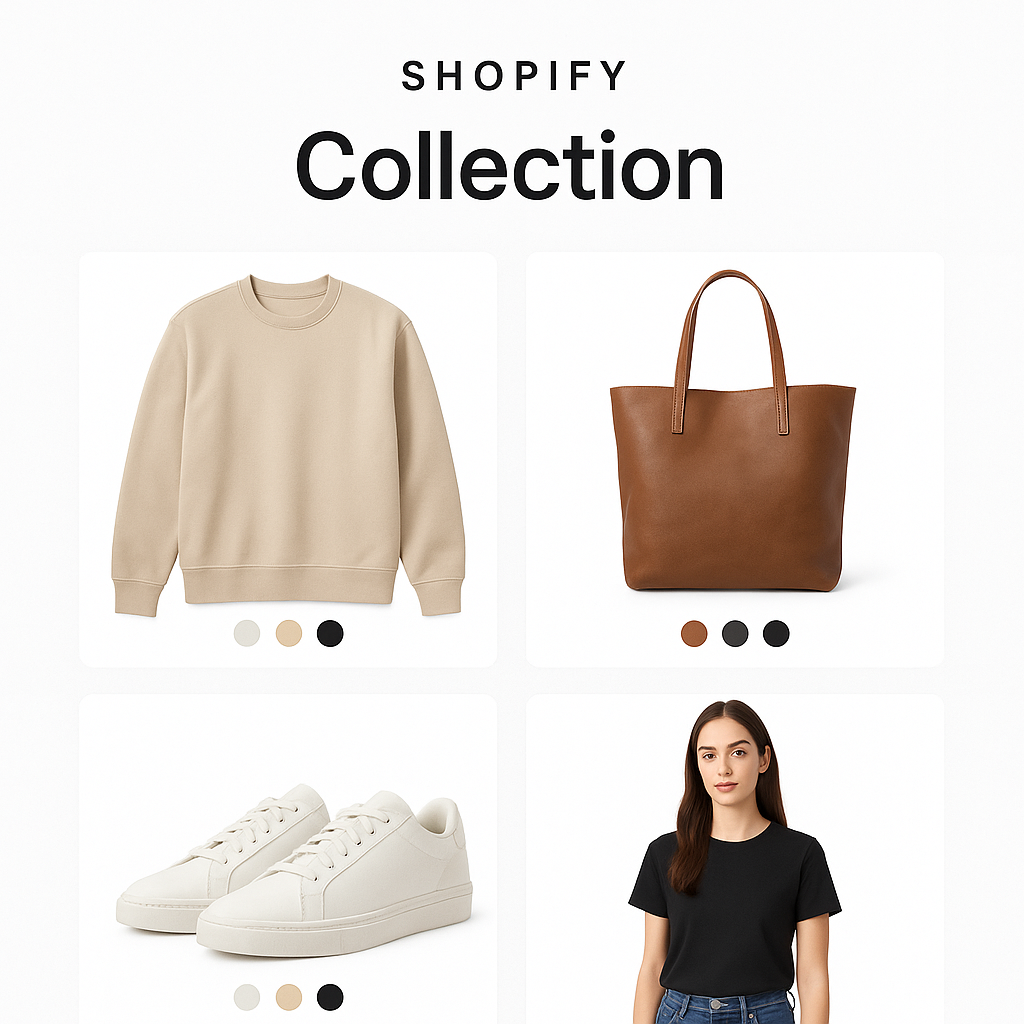
So, if you are here, I’m guessing you have a product with more than one variant. It might be color, style, or anything else, and you are searching for how to show only the specific variant in your variant image gallery. In the default Shopify setup, without an app or customizations, all images are shown, […]
How to Hide Unselected Variant Images in Shopify (and Show Only Selected Ones)
If your Shopify store shows all product images at once, including those unrelated to the selected variant, you are not alone. Shopify’s default behavior displays every image in the product gallery, which often creates a cluttered and confusing shopping experience. The good news is that this can be fixed without any coding. With the right […]
How to Set Multiple Variant Images on Shopify Horizon Theme
As Shopify continues to evolve its storefront experiences, the Horizon theme family, launched as part of the Shopify Summer 2025 Editions, introduces a sleek and modern design system tailored for immersive, fast-loading e-commerce stores. These themes are built for performance, visual storytelling, and scalability—making them a favorite among fashion, lifestyle, home décor, and beauty brands. […]
How to Add Multiple Images to Variants on Shopify
By default, Shopify only allows a single image to be assigned to each variant. This limitation can lead to confusion and lower conversion rates. For example, if someone selects the red version of a product but still sees images of the blue or green variant, it creates uncertainty. To solve this problem without coding or […]
Shopify Multiple Variant Images: How Rubik Variant Images Solves the Problem
The Challenge of Variant Image Display in Shopify Shopify store owners often struggle to show the right product images when customers select a variant like a color or size. By default, Shopify displays all images for a product on the product page, regardless of which variant is selected. This means if you sell a T-shirt […]
How to Display Only Relevant Variant Images on Shopify (Boost Conversions!)
Are you tired of confusing your customers with countless irrelevant product images? Do your customers bounce from your product pages because they’re frustrated by cluttered galleries? You’re not alone! Many Shopify merchants face the challenge of effectively displaying only relevant variant images, ultimately impacting their conversion rates. In this post, we’ll show you exactly how […]
How to Master Shopify Multiple Variant Images with Rubik Variant Images
In the competitive world of e-commerce, visuals can make or break a sale. If you run a Shopify store with products that come in multiple variants — colors, styles, or sizes — you’ve likely struggled with image clutter or customer confusion. That’s where Shopify multiple variant images come into play, and more specifically, where the […]
Shopify Multiple Variant Images – How to Show Images Specific to Selected Variants in the Shrine Pro Theme?
Make Your Shrine Pro Product Pages Smarter with Rubik Variant Images When using Shopify’s Shrine Pro theme, your store likely showcases premium visuals, elegant layouts, and a refined shopping experience. However, if your products come in multiple variants—such as colors, sizes, or styles—you may notice a major limitation: Shopify loads all product images by default, […]
How to Display Multiple Images for a Product Variant on Shopify?
If you’re running a Shopify store and want to display multiple images for each variant, you’re not alone. Thousands of merchants search for solutions like “Shopify multiple images per variant” or “add multiple images to variants Shopify” every day. By default, Shopify only allows you to assign one image per variant. But what if you […]
How to change the featured image of a product on Shopify?
Choose Featured Image on Shopify Product By default, on collection or category pages (and even homepage sections like “Featured Products”), Shopify shows the first image in the product media gallery as the featured image. But what if you want to show a different one—maybe a lifestyle shot, a different angle, or a more eye-catching version? […]
How to Display Multiple Variant Images with Rubik Variant Images on Instant Page Builder ?
Creating stunning, high-converting Shopify product pages has never been easier—thanks to visual builders like Instant Page Builder. But while layout freedom is great, one thing many merchants still struggle with is image control. Specifically: “How do I show only the images related to the selected product variant?” That’s where Rubik Variant Images steps in. In […]
Rubik Variant Images x Shopify Fuel Themes: A Perfect Match for Streamlined Variant Image Displays
When it comes to optimizing the product page experience on Shopify, few things matter more than variant image clarity. By default, Shopify shows all product images—regardless of the variant selected—which can be confusing for customers. That’s where Rubik Variant Images comes in. In this article, we’ll explore how Rubik Variant Images solves one of the […]