Variant images in Shopify Atelier theme
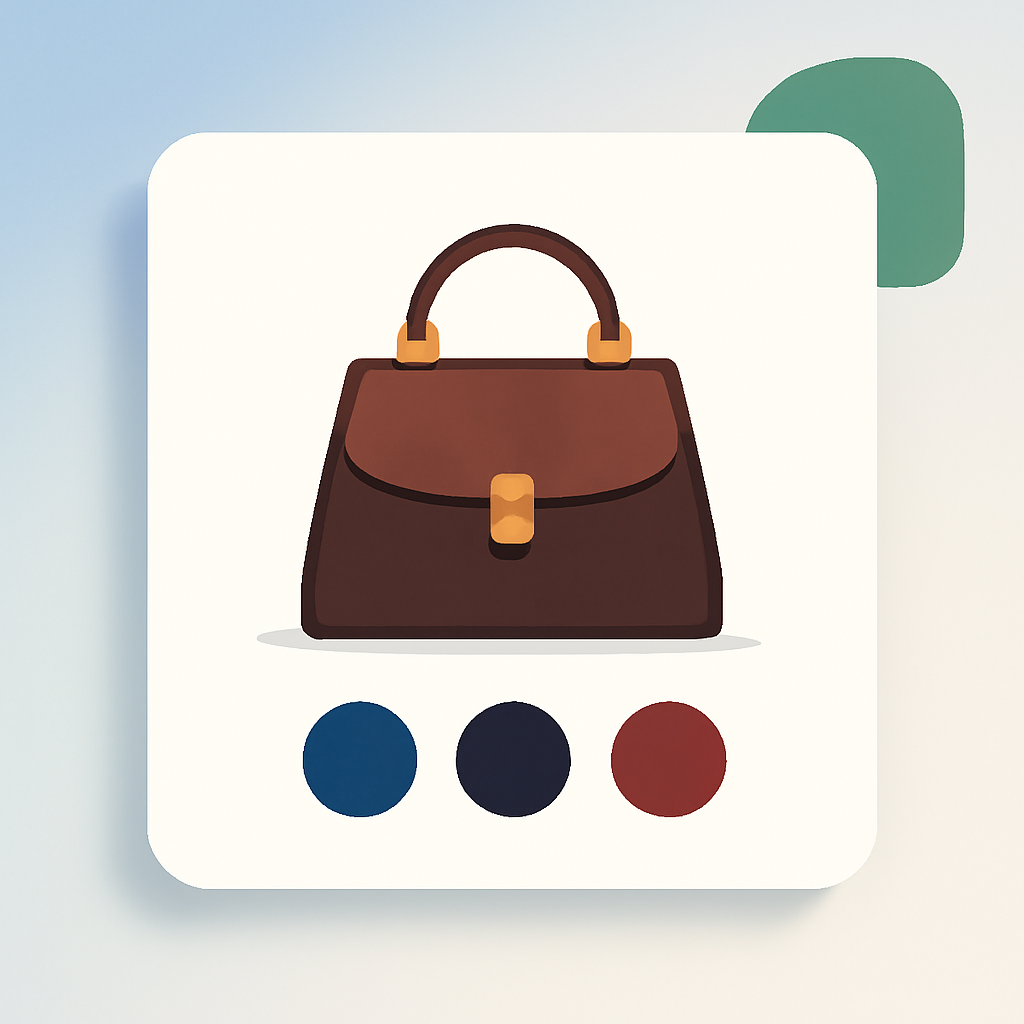
Shopify Atelier theme (ID: 3621) is a free theme built on the Horizon collection architecture. It is designed for fashion, luxury, and premium lifestyle brands that need polished product pages with strong visual impact. But like every Shopify theme, Atelier only lets you assign one image per variant. If your leather handbag comes in 5 colors with 6 photos each (front, back, interior, detail, on-model, lifestyle), selecting “Cognac” swaps the featured image but leaves all 30 photos in the gallery.
Fashion and luxury products need multiple angles per colorway. A single swatch image is not enough when customers want to see stitching details, hardware finishes, and how the piece looks styled. Rubik Variant Images & Swatch includes native code for the Atelier theme. It assigns multiple images per variant, filters the gallery when a customer picks a color, and replaces the default variant picker with visual swatches.
In this post
- What you get on Atelier with Rubik
- How Atelier works under the hood
- Setup (5 minutes)
- Frequently asked questions
- Related reading
What you get on Atelier with Rubik
- Multiple images per variant. Assign unlimited images, videos, and 3D models to each variant. The gallery updates instantly when a customer switches colors. No page reload.
- Visual swatches. Replace Atelier’s default variant picker with image thumbnails, color circles, or pill buttons. Mix swatch types per option (image thumbnails for Color, pills for Size).
- AI auto-assign. The app analyzes product photos and matches them to the correct variants based on visual similarity. One click per product instead of manual drag-and-drop.
- Common images. Mark lifestyle shots, size charts, or campaign images to stay visible regardless of which variant is selected. Useful for editorial photography that applies to all colorways.
- 100+ CSS variables. Match Atelier’s refined typography and spacing. Shadow DOM isolation prevents style conflicts with the theme.
- No code editing. Works through Shopify’s app embed system. Theme updates from Shopify do not break anything.
- Metafield-based loading. All variant image data loads with the page. No external API calls. No impact on Core Web Vitals or page speed.
How Atelier works under the hood
Atelier is part of Shopify’s Horizon theme collection, which includes Fabric, Dwell, Heritage, Ritual, Savor, Tinker, Vessel, and Pitch. All Horizon collection themes share the same underlying architecture and use variant-picker web components for option selection. This means they handle variant changes differently from older themes like Dawn or Sense.
Rubik has specific detection code for Horizon’s variant-picker web components. When you install the app on an Atelier store, it recognizes the Horizon architecture (theme ID: 3621) and loads the correct variant detection, gallery filtering, and swatch injection logic. You do not need to configure anything manually. The same detection code works across all Horizon collection themes, so if you switch from Atelier to Fabric or Vessel later, your variant image assignments carry over.
Setup (5 minutes)
- Install Rubik Variant Images and activate the app embed in your theme settings.
- The app auto-detects Atelier theme (ID: 3621) and loads the Horizon-specific code.
- Open a product in the Rubik dashboard. Drag images onto variants, or click AI auto-assign to let the app match photos automatically.
- Enable swatches. Pick your swatch type for each option (color circles for Color, pills for Size, image thumbnails for Material).
- Save and visit the product page to confirm everything works.
If you have a large catalog with many color variants, the AI auto-assign feature can save hours of manual work. It is especially useful for fashion brands that photograph each colorway from multiple angles.
Watch the tutorial | Getting started guide | 350+ supported themes
For fashion and luxury stores, consider shooting multiple angles per colorway (front, back, detail, on-model) and marking editorial shots as common images so they stay visible for every variant. Image thumbnail swatches work better than color circles for fabrics and textures where subtle differences matter. For a broader guide, see the fashion variant images guide on CraftShift.
Demo store | Docs | Knowledge base
Frequently asked questions
Does Rubik Variant Images work with Shopify Atelier theme?
Yes. Rubik includes native code for Atelier (ID: 3621). The app detects the Horizon collection architecture and handles variant detection, gallery filtering, and swatch placement automatically.
Can I show multiple images per variant on Atelier?
Not with Shopify alone. Shopify allows one image per variant. Rubik lets you assign unlimited images, videos, and 3D models to each variant. The gallery filters in real time when a customer selects a different color or option.
Does Rubik work the same on all Horizon collection themes?
Yes. Atelier, Fabric, Dwell, Heritage, Ritual, Savor, Tinker, Vessel, and Pitch all share the same Horizon architecture. Rubik detects the variant-picker web components used across all of them. Your variant image assignments carry over if you switch between Horizon themes. See also: Vessel theme variant images, Dwell theme variant images, Tinker theme variant images.
What about linking separate products as variants on Atelier?
Use Rubik Combined Listings alongside Rubik Variant Images. Both support Atelier natively. This is useful if you split colors into separate products to get around Shopify’s 100-variant limit. For setup details, see the combined listings setup guide on Rubikify.
Will this slow down my Atelier store?
No. Rubik uses metafield-based data loading. All variant image data is embedded in the page on initial load. No external API calls, no render-blocking scripts. No impact on Core Web Vitals.
Related reading
- How to show only the selected variant’s images
- Variant images not showing: troubleshooting guide
- How to use AI to assign variant images
- Shopify variant images FAQ
- Variant images in Vessel theme
- Variant images in Dwell theme
- Variant images in Tinker theme
- Complete guide to Shopify variant images (CraftShift)
- Fashion variant images guide (CraftShift)
- Combined listings setup guide (Rubikify)