Variant images in Shopify Dwell theme
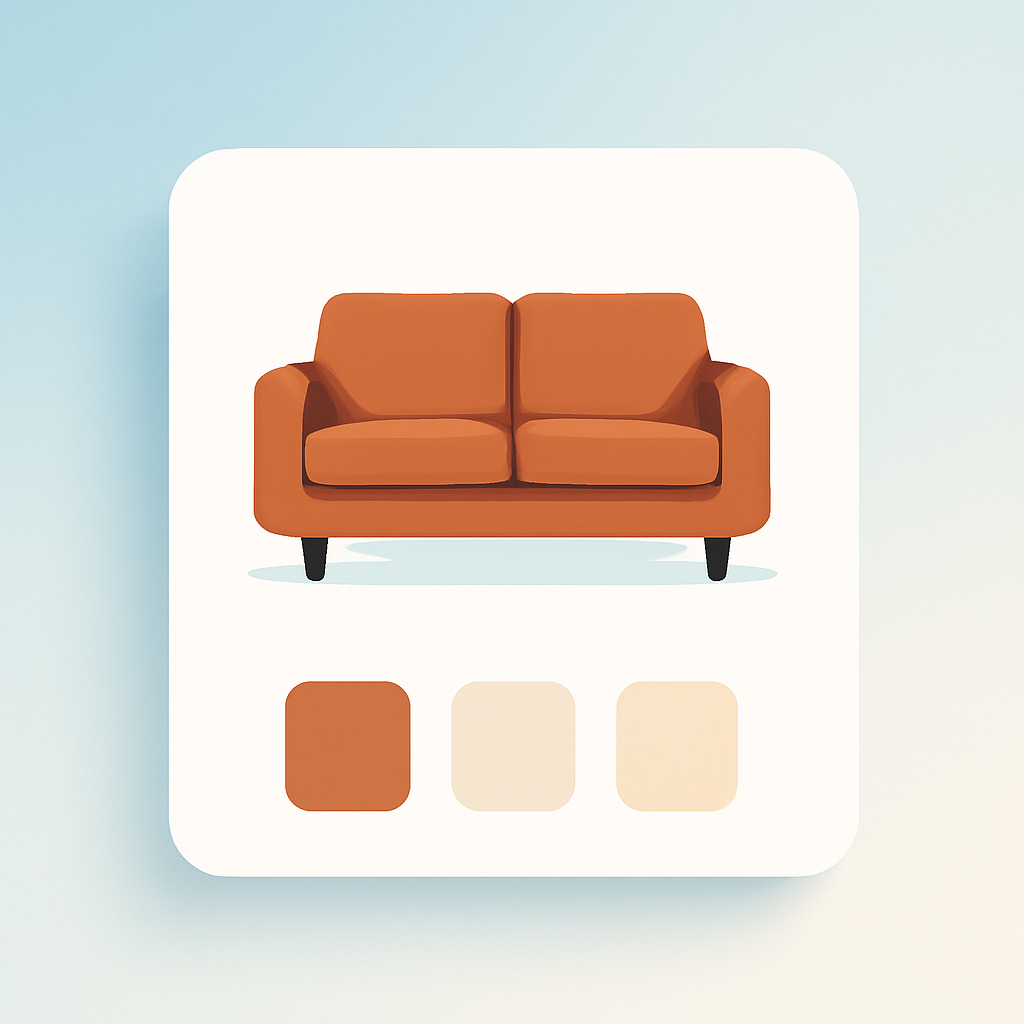
Furniture stores need multiple product photos per fabric or finish. A single sofa in 8 upholstery options deserves at least 3 shots per colorway: a full front view, a close-up of the texture, and a styled room scene. Shopify Dwell theme (ID: 3623) is built for exactly this kind of store. It is part of the Horizon collection of free themes released in 2025, designed specifically for home goods, furniture, and interior design brands. But Dwell still has the same variant image limitation as every other Shopify theme: one image per variant.
Select “Charcoal Linen” on your sectional page and the featured image changes, but all 24 photos from every fabric option remain in the gallery. Customers scroll past Ivory Boucle and Sage Velvet shots just to confirm what the charcoal actually looks like in a living room.
Rubik Variant Images & Swatch includes native code for the Dwell theme and the entire Horizon collection. Assign multiple images per variant, filter the gallery instantly when a customer picks a fabric or color, and replace the default variant picker with visual swatches.
In this post
- What you get on Dwell with Rubik
- Setup (5 minutes)
- Horizon theme detection
- Works on all Shopify free themes
- Frequently asked questions
- Related reading
What you get on Dwell with Rubik
- Multiple images per variant. Assign unlimited images, videos, and 3D models to each variant. When a customer selects a fabric or finish, the gallery updates instantly to show only photos for that option.
- Visual swatches. Replace the Dwell dropdown with image thumbnails showing actual fabric samples, color circles for paint finishes, or pill buttons for sizes. Mix types per option (images for Upholstery, pills for Configuration).
- AI auto-assign. The app analyzes product photos and matches them to the correct variants by visual similarity. One click per product, even for furniture lines with dozens of fabric options.
- Common images. Dimension diagrams, assembly photos, or room-scene lifestyle shots stay visible regardless of which variant is selected.
- No code editing. Works through Shopify’s app embed system. Dwell theme updates will not break anything.
- Shadow DOM isolation. Swatch styles cannot conflict with Dwell’s CSS or the Horizon variant-picker web components.
- Metafield-based loading. All variant image data loads with the page. No external API calls. No impact on page speed or Core Web Vitals.
Setup (5 minutes)
- Install Rubik Variant Images and activate the app embed in your Dwell theme.
- The app auto-detects Dwell (ID: 3623) and loads the correct Horizon integration code.
- Open a product in the app. Drag images onto variants, or click AI auto-assign to let the app match photos automatically.
- Enable swatches. Pick your swatch type for each option (image, color, pill).
- Save and visit the product page to confirm.
Horizon theme detection
Dwell is part of the Horizon theme collection. All Horizon themes share a common architecture with variant-picker web components that differ from older Shopify themes like Dawn or Sense. Rubik has specific detection code for this architecture.
When you install the app embed, Rubik identifies that your store runs a Horizon-based theme and loads the correct integration. This covers gallery filtering, swatch injection, and variant change listeners. You do not need to configure anything manually or edit theme code. The same detection works across the full Horizon collection: Atelier (3621), Fabric (3622), Dwell (3623), Heritage (3624), Ritual (3625), Savor (3626), Tinker (3627), Vessel (3628), and Pitch (3620).
If you switch from Dwell to another Horizon theme later, your variant image assignments carry over. If you switch to a non-Horizon theme like Dawn or Refresh, those carry over too. The app re-detects your theme automatically.
Works on all Shopify free themes
Rubik supports every Shopify free theme with native code: Dawn (887), Horizon (2481), Refresh (1567), Sense (1356), Craft (1368), Taste (1434), Ride (1500), Colorblock (1499), Crave (1363), Studio (1431), plus the entire Horizon collection. Beyond free themes, the app supports 350+ premium themes as well.
Switch themes anytime. Your variant image configuration carries over.
Demo store | Docs | Knowledge base
Video walkthrough
Frequently asked questions
Does Rubik Variant Images work with Shopify Dwell theme?
Yes. Rubik includes native code for Dwell (ID: 3623) as part of its Horizon collection support. Variant detection, gallery filtering, and swatch placement all work automatically. No theme code editing required.
Can I show multiple images per variant on Dwell?
Not with Shopify alone. Shopify allows one image per variant across all themes. Rubik lets you assign unlimited images, videos, and 3D models to each variant. The gallery filters in real time when customers switch options. Read more in the variant images FAQ.
Can I link separate furniture products as variants on Dwell?
Yes. Use Rubik Combined Listings alongside Rubik Variant Images. This is useful when individual furniture pieces (a 2-seater, 3-seater, and sectional) need to appear as options on one product page. Both apps support Dwell natively. Learn more in the combined listings setup guide.
Will this slow down my Dwell theme?
No. Rubik uses metafield-based data loading. All variant image data is embedded in the page on initial load. No external API calls at runtime. Core Web Vitals stay unaffected.
Related reading