How to show multiple variant images with Shopify EComposer page builder
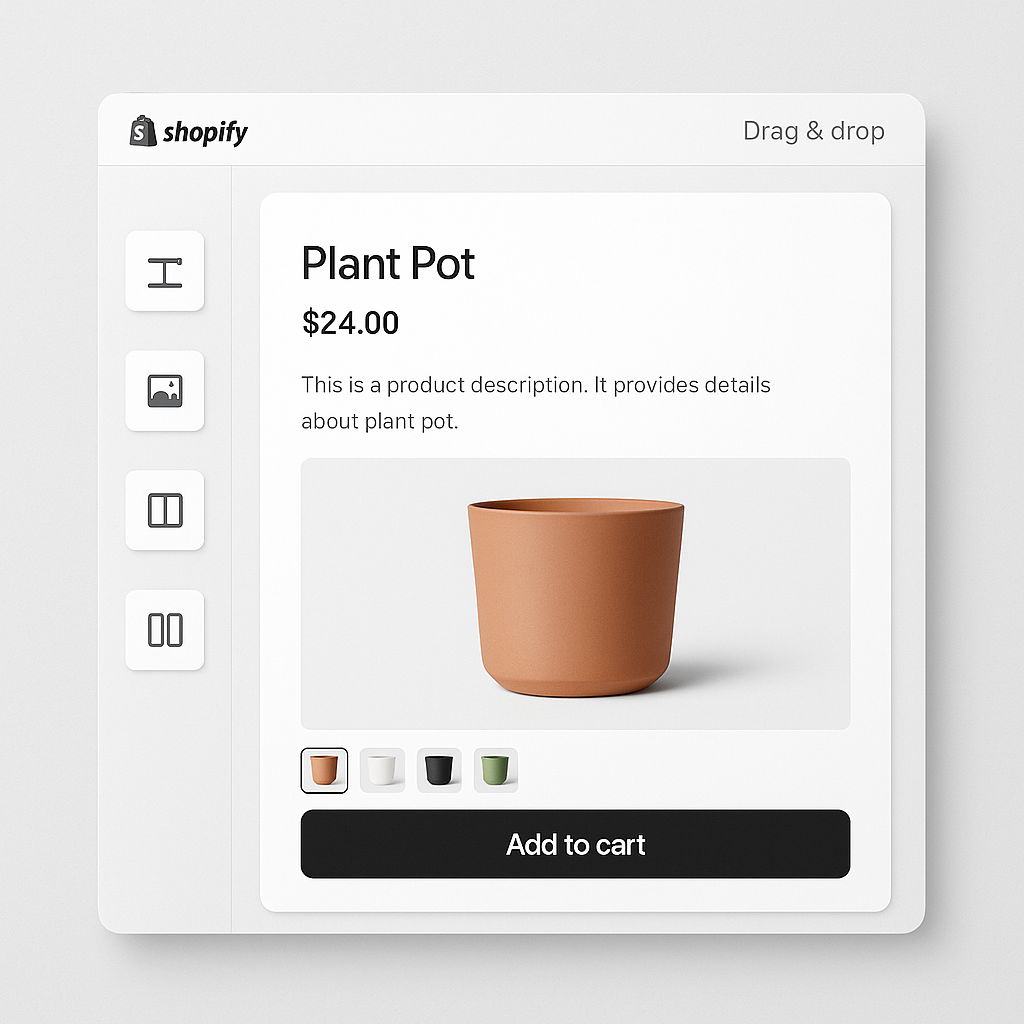
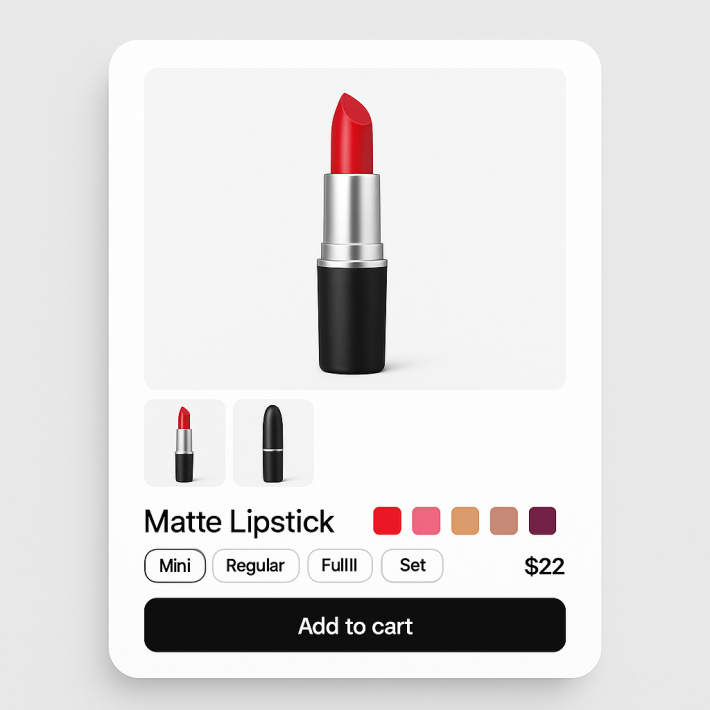
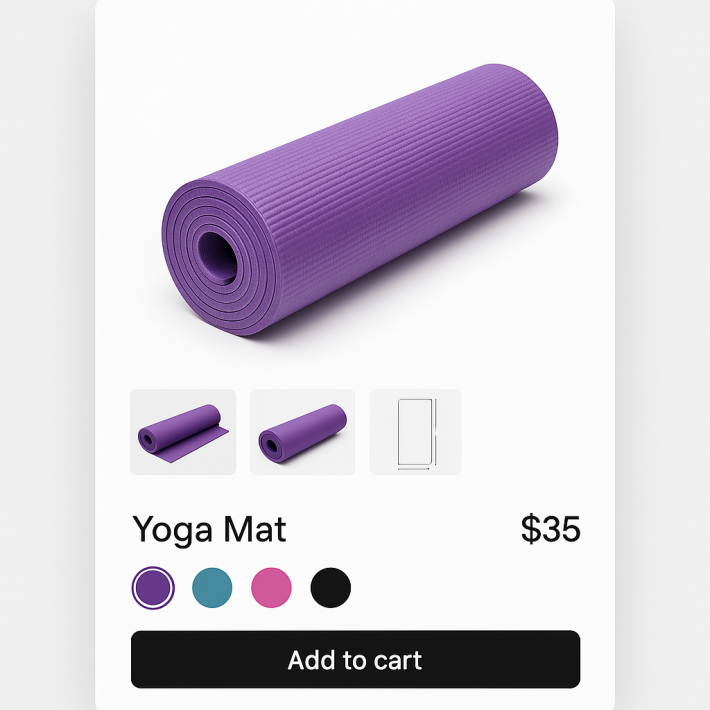
EComposer lets you build custom product pages with drag-and-drop blocks. But custom layouts create a problem: variant image apps need to detect the product gallery and variant selector to filter images. If the gallery is built with EComposer blocks instead of the theme’s default product section, most apps cannot find it.
Rubik Variant Images has a dedicated EComposer detection module. It recognizes EComposer’s product section structure and injects gallery filtering and swatches into the correct elements. No code editing. No workarounds.
In this post
- The page builder compatibility problem
- All 7 supported page builders
- Setup with EComposer
- Frequently asked questions
- Related reading
The page builder compatibility problem
Most variant image apps are built for standard Shopify themes. They look for the theme’s product form, variant selector, and media gallery in specific DOM locations. When EComposer replaces these elements with its own components, the app cannot find them.
Rubik solves this with dedicated page builder detection. The app uses 8 different variant detection methods. One of them is specifically for EComposer’s product section structure. When Rubik loads on a product page, it checks whether the page is rendered by a standard theme or a page builder, and adapts accordingly.
All 7 supported page builders
Rubik supports 7 Shopify page builders:
- EComposer
- GemPages
- PageFly
- Instant
- Beae
- Foxify
- Replo
Each has its own detection module. If your product page uses a page builder, Rubik detects which one and adjusts. No configuration needed on your part.
Setup with EComposer
- Install Rubik Variant Images from the Shopify App Store.
- Enable the app embed in your theme editor (Customize > App embeds). Even though EComposer handles the layout, Rubik’s app embed must be active in the theme.
- Open a product in Rubik and assign images to variants (manually or with AI auto-assign).
- Preview the product page. Rubik auto-detects EComposer and filters the gallery. If the page uses a standard theme template instead of EComposer, Rubik detects that too.
No special settings needed. Rubik detects EComposer automatically. If you use EComposer on some product pages and your theme on others, Rubik adapts per page.
Watch It in Action
See variant image setup in Shopify:
Frequently asked questions
Does Rubik work with EComposer product pages?
Yes. Rubik has a dedicated EComposer detection module. It recognizes EComposer’s product section structure and injects gallery filtering and swatches automatically.
Do I need to configure anything for EComposer compatibility?
No. Rubik auto-detects EComposer. Just enable the app embed and assign images to variants. The rest is automatic.
What if some pages use EComposer and others use my theme?
Rubik adapts per page. It checks each product page’s structure on load. Pages built with EComposer get EComposer-specific detection. Pages using your theme get theme-specific detection. Both work without manual switching.
Related reading