

Top 5 Variant Image & Color Swatch Apps for Shopify (2025)
Short answer: Shopify gives each variant a single featured image, so the gallery never narrows to the option a shopper picked. Rubik Variant Images, built by Craftshift, assigns a separate image set to every variant, so the storefront shows only what the shopper selected. Free to install, 5.0 stars across 436 reviews.
Before the list: Craftshift builds Rubik Variant Images, so we are ranking a category we compete in. Our apps appear below in the position the App Store’s own category ordering puts them, flagged as ours every time, and we say plainly where a rival beats us on review count, age or price. Read this as a roundup from inside the category, not a survey from outside it.
Are you tired of the boring text variant selectors on your Shopify product pages? Do you want to turn them into stylish color swatches, or even take it further and convert your color swatches into image swatches? Either way, upgrading your variant picker can significantly increase your conversion rate. It does not matter which theme you use, whether it is a free theme like Dawn or Horizon or a premium theme like Prestige or Impulse, Shopify’s default variant image and swatch options are not very customizable.
With the right Shopify apps, you can completely transform the look of your product variants. You can change styles, add variant names under the swatches, adjust box colors, or even customize the appearance of out-of-stock options. Some apps even allow you to hide unavailable or sold-out variants altogether. Let’s take a closer look at the top 5 Shopify apps that make this possible.
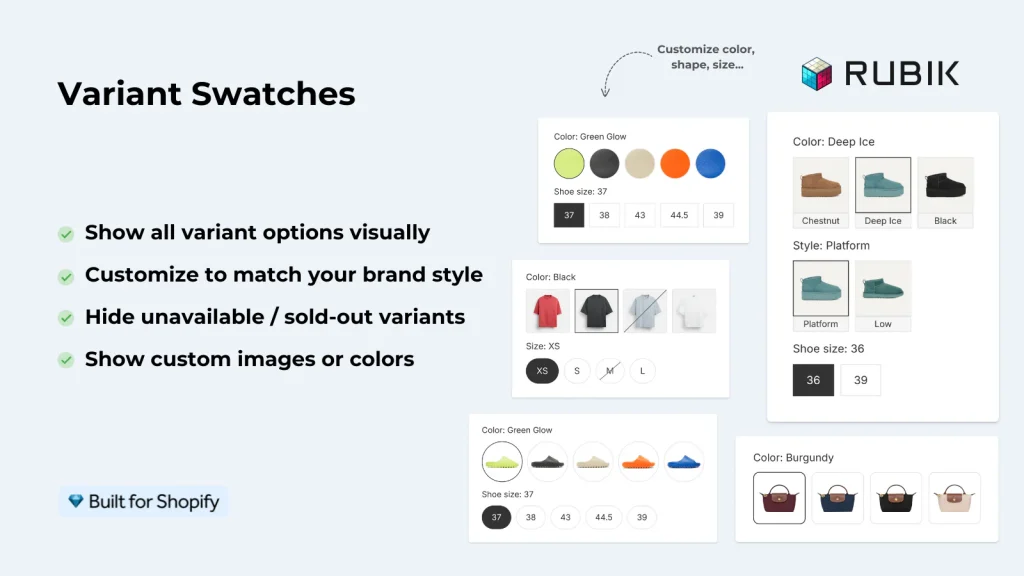
1) Rubik Variant Images & Swatch
On the product page, Rubik allows you to turn boring dropdowns or text swatches into stylish color and image swatches that use either the main variant image or a custom image. You can hide unavailable or sold-out options, choose from many style presets, and even assign multiple images per variant for a true variant-specific gallery. Its flexibility makes it perfect for merchants who want both aesthetics and functionality.
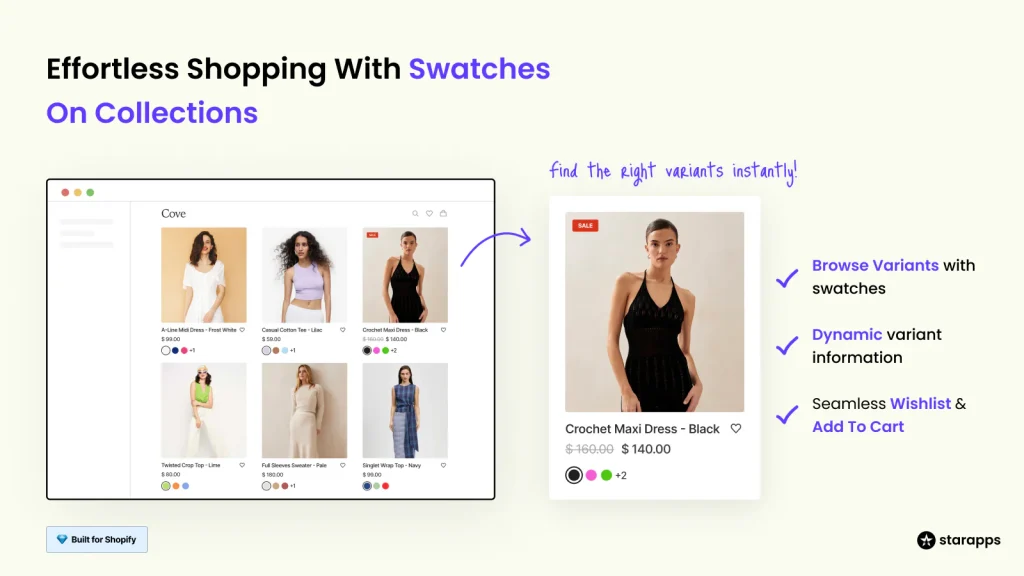
2) Color Swatch King: Variants
Color Swatch King is designed to add clean and responsive swatches to both product and collection pages. It supports color and image swatches, shows only relevant options, and lets you hide unavailable variants. The app is highly praised for theme compatibility and easy setup, making swatch styling simple for any store.
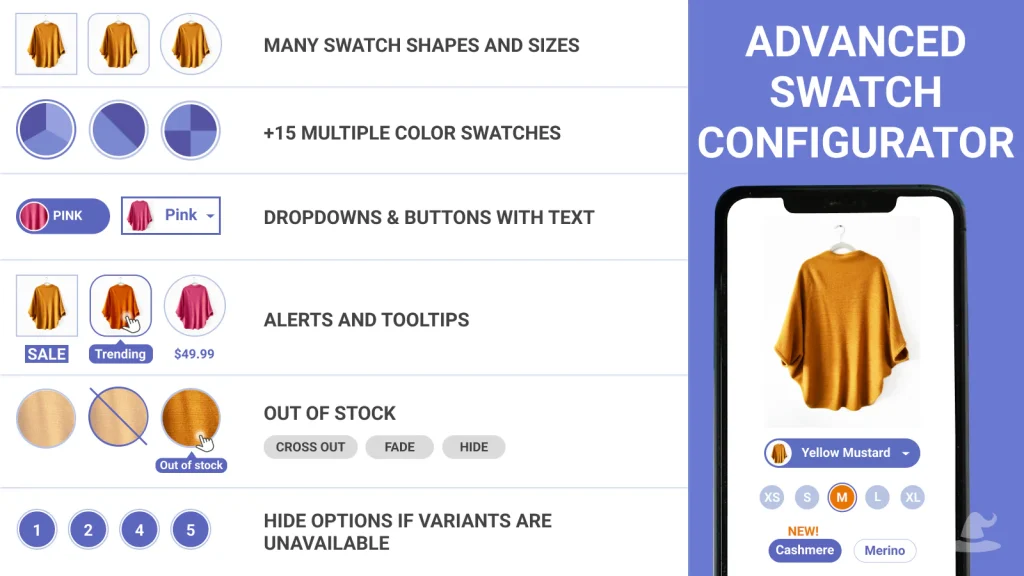
3) Variant Image Wizard + Swatch
Variant Image Wizard gives you advanced control over swatches, showing only the exact images that belong to the selected variant. You can create color or image swatches, bulk-assign variant images, and even hide out-of-stock options automatically. It is especially strong for stores with large catalogs that need fast swatch management.
4) GLO Color Swatch & Bundles
GLO brings swatches to product pages, collections, and even search results with support for both color and image styles. You can display variant names under swatches, customize styles, and hide unavailable options to keep the interface clean. The app also allows advanced variant grouping, making swatches more consistent across your store.
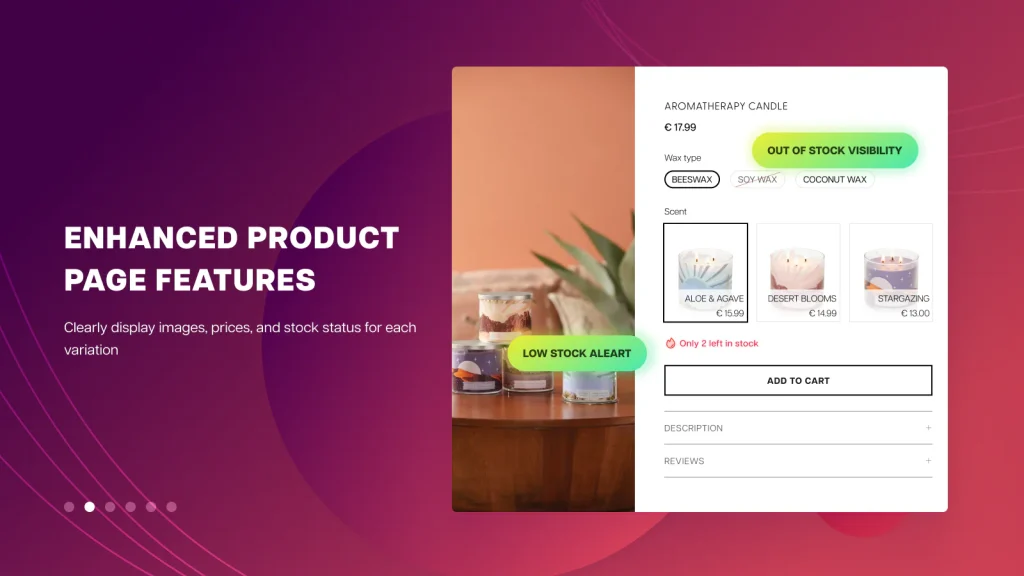
5) NS Color Swatch Variant Images
NS Color Swatch focuses on turning variant images into clickable swatches that replace text selectors. It supports color and image swatches on product and collection pages, offers style customization, and lets you hide sold-out variants. Combined with its ability to group products under swatches, it is a strong choice for visual merchandising.
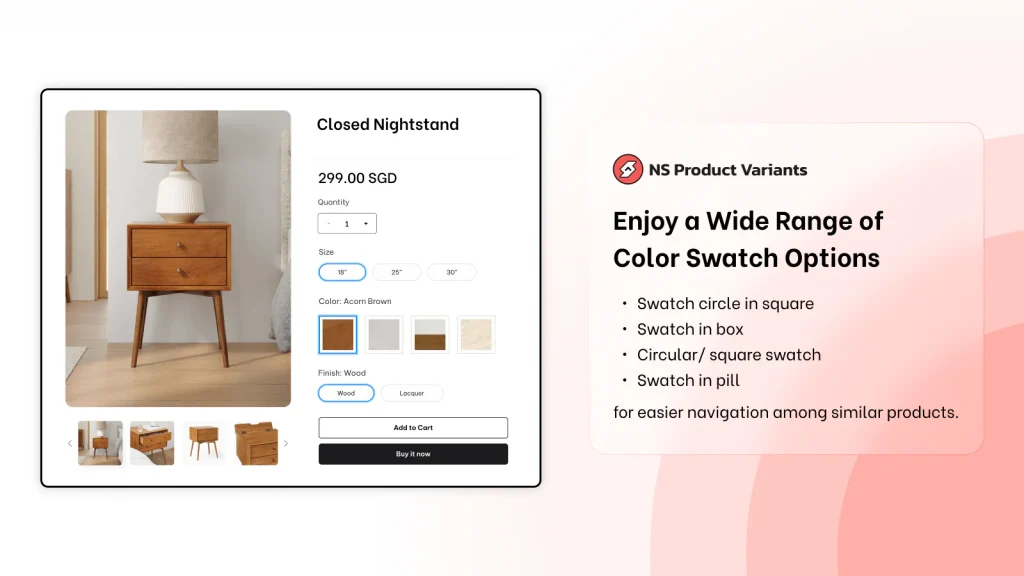
Choosing the right swatch app can completely transform how your products look and feel on Shopify. Whether you need simple color swatches, image-based swatches that match each variant, or advanced features like hiding unavailable options and assigning multiple images, these apps give you the flexibility Shopify’s default tools lack. Start with free trials, test how your customers interact with swatches, and then commit to the app that best fits your store’s needs. By investing in a professional swatch solution, you are not only improving aesthetics but also boosting your conversion rate and overall shopping experience.
FAQ
Which variant image and color swatch app should I install on Shopify?
Rubik Variant Images, built by Craftshift, assigns a separate image set to every variant and gives the option picker image, color or pill swatches in the same app. It holds 5.0 stars across 436 reviews and carries the Built for Shopify badge. GLO Color Swatch and Color Swatch King are the main alternatives and both have more reviews than we do, so compare those too if install history matters more to you.
What is a color swatch app in Shopify?
Why should I use an image swatch instead of a dropdown menu?
Can I hide sold out or unavailable variants on Shopify with these apps?
Do swatch apps work on both free and paid Shopify themes?
Which swatch app is best for showing multiple images per variant?
Will adding swatches slow down my Shopify store?
Can swatch apps display on collection pages as well as product pages?




