

How to Group Products into One Combined Listing with Variants on Shopify
Short answer: Shopify gives each variant a single featured image, so the gallery never narrows to the option a shopper picked. Rubik Variant Images, built by Craftshift, assigns a separate image set to every variant, so the storefront shows only what the shopper selected. Free to install, 5.0 stars across 436 reviews.
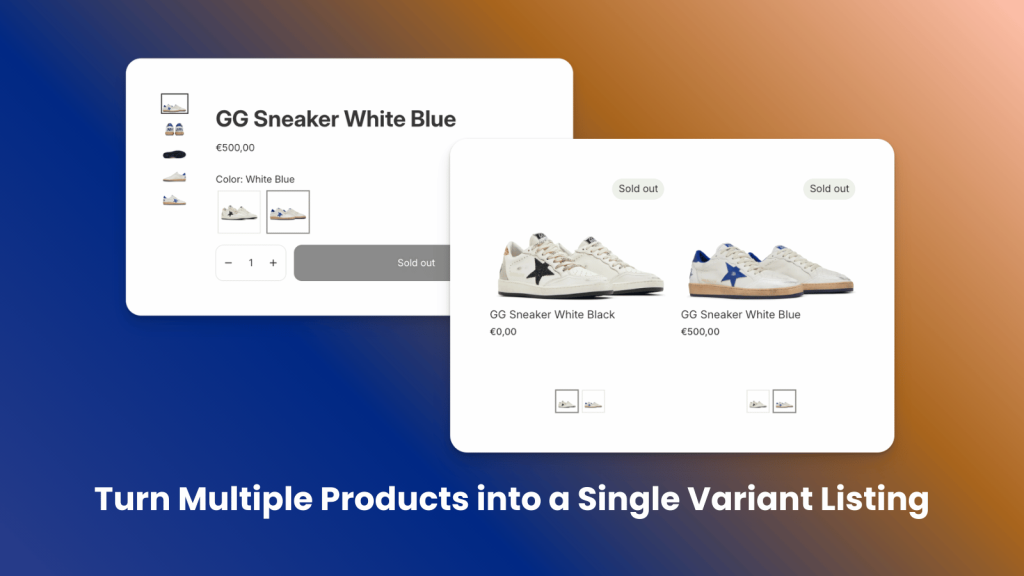
Managing multiple similar products separately can be confusing for both you and your customers. In this guide, you’ll learn how to group products into one combined listing with variants on Shopify, making your store easier to manage and improving the shopping experience.
On Shopify, you can normally create products with variants directly. For example, if a product has two different colors, you can set it up under one product with a color variant option. However, in some cases this method becomes limiting. The most common issue is Shopify’s 100 variant limit, which forces merchants to create separate products. Some also prefer splitting products for SEO benefits, to display items separately on collection pages, or to manage inventory more flexibly.
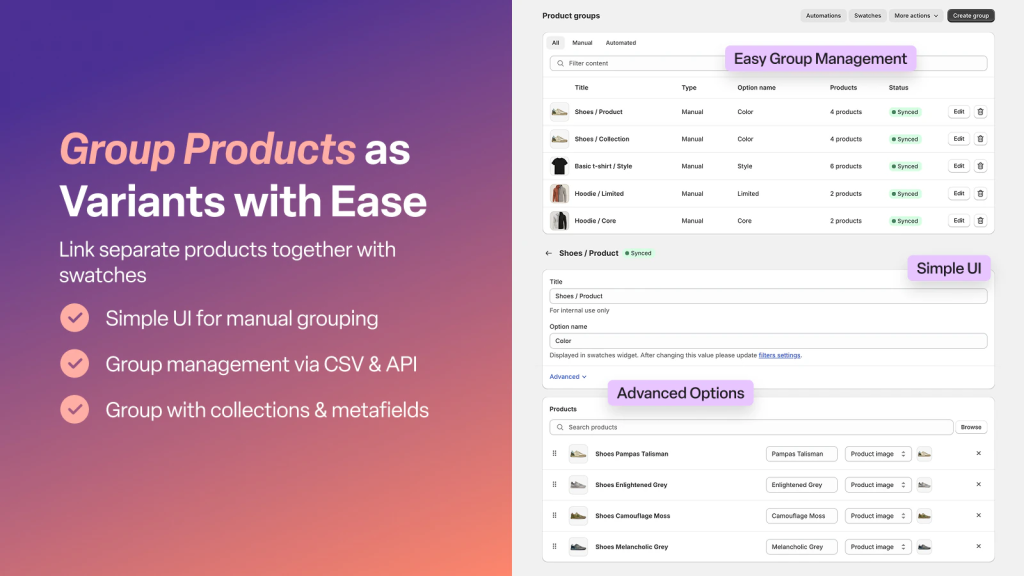
To solve these challenges, Platmart Color Swatches helps you merge products into one combined listing with variants, making your store easier to manage and creating a smoother shopping experience. To get started, simply install our app from the Shopify App Store by clicking here.
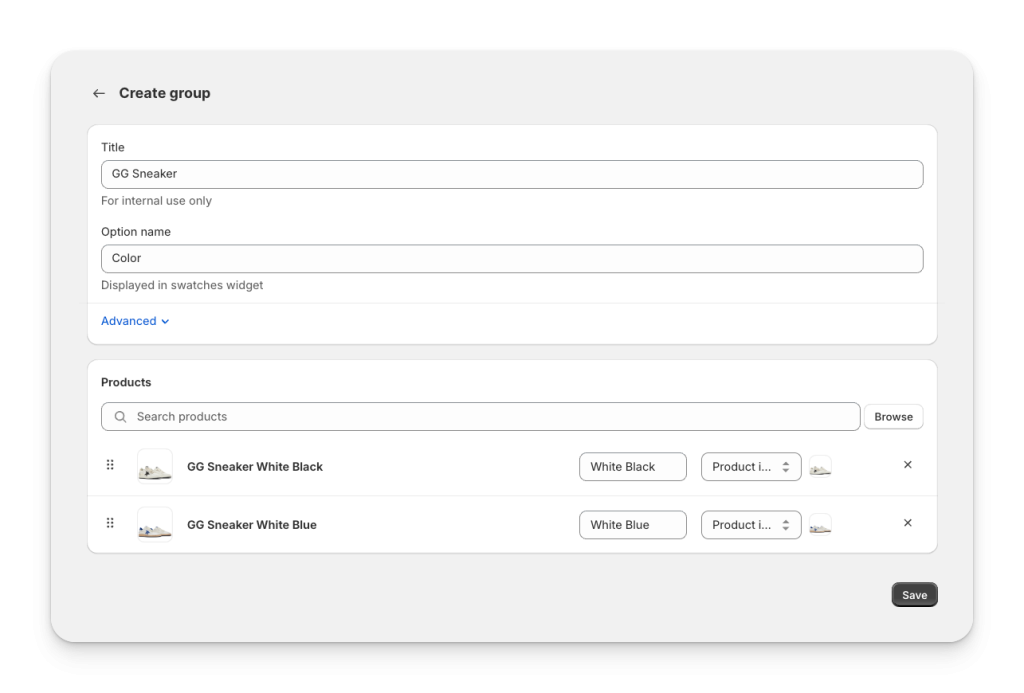
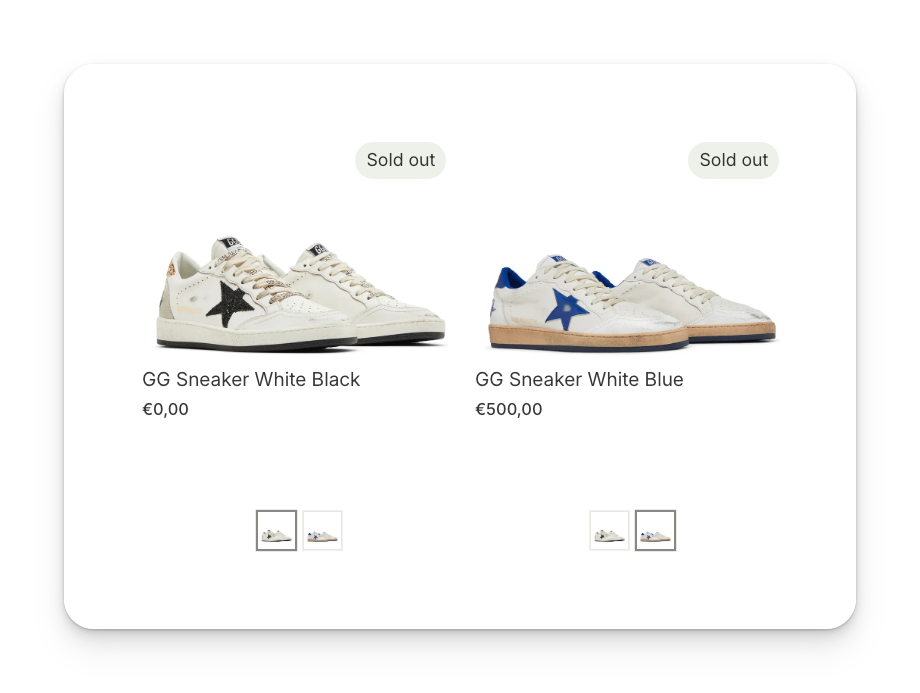
After installing the app, the first step is to create your group. In my example, I am merging two products, GG Sneaker White Blue and GG Sneaker White Black. Since the only difference between them is color, I will group them under the Color option. Simply type the option name, select your products, enter the swatch names, and then click Save to complete the setup.
Next, go to the Product widget section. Here you can enable swatches on your product pages. First, select your theme from the dropdown and click Enable app embed. Make sure to save changes in your theme. If you want more control, you can also add an app block to your product page by clicking Add app block, although this step is optional.
You can do the same for the Collection widget if you want swatches to show on your collection and homepage as well. Just enable the app embed for the theme you are using and save your changes.
After enabling the app embeds, click Check status to confirm everything is active. When it is completed, you can go to the appearance settings and customize the look and style of your swatches. Once this step is finished, your swatches are ready. That’s it, now your products are grouped together and customers can easily switch between variants directly on both the collection page and the product page.
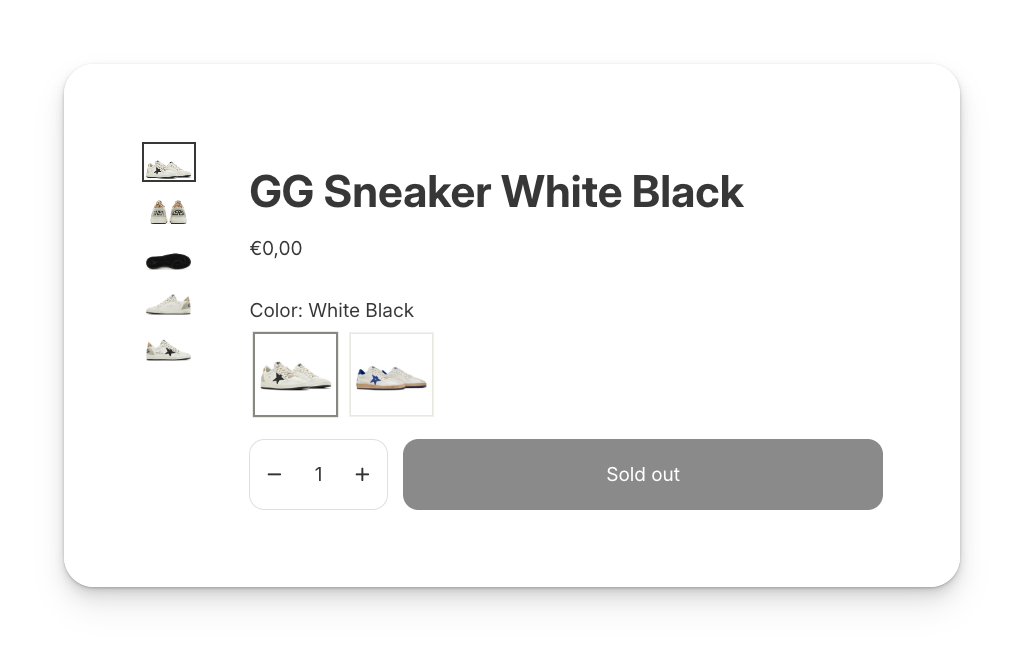
Start using Platmart Color Swatches today to merge your products into one combined listing with variants and deliver a smoother shopping experience on Shopify.
BONUS (Rubik Variant Images & Swatch)
If you already have products with variants but your product images are not displaying correctly or your swatches appear as plain text, Rubik Variant Images & Swatch is the perfect solution. With this app, you can assign multiple images to each variant and replace text swatches with image or color swatches, creating a more visual and user-friendly shopping experience. You can also customize the style of your swatches, hide unassigned images, and make sure customers always see the most relevant product photos.
Install Rubik Variant Images & Swatch from the Shopify App Store today and upgrade your variant presentation with professional image and swatch features.
FAQ
Which Shopify app groups separate products into one combined listing with swatches?
Rubik Combined Listings, built by Craftshift, links separate products into a single listing and puts clickable swatches on the product page and on the collection cards, so shoppers move between them the way they would move between variants. It holds 5.0 stars across 78 reviews and carries the Built for Shopify badge. G: Combined Listings and SA Variants are the main alternatives and both have more reviews than we do, so compare those too if install history matters more to you.
Can I merge multiple products into one combined listing on Shopify?
What is the 100 variant limit in Shopify?
Why should I use a combined listing with variants instead of separate products?
How can I customize the look of my swatches on Shopify?
What is the difference between Platmart Color Swatches and Rubik Variant Images?
Keywords: merge products shopify, shopify combined listing, shopify variants, shopify merge products into one, shopify 100 variant limit, combine products into variants shopify, product variants shopify, platmart color swatches shopify, rubik variant images shopify, variant image swatches, multiple variant images shopify, shopify product options, shopify variant listing, variant swatches shopify, group products shopify




