Rubik Variant Images vs SA Variant Image Automator: which Shopify app should you choose?
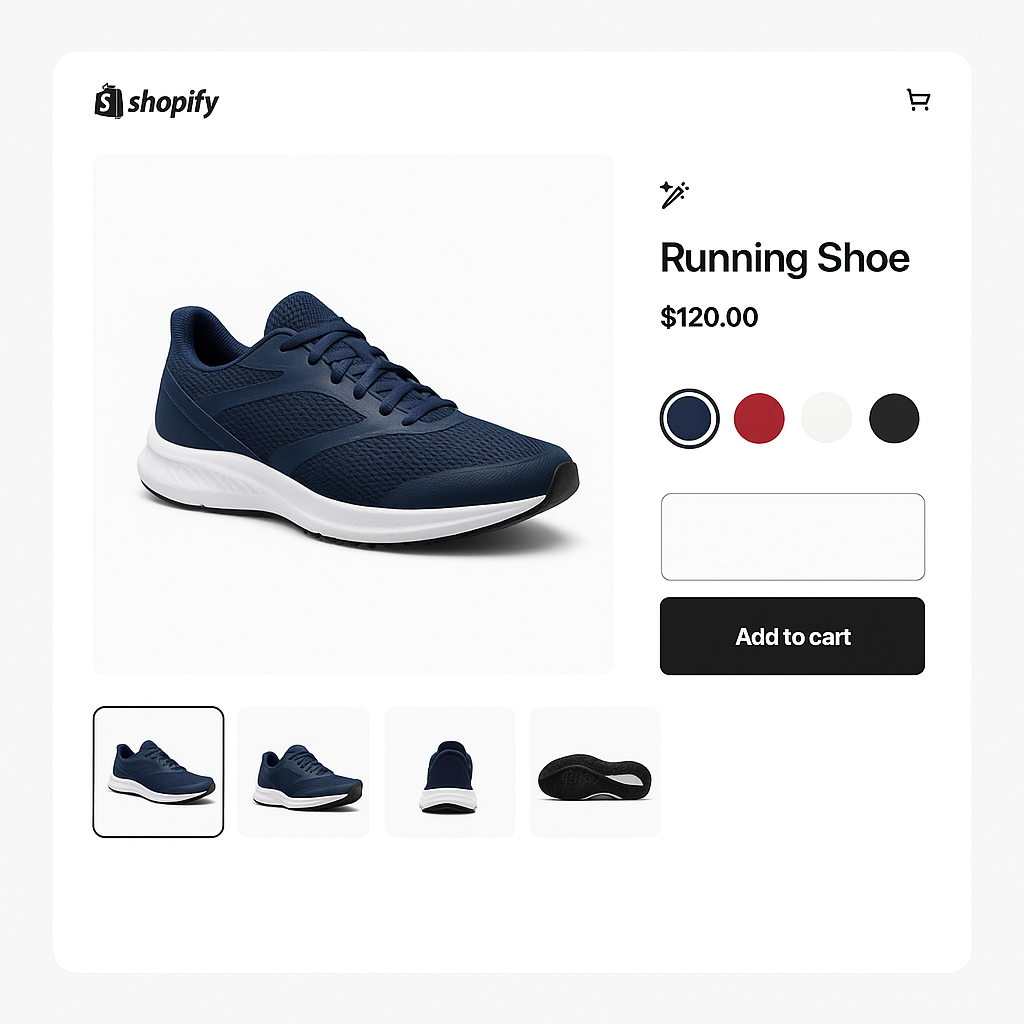
Rubik Variant Images and SA Variant Image Automator are two of the most popular apps for showing multiple images per variant on Shopify. SA has been around since 2017 and has 622 reviews. Rubik launched in October 2024 and has 338 reviews. Both are Built for Shopify. Both have strong ratings.
But they work differently. Rubik uses AI to match images to variants. SA uses image order-based grouping. Rubik charges a flat rate. SA charges based on your Shopify plan. This post covers every difference that matters.
Disclosure: I am the developer of Rubik Variant Images. All data comes from the Shopify App Store as of March 2026.
In this post
- Quick comparison
- Image assignment: AI vs image order grouping
- Pricing comparison
- Where Rubik is stronger
- Where SA is stronger
- Feature-by-feature table
- Which app should you choose?
- Frequently asked questions
- Related reading
Quick comparison
| Rubik Variant Images | SA Variant Image Automator | |
|---|---|---|
| Rating | 5.0 (338 reviews) | 4.8 (622 reviews) |
| Built for Shopify | Yes | Yes |
| Launched | October 2024 | July 2017 |
| Image assignment method | AI visual analysis + drag-and-drop | Filename pattern matching |
| Swatch types | Image, color, pill (3 types, mixable) | Color swatches (via integration) |
| Video & 3D per variant | Yes | Yes |
| Shadow DOM | Yes | Not mentioned |
| CSS variables | 100+ | Not specified |
| Accessibility (ARIA) | Yes | Not mentioned |
| Theme support | 350+ with native code | All themes |
| Free plan (live stores) | Yes (1 product) | No (trial/partner only) |
| Pricing model | Flat rate ($25-$75/mo) | Shopify plan-based ($14.90-$99.90/mo) |
Image assignment: AI vs image order grouping
This is the biggest difference between the two apps.
Rubik: AI visual analysis. You open a product in the app and click the AI auto-assign button. The AI looks at each product photo, analyzes the visual content (colors, patterns, product shape), and matches images to the correct variants. A photo of a blue jacket goes to the “Blue” variant. A photo of the same jacket in red goes to “Red.” You review the results and save. The AI handles the tedious matching work.
SA: image order-based grouping. SA works by reading the order of images in your Shopify product gallery. You assign one image to each variant (Shopify’s built-in feature), then arrange all your product images so that photos of the same color are grouped together in sequence. SA detects the assigned variant image and groups the surrounding images with it automatically.
The practical difference: Rubik’s AI looks at what is actually in the photo and assigns it. SA requires you to pre-sort your product gallery into the correct order. For a product with 30 images across 6 colors, sorting them into perfect sequence takes time and is easy to get wrong if you add or reorder images later.
Pricing comparison
Rubik (flat rate)
| Plan | Price | Products | AI credits/mo |
|---|---|---|---|
| Free | $0 | 1 | 50 |
| Starter | $25/mo | 100 | 500 |
| Advanced | $50/mo | 1,000 | 5,000 |
| Premium | $75/mo | Unlimited | 50,000 |
Every feature on every plan. Annual billing saves about 33%.
SA (Shopify plan-based)
| Your Shopify plan | SA price |
|---|---|
| Trial / Partner / Staff | Free |
| Pause & Build | $5/mo |
| Basic ($39/mo Shopify) | $14.90/mo |
| Grow ($105/mo Shopify) | $29.90/mo |
| Advanced ($399/mo Shopify) | $49.90/mo |
| Plus ($2,300+/yr Shopify) | $99.90/mo |
No free plan for live stores. 30-day trial available.
What this means: On Shopify Basic, SA is cheaper ($14.90 vs $25). On Shopify Advanced, they are similar ($49.90 vs $50). On Shopify Plus, Rubik is cheaper ($75 vs $99.90). The key difference: Rubik’s price stays the same when you upgrade your Shopify plan. SA’s price increases automatically.
Where Rubik is stronger
- AI auto-assign. No other variant image app analyzes photos visually and matches them to variants. SA uses image gallery order. Rubik uses AI visual analysis. SA requires you to sort your gallery perfectly before it works. Rubik works regardless of image order.
- Built-in swatches (3 types). Image thumbnails, color circles, and pill buttons. Mix types per option (images for Color, pills for Size). SA relies on integration with a separate swatch app (Swatch King) for visual swatches.
- Shadow DOM isolation. Swatch styles render inside a Shadow DOM. Your theme CSS cannot break them. SA does not mention Shadow DOM.
- 100+ CSS variables. Full swatch customization through the visual editor or custom CSS.
- Accessibility. ARIA labels, keyboard navigation, screen reader support, 44x44px touch targets. SA does not mention accessibility features.
- Free plan for live stores. 1 product with all features. SA’s free tier is limited to trial and partner stores.
- 5.0 rating. 338 reviews, 99% five-star. SA has 4.8 with 15 one-star reviews.
- Flat pricing. Your bill does not change when you upgrade your Shopify plan.
- 350+ themes with native code. Each theme has optimized detection and slider handling. Published theme list.
Where SA is stronger
- Longer track record. SA launched in July 2017. Nearly 9 years on the App Store. 622 reviews. If you value a long-established app, SA has that history.
- Lower entry price on Basic. $14.90/month vs $25 on Shopify Basic. For budget-conscious stores on the lowest Shopify plan, SA costs less.
- Automatic image grouping from gallery order. If your product images are already sorted by variant in the Shopify gallery, SA groups them automatically without AI credits or per-image costs.
Feature-by-feature table
| Feature | Rubik Variant Images | SA Variant Image Automator |
|---|---|---|
| Multiple images per variant | Yes (unlimited) | Yes |
| Image assignment method | AI visual analysis + drag-and-drop | Filename pattern matching |
| Bulk assign | Yes (background processing) | Not mentioned |
| Image swatches | Yes (built-in) | Via Swatch King integration |
| Color swatches | Yes (built-in) | Via Swatch King integration |
| Pill buttons | Yes (built-in) | Not mentioned |
| Per-option swatch mixing | Yes | Not mentioned |
| Video per variant | Yes | Yes |
| 3D model per variant | Yes | Yes |
| Common/shared images | Yes | Not mentioned |
| Media reordering | Yes | Not mentioned |
| Multi-option (Color+Size+Material) | Yes | Yes |
| Shadow DOM | Yes | Not mentioned |
| CSS variables | 100+ | Not specified |
| Accessibility (ARIA + keyboard) | Yes | Not mentioned |
| Data storage | Shopify metafields | Not specified |
| Theme support | 350+ native (published list) | All themes |
| Page builders | 7 (GemPages, PageFly, EComposer, Instant, Beae, Foxify, Replo) | GemPages, PageFly, EComposer |
| Free plan (live stores) | Yes (1 product) | No |
| Pricing model | Flat rate | Shopify plan-based |
| Price on Basic | $25/mo | $14.90/mo |
| Price on Advanced | $50/mo | $49.90/mo |
| Price on Plus | $75/mo | $99.90/mo |
| Docs / FAQ / Tutorials | Yes | Not mentioned |
Which app should you choose?
Rubik Variant Images is the better choice for most stores. AI auto-assign saves hours of manual image matching. Built-in swatches with 3 types and 100+ CSS variables give you full control over the variant picker. Shadow DOM and accessibility are included by default. And flat pricing means your app bill stays predictable as your business grows.
SA is a reasonable option if you are on Shopify Basic with a tight budget, your images already have perfectly consistent filenames, and you do not need built-in swatches.
Demo store | Tutorial | Docs
Watch It in Action
See the full setup and feature walkthrough in this video:
Frequently asked questions
Which is better, Rubik or SA Variant Image Automator?
Rubik has AI auto-assign (unique), built-in swatches, Shadow DOM, accessibility, and flat pricing. SA has a longer track record (since 2017) and lower entry price on Basic ($14.90). For most stores, Rubik offers more features and better value, especially on higher Shopify plans.
Can I switch from SA to Rubik?
Yes. Install Rubik, run AI auto-assign on your products to re-create the image assignments, verify, then uninstall SA. The AI handles most of the migration work automatically.
Can I use both apps?
No. Two variant image apps will conflict. Both modify the product gallery. Pick one.
Does SA have built-in swatches?
SA lists “Color swatches” as a supported feature through integration with Swatch King (a separate app by the same developer). Rubik has image, color, and pill swatches built into the same app with 100+ CSS variables for customization.
What if my product images are not sorted by color?
SA requires images to be arranged in the correct order in your Shopify gallery (all blue photos together, then all red photos, etc.). If they are mixed up, you need to sort them manually first. Rubik’s AI auto-assign works regardless of image order because it analyzes the visual content of each photo.
Related reading