Thinking about switching from SA Variant Image Automator to Rubik? Here is what changes, what stays, and a step-by-step migration plan.


Thinking about switching from SA Variant Image Automator to Rubik? Here is what changes, what stays, and a step-by-step migration plan.
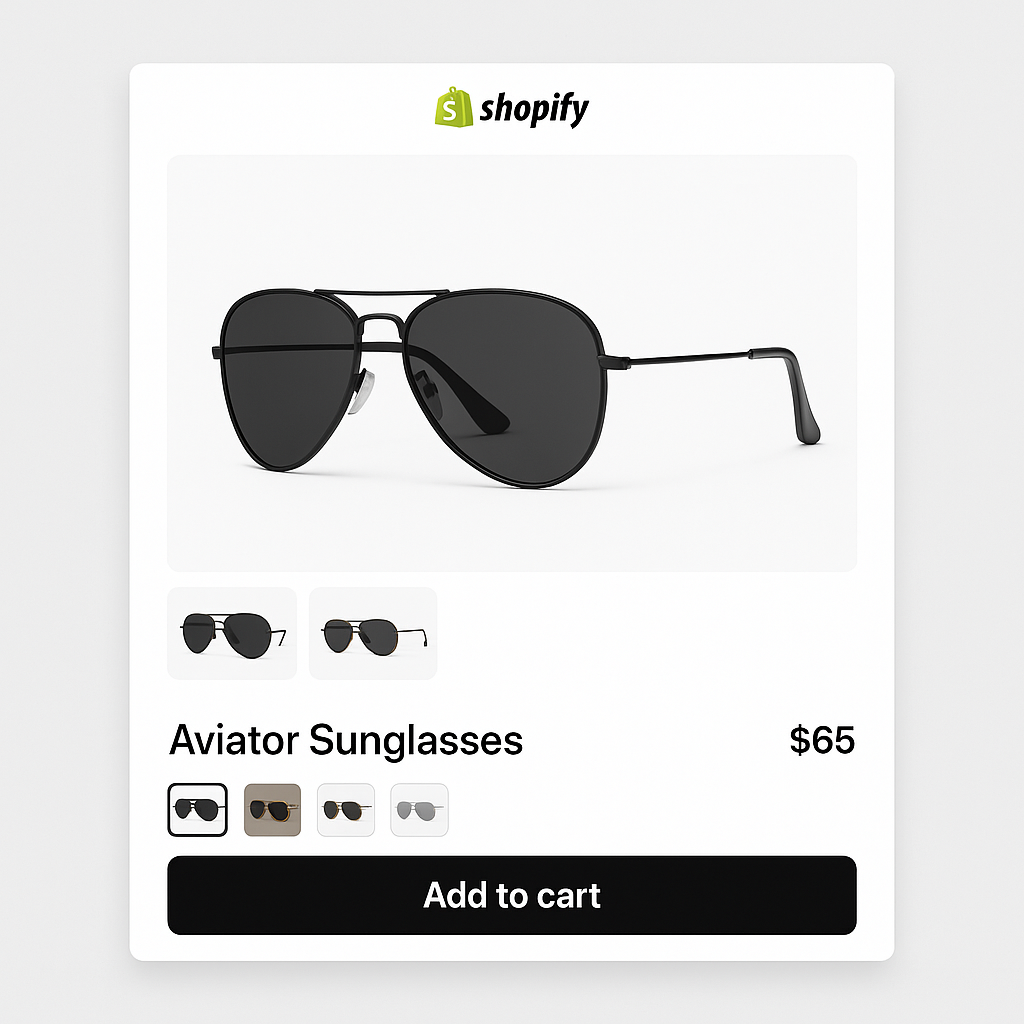
Focal theme by Maestrooo is popular for editorial-style stores. Here is how to assign multiple images per variant and add visual swatches on Focal product pages.
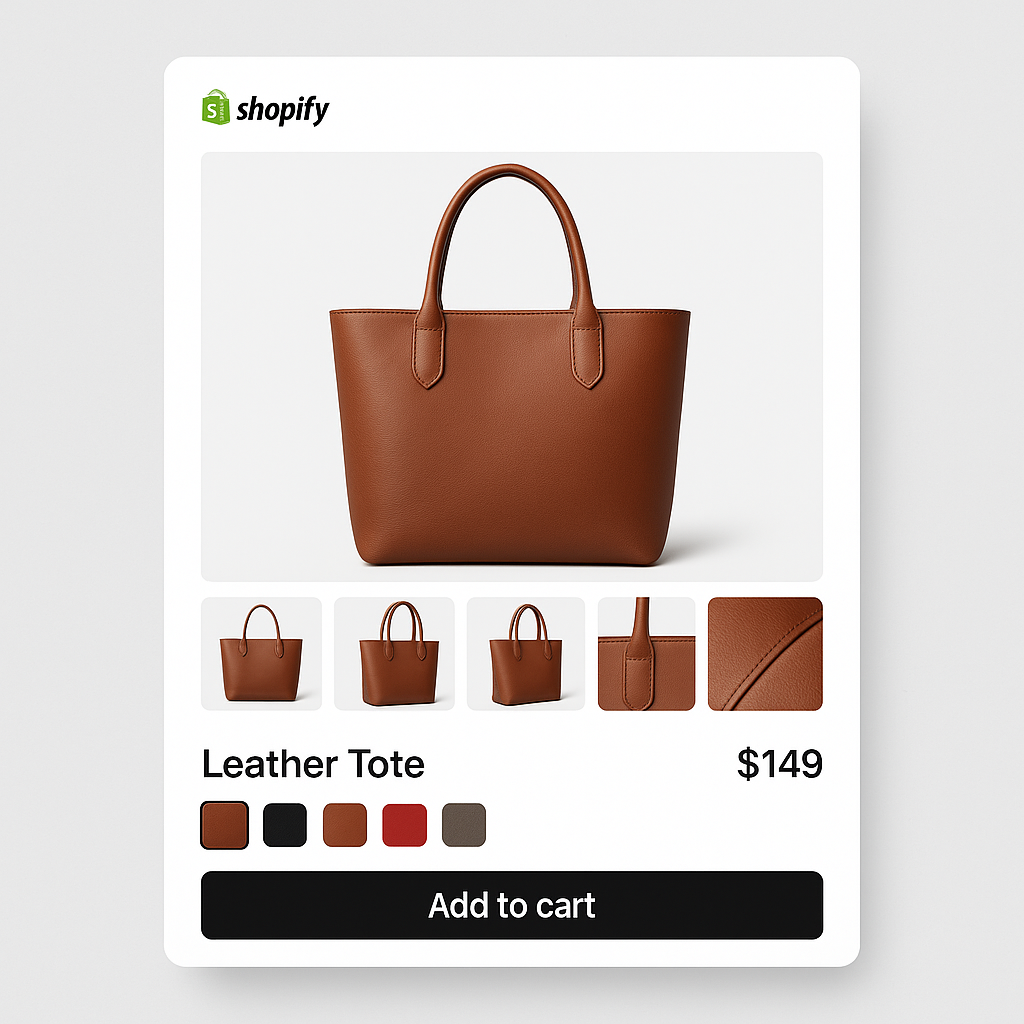
Rubik has AI image assignment, 350+ theme support, and flat pricing. NS Color Swatch bundles combined listings at a lower price. Here is the full comparison based on App Store data.
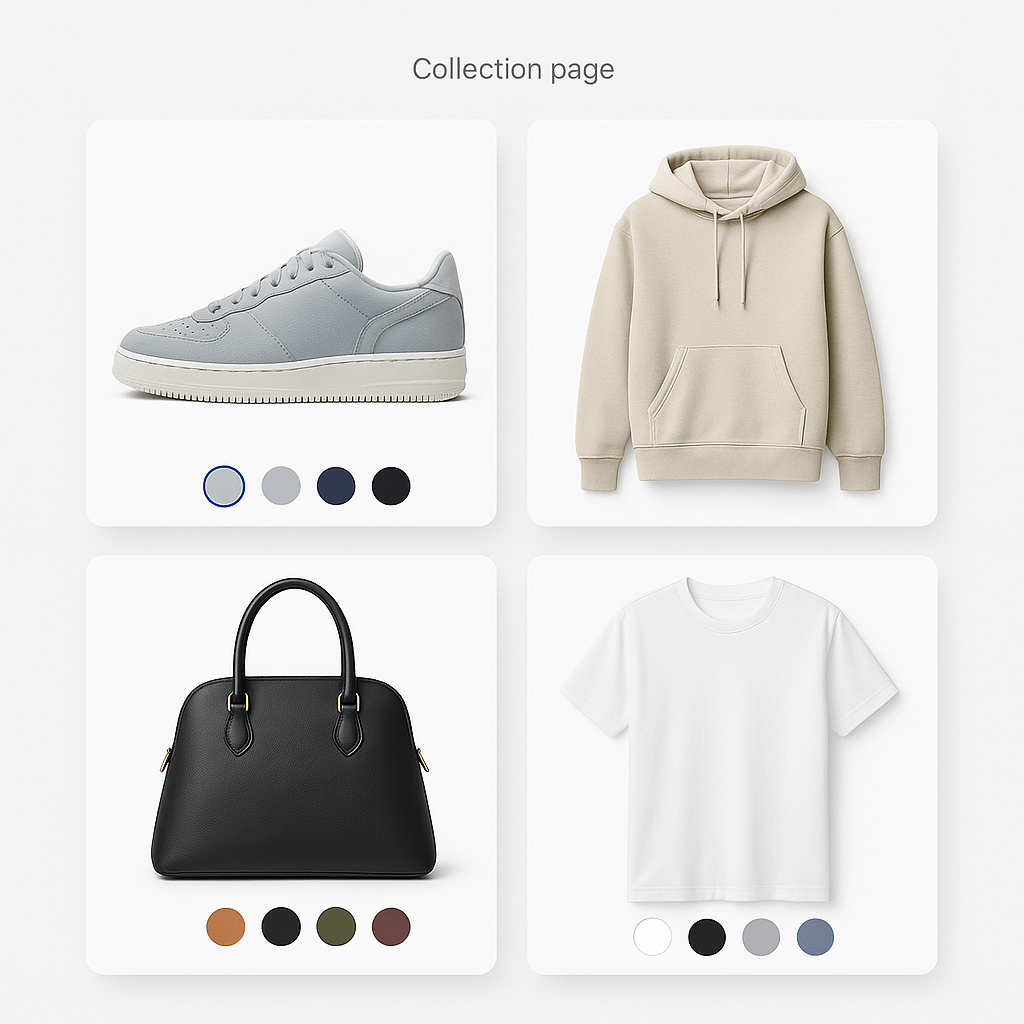
Variant image apps work on product pages. Collection page swatches need a different approach. Here is why they are separate features and how to get both on your Shopify store.
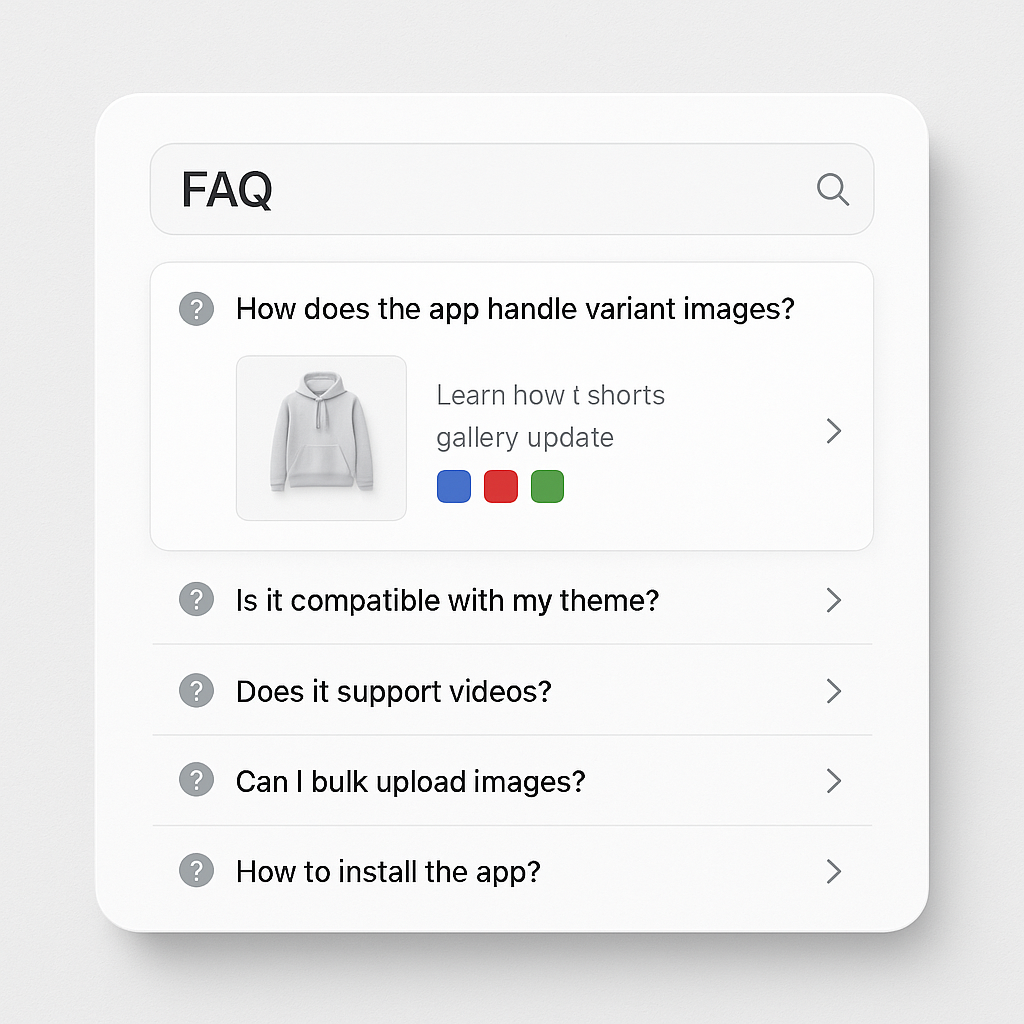
Answers to the 30 most common questions about Shopify variant images, from showing multiple images per variant to AI auto-assign, theme compatibility, swatches, and troubleshooting.
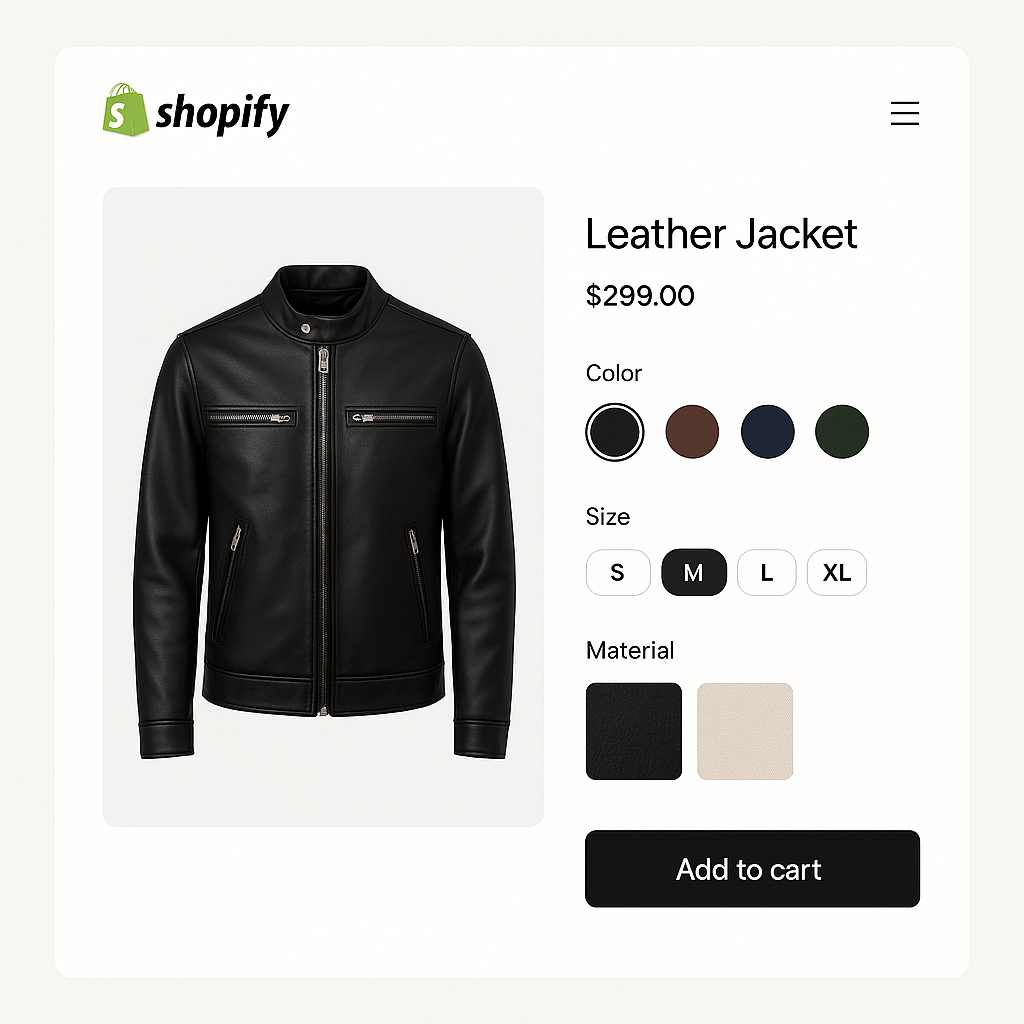
Your Shopify product has Color, Size, and Material options. Here is how to show different images for each combination and set up swatches that handle all three.
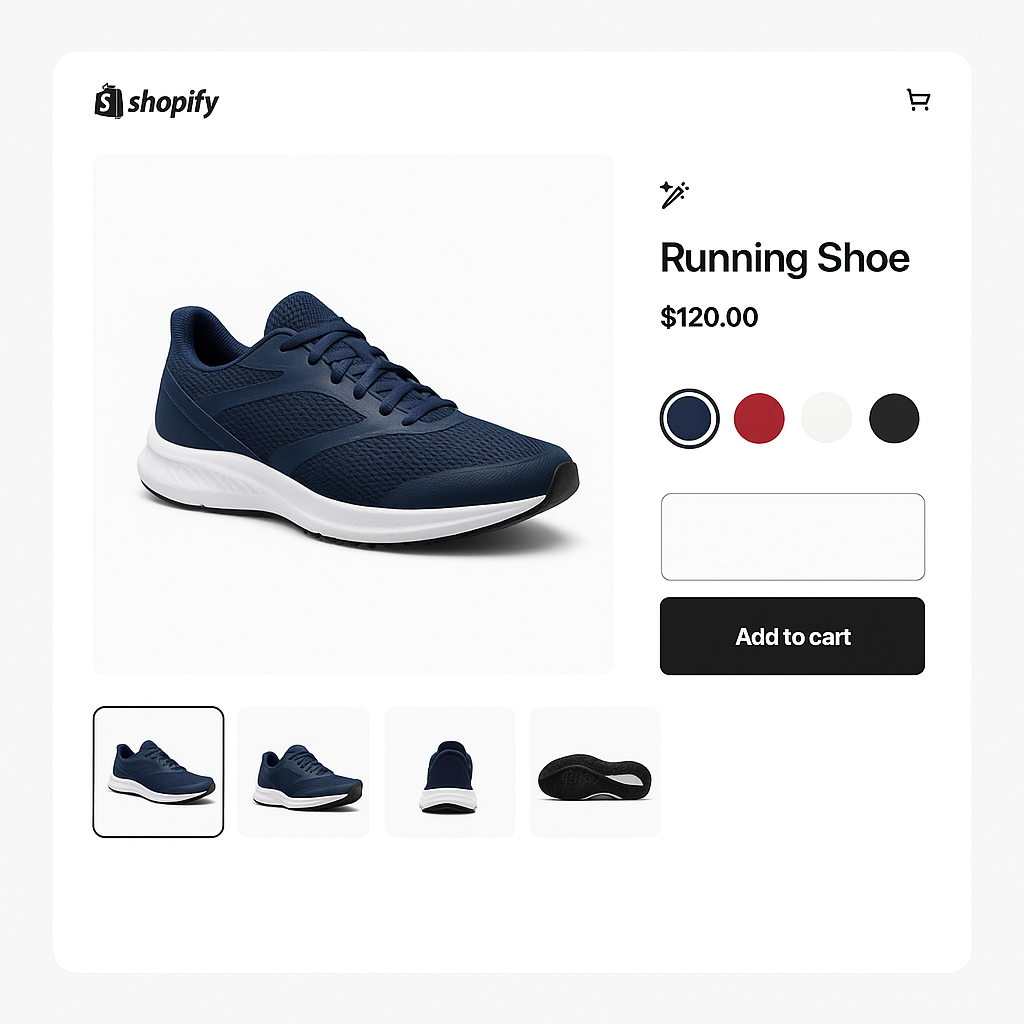
Rubik and SA Variant Image Automator both show multiple images per variant. One has AI auto-assign and flat pricing. The other has been around since 2017. Here is the full comparison.
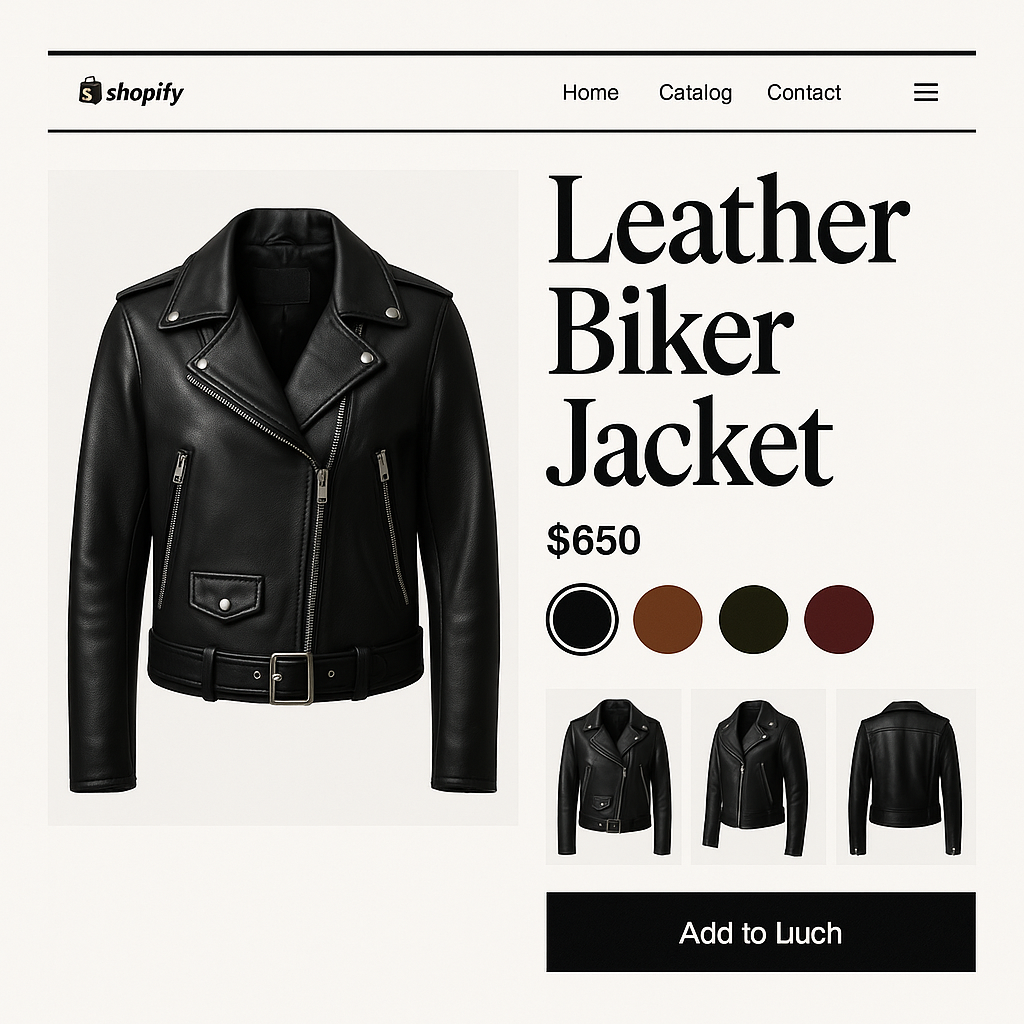
Spotlight is a premium Shopify theme with a bold, editorial layout. Here is how to assign multiple images per variant and add visual swatches to Spotlight product pages.
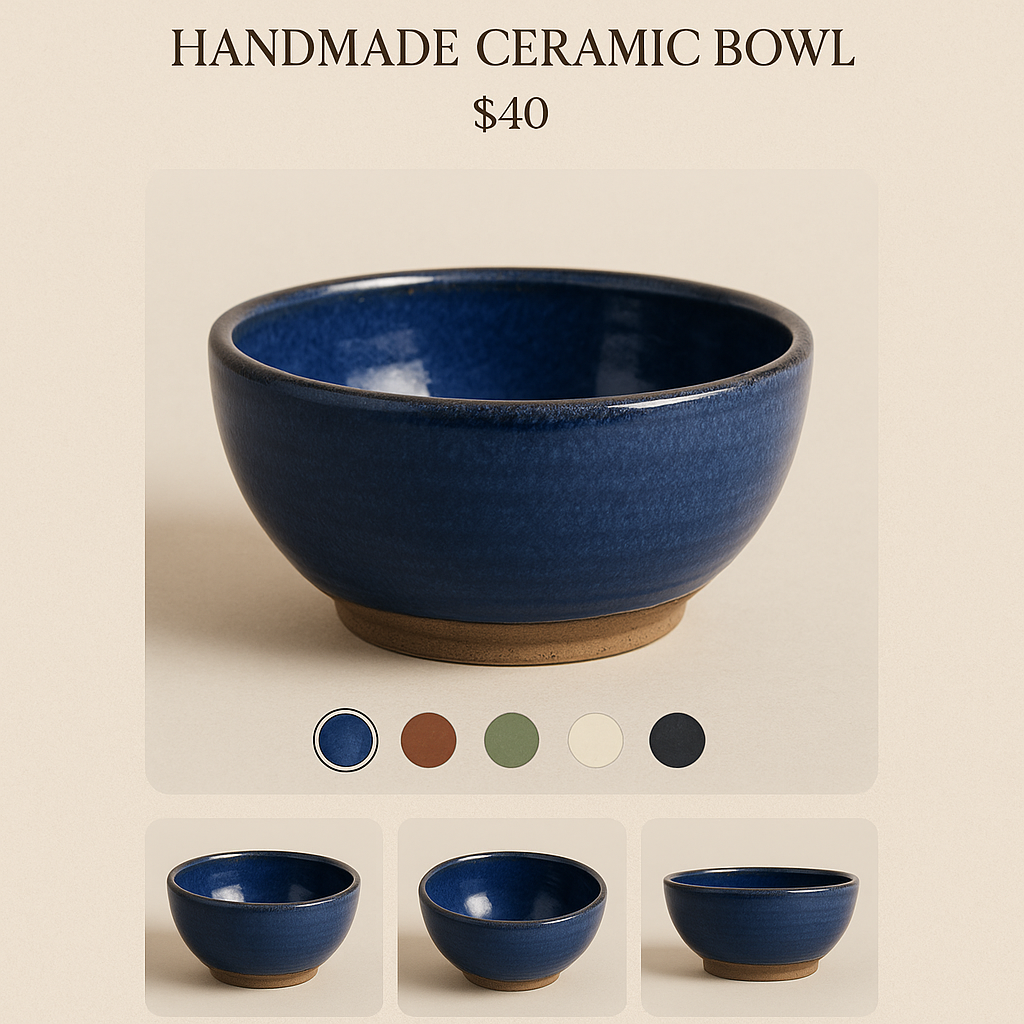
Craft is a Shopify free theme built for artisan and handmade stores. Here is how to assign multiple images per variant and add visual swatches to Craft theme product pages.
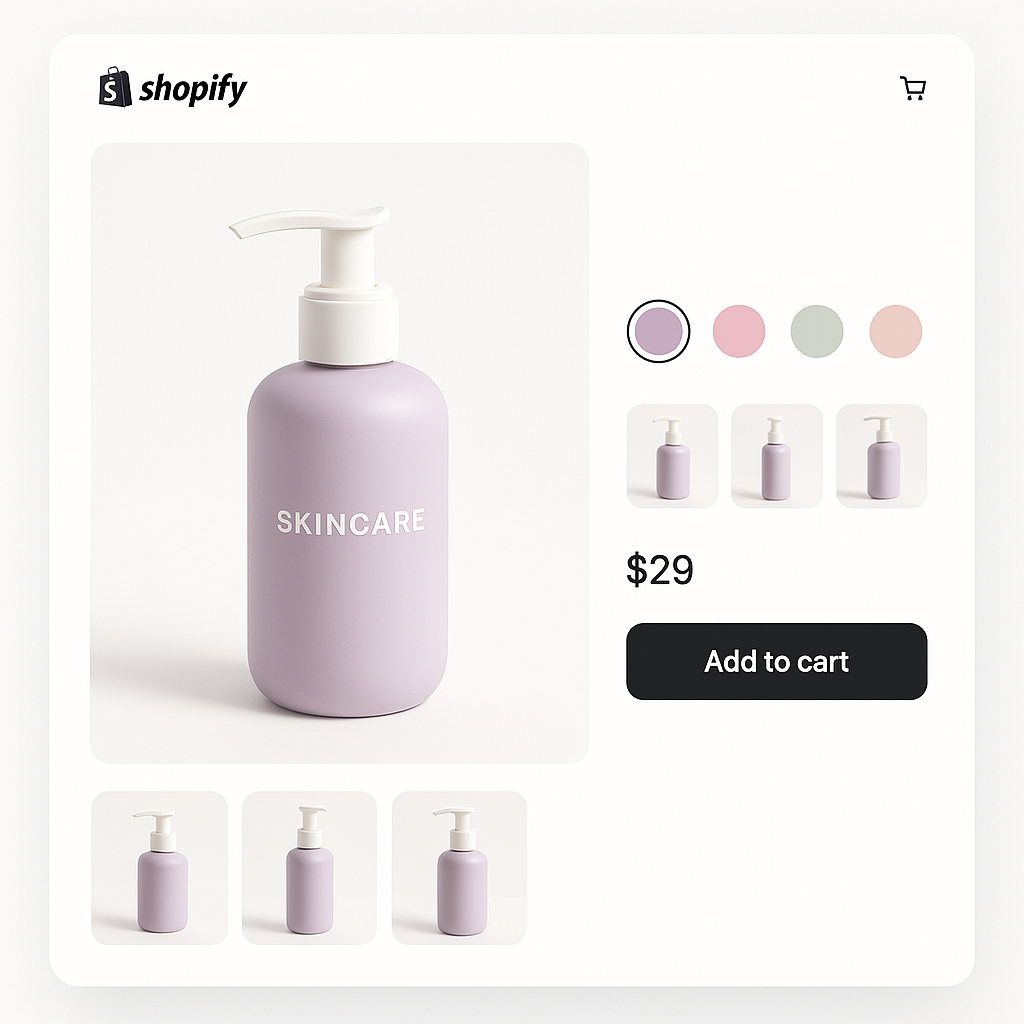
Sense is one of Shopify’s most popular free themes. Here is how to assign multiple images per variant and show color swatches on Sense theme product pages.
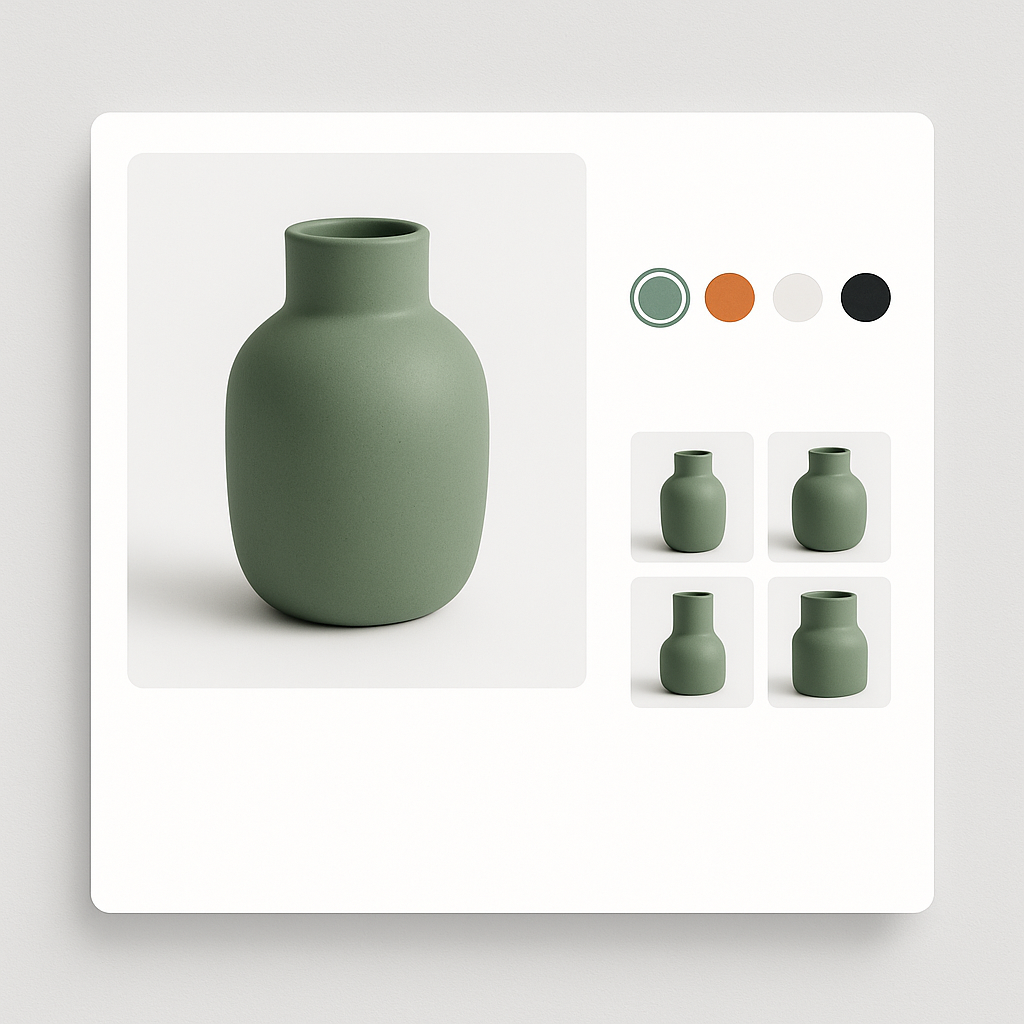
Refresh is one of Shopify’s most popular free themes. Here is how to assign multiple images per variant and display color swatches on your Refresh theme product pages.
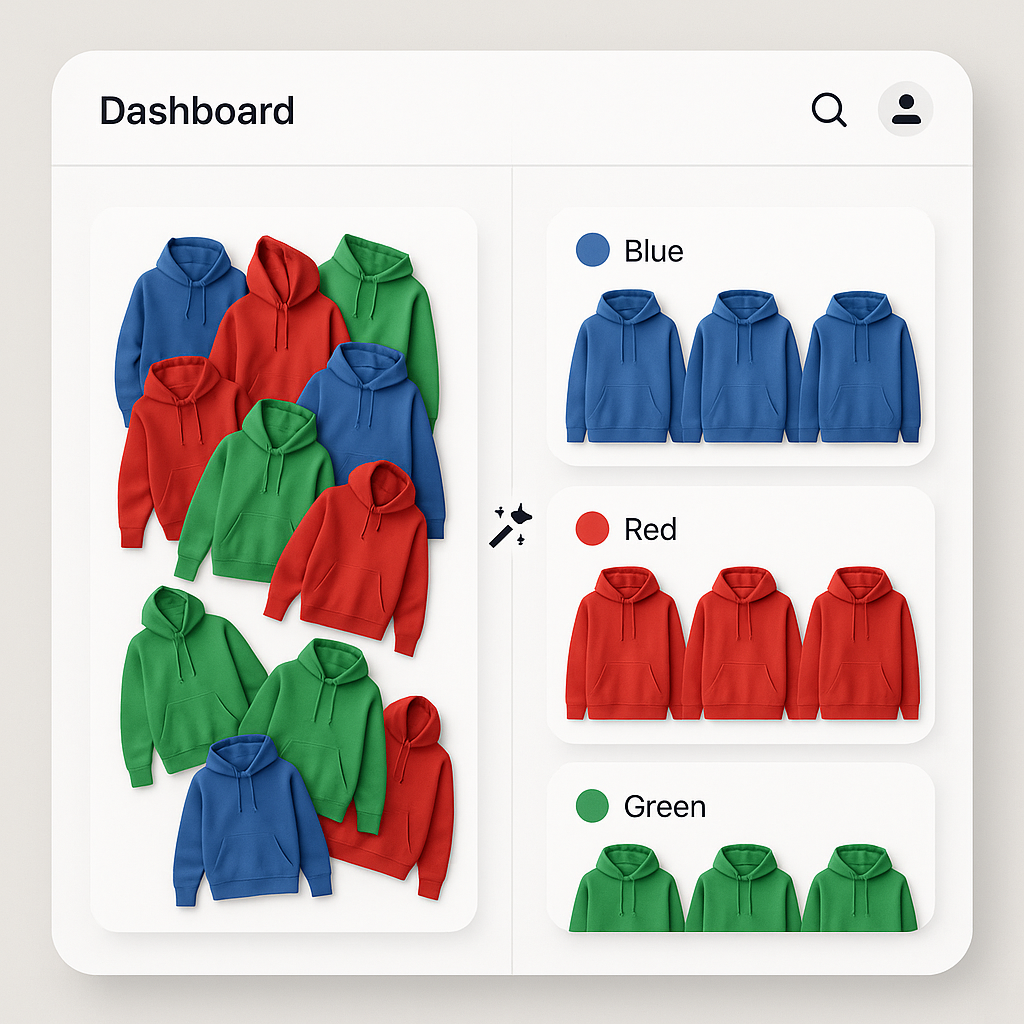
Manually assigning images to variants takes hours for large catalogs. Rubik Variant Images uses AI to analyze your product photos and match them to the correct variants in seconds.