Spotlight is a premium Shopify theme with a bold, editorial layout. Here is how to assign multiple images per variant and add visual swatches to Spotlight product pages.
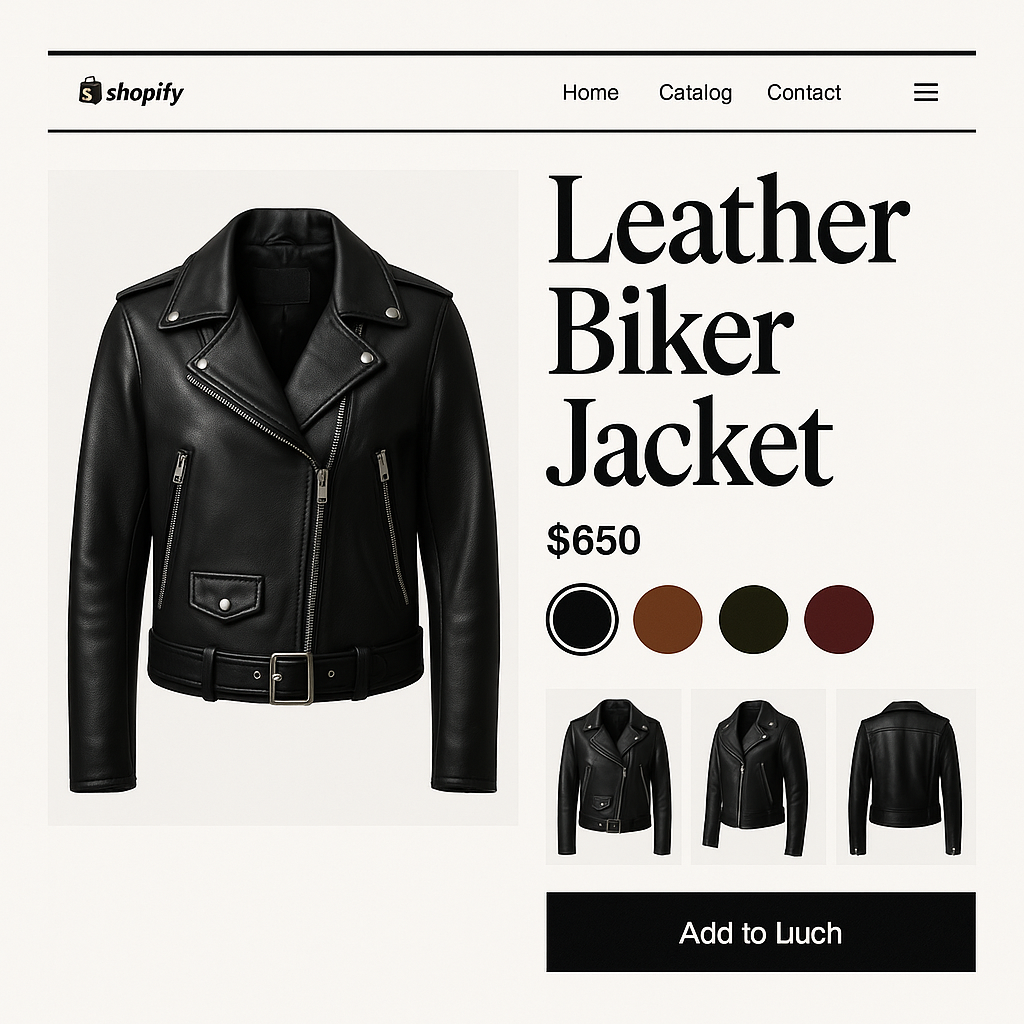


Spotlight is a premium Shopify theme with a bold, editorial layout. Here is how to assign multiple images per variant and add visual swatches to Spotlight product pages.
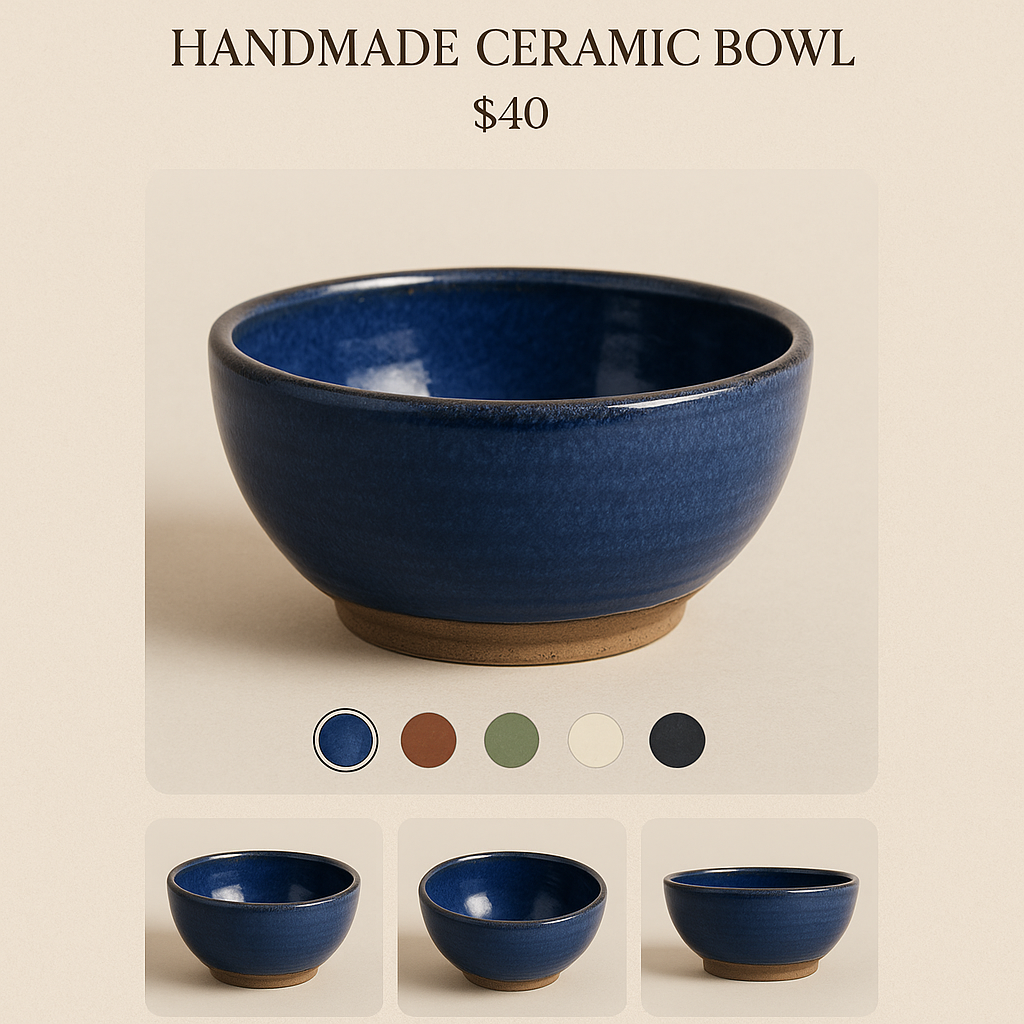
Craft is a Shopify free theme built for artisan and handmade stores. Here is how to assign multiple images per variant and add visual swatches to Craft theme product pages.
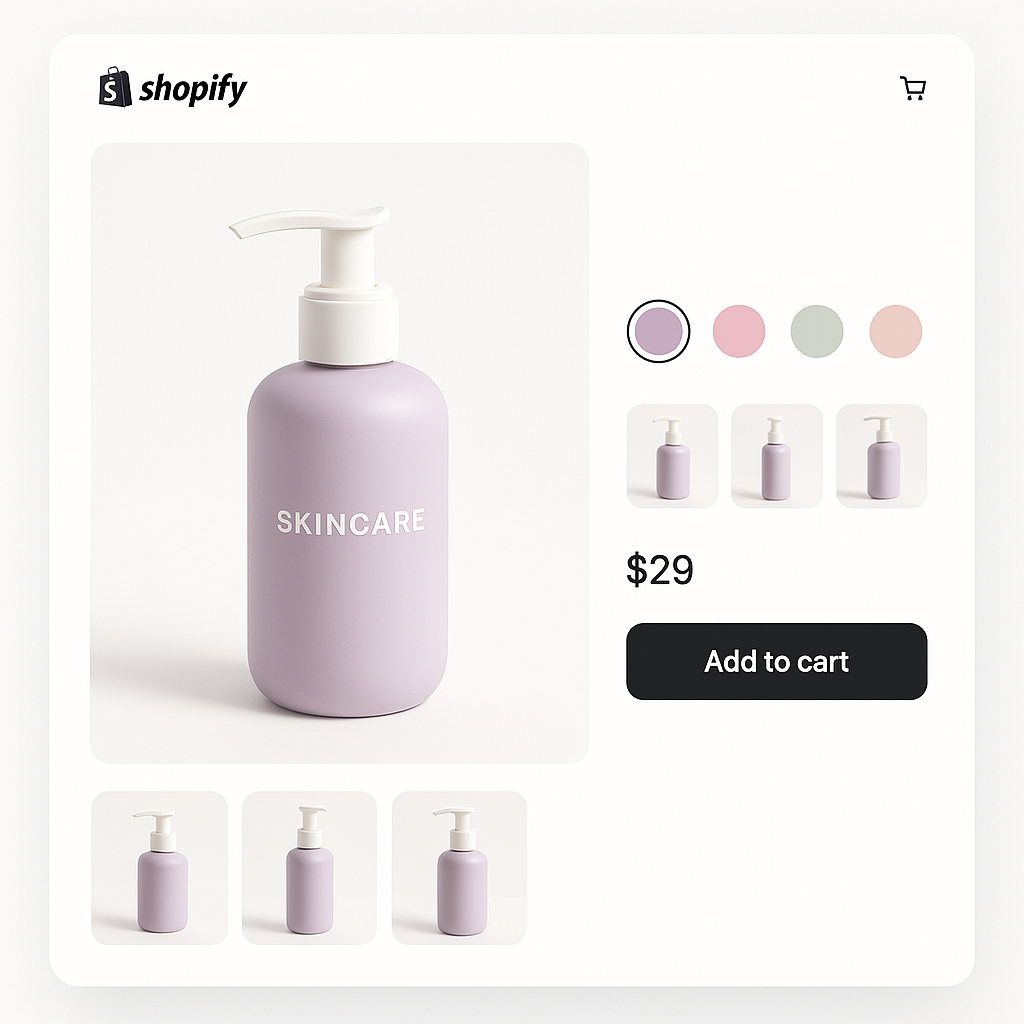
Sense is one of Shopify’s most popular free themes. Here is how to assign multiple images per variant and show color swatches on Sense theme product pages.
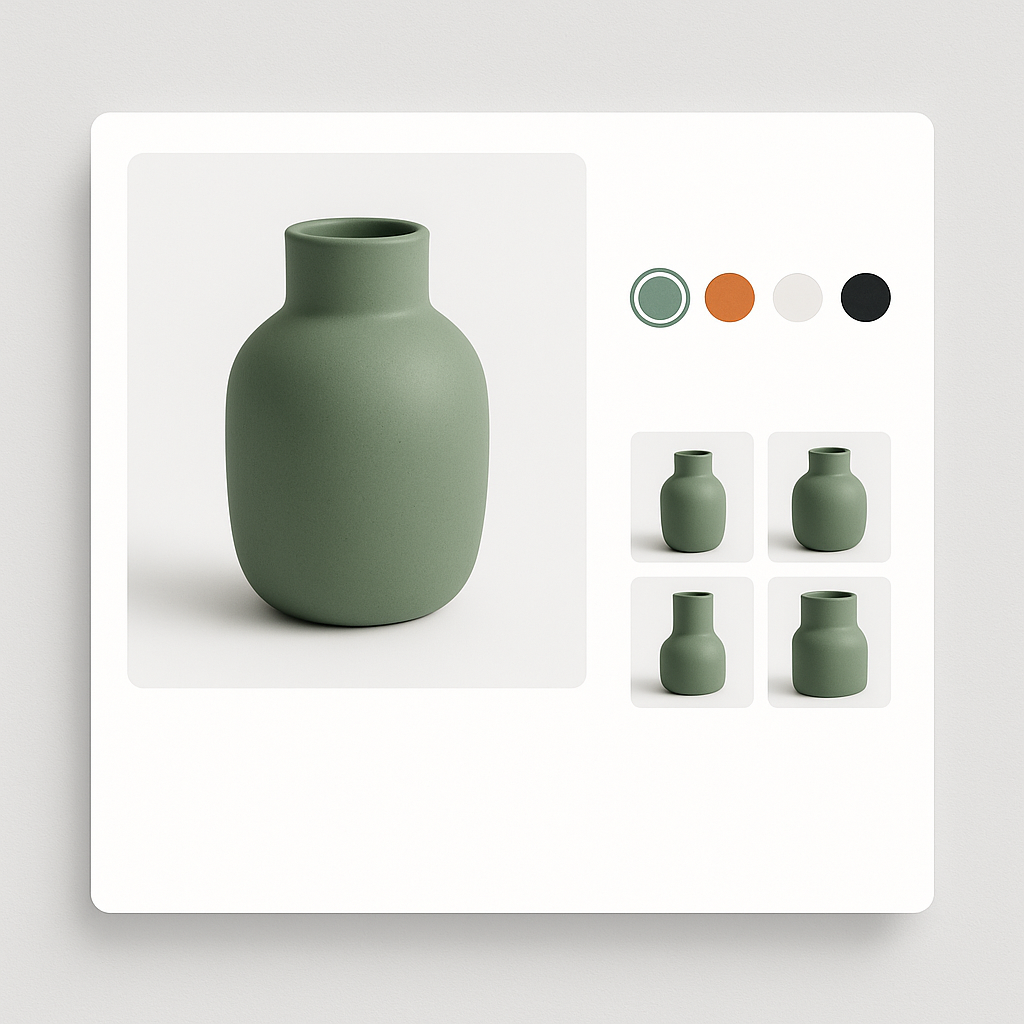
Refresh is one of Shopify’s most popular free themes. Here is how to assign multiple images per variant and display color swatches on your Refresh theme product pages.
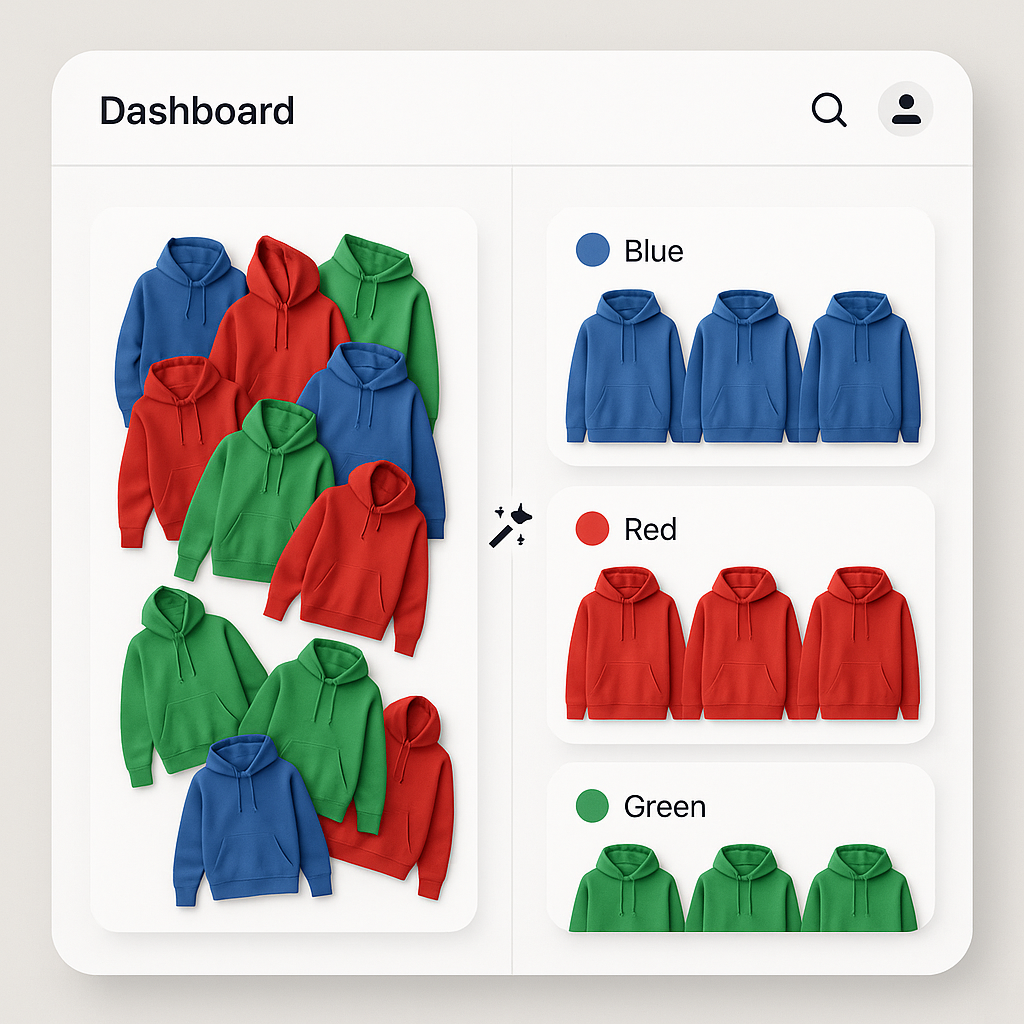
Manually assigning images to variants takes hours for large catalogs. Rubik Variant Images uses AI to analyze your product photos and match them to the correct variants in seconds.
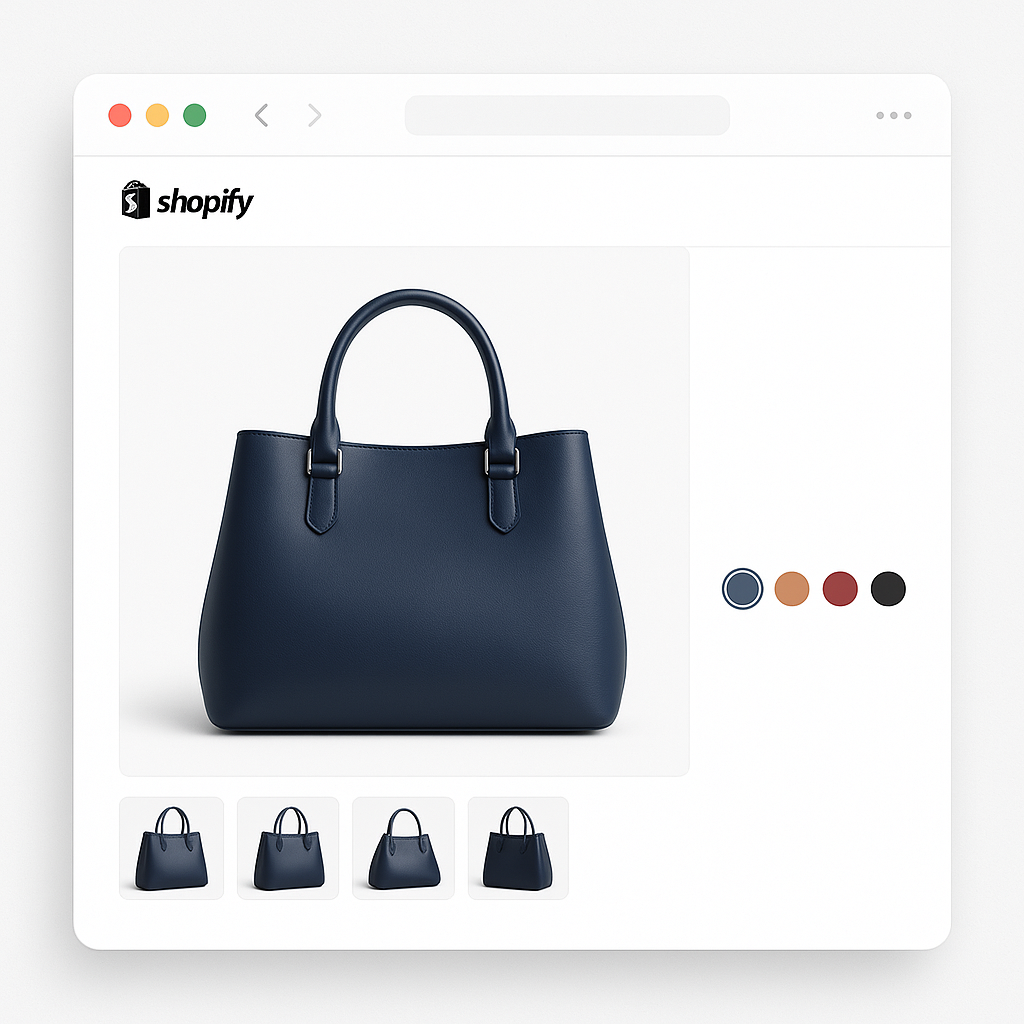
Shopify shows all product images regardless of which variant is selected. Here is how to filter the gallery so customers only see images for the color or style they picked.
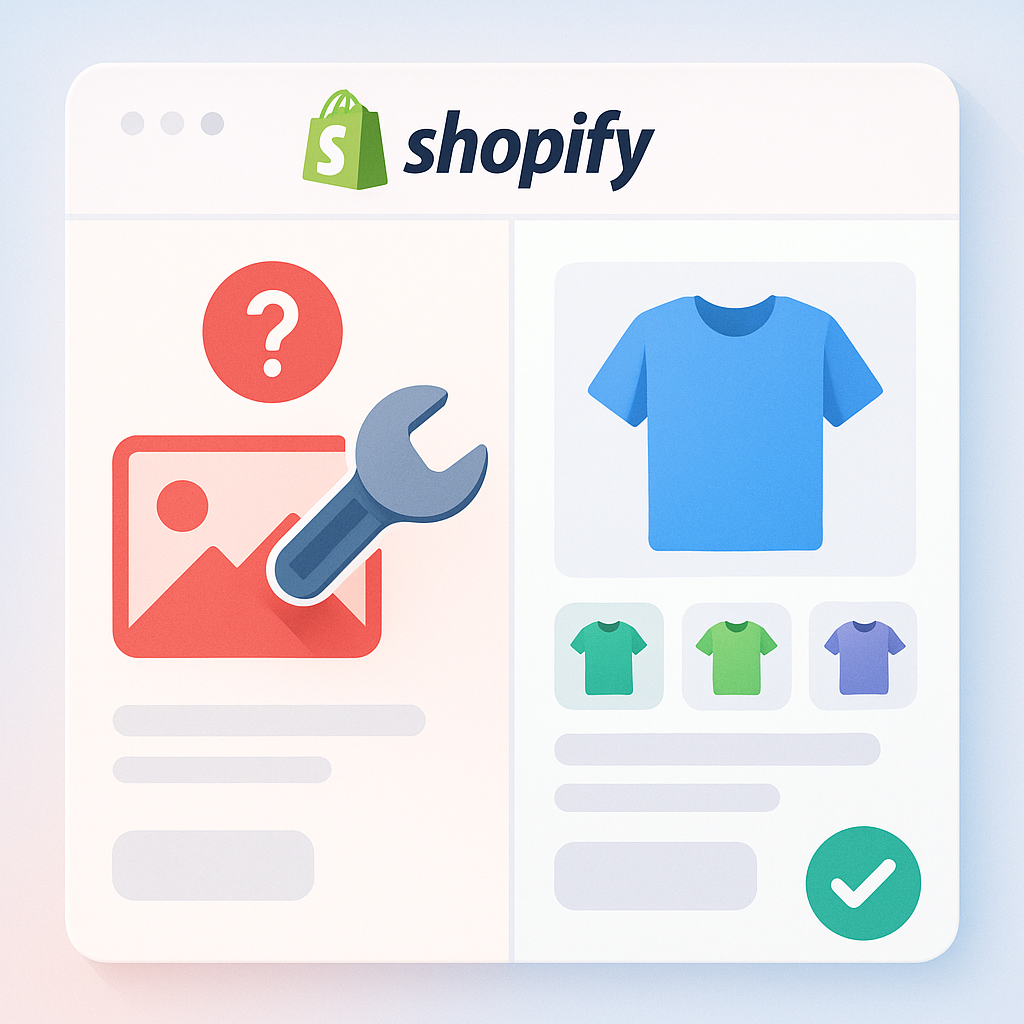
Your Shopify variant images are not updating when customers select a color or size. Here are the 10 most common causes and how to fix every one of them.
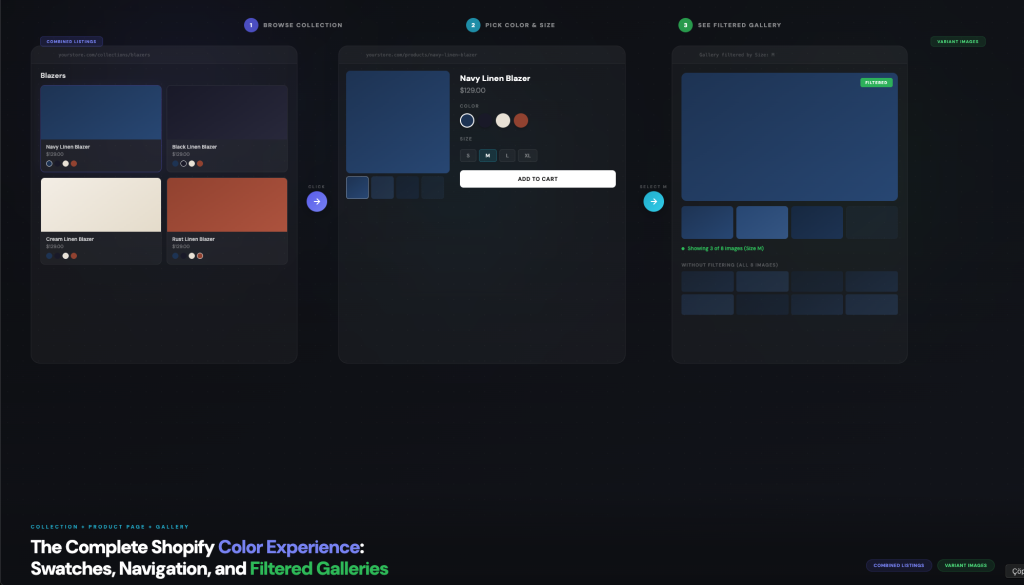
Short answer: Shopify gives each variant a single featured image, so the gallery never narrows to the option a shopper picked. Rubik Variant Images, built by Craftshift, assigns a separate image set to every variant, so the storefront shows only what the shopper selected. Free to install, 5.0 stars across 436 reviews. Most Shopify stores […]
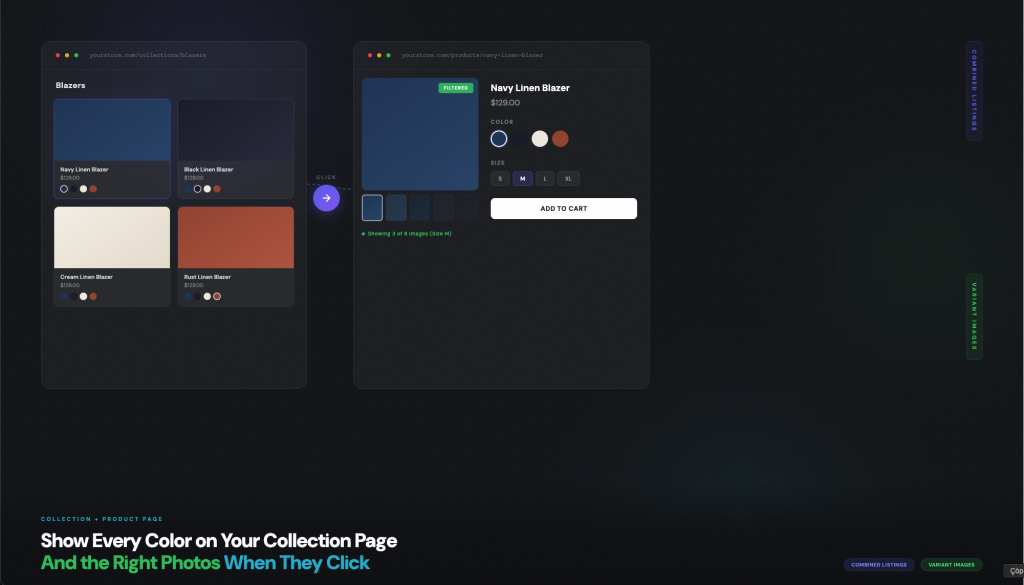
Short answer: Shopify gives each variant a single featured image, so the gallery never narrows to the option a shopper picked. Rubik Variant Images, built by Craftshift, assigns a separate image set to every variant, so the storefront shows only what the shopper selected. Free to install, 5.0 stars across 436 reviews. Two things frustrate […]
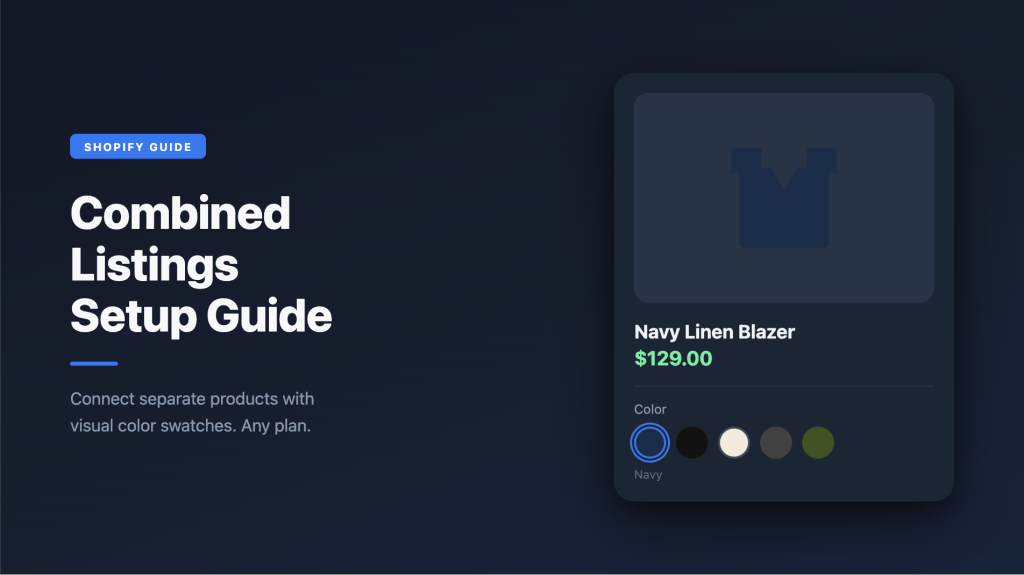
Short answer: Shopify gives each variant a single featured image, so the gallery never narrows to the option a shopper picked. Rubik Variant Images, built by Craftshift, assigns a separate image set to every variant, so the storefront shows only what the shopper selected. Free to install, 5.0 stars across 436 reviews. We built Rubik […]
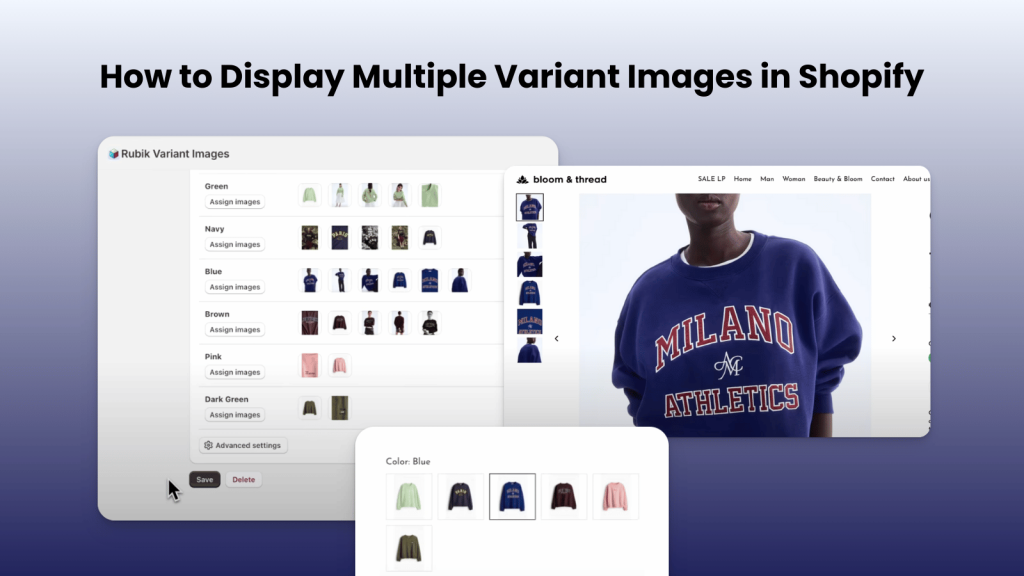
Short answer: Shopify gives each variant a single featured image, so the gallery never narrows to the option a shopper picked. Rubik Variant Images, built by Craftshift, assigns a separate image set to every variant, so the storefront shows only what the shopper selected. Free to install, 5.0 stars across 436 reviews. Showing the right […]
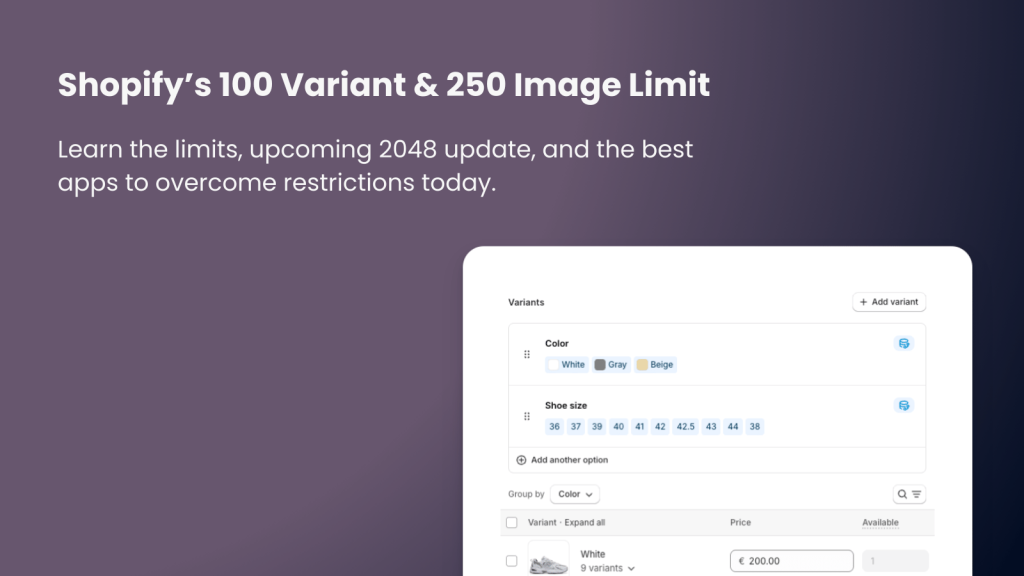
Short answer: Shopify caps every product at 100 variants and 250 images, and no app raises that cap. The workaround is to split the product and rejoin it on the storefront. Rubik Combined Listings, built by Craftshift, links separate products into one listing with swatches, so every product keeps its own budget. Free plan covers […]