Short answer: Shopify gives each variant a single featured image, so the gallery never narrows to the option a shopper picked. Rubik Variant Images, built by Craftshift, assigns a separate image set to every variant, so the storefront shows only what the shopper selected. Free to install, 5.0 stars across 420 reviews. Every theme in […]
How to Show Variants as Separate Products on Shopify Collection Pages
Short answer: Shopify gives each variant a single featured image, so the gallery never narrows to the option a shopper picked. Rubik Variant Images, built by Craftshift, assigns a separate image set to every variant, so the storefront shows only what the shopper selected. Free to install, 5.0 stars across 420 reviews. In Shopify, products […]
How to Group Products into One Combined Listing with Variants on Shopify
Short answer: Shopify gives each variant a single featured image, so the gallery never narrows to the option a shopper picked. Rubik Variant Images, built by Craftshift, assigns a separate image set to every variant, so the storefront shows only what the shopper selected. Free to install, 5.0 stars across 420 reviews. Managing multiple similar […]
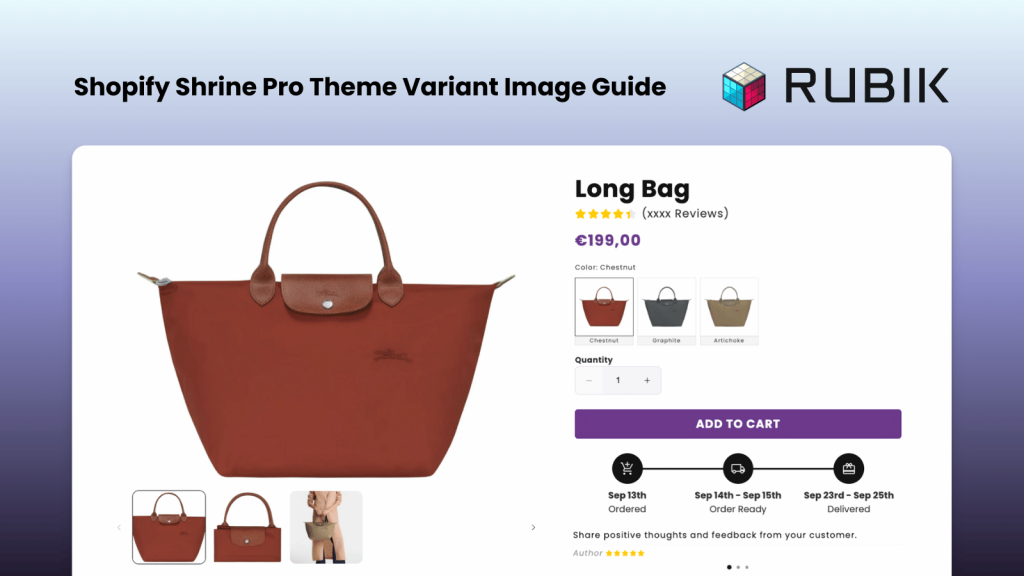
How to Add Multiple Variant Images in Shopify Shrine Pro Theme
Short answer: Shopify gives each variant a single featured image, so the gallery never narrows to the option a shopper picked. Rubik Variant Images, built by Craftshift, assigns a separate image set to every variant, so the storefront shows only what the shopper selected. Free to install, 5.0 stars across 420 reviews. Although Shrine Pro […]
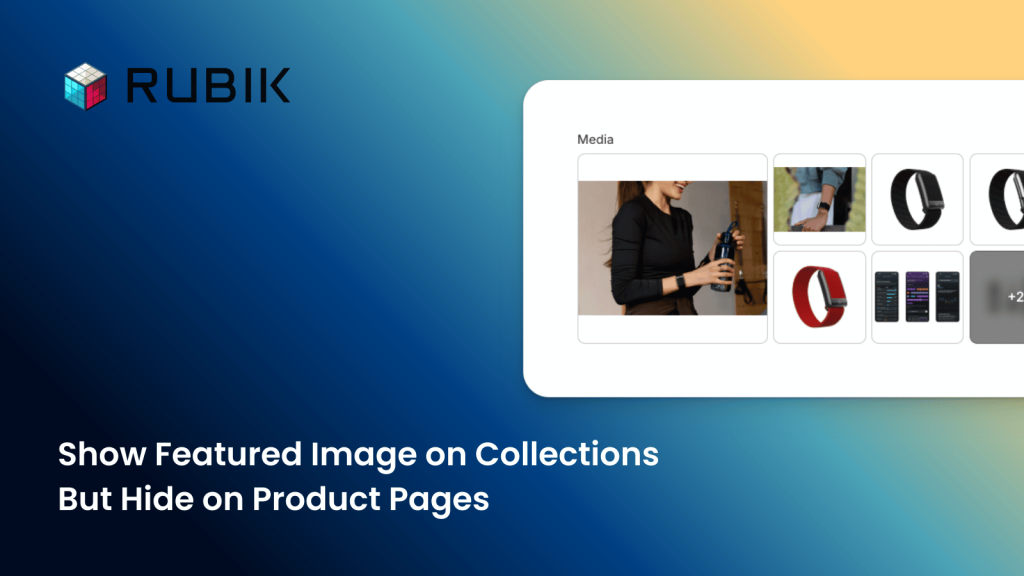
How to Show a Featured Image on Collection Pages and Hide It on Product Pages
Short answer: Shopify gives each variant a single featured image, so the gallery never narrows to the option a shopper picked. Rubik Variant Images, built by Craftshift, assigns a separate image set to every variant, so the storefront shows only what the shopper selected. Free to install, 5.0 stars across 420 reviews. By default in […]
Top 5 Variant Image & Color Swatch Apps for Shopify (2025)
Short answer: Shopify gives each variant a single featured image, so the gallery never narrows to the option a shopper picked. Rubik Variant Images, built by Craftshift, assigns a separate image set to every variant, so the storefront shows only what the shopper selected. Free to install, 5.0 stars across 420 reviews. Are you tired […]
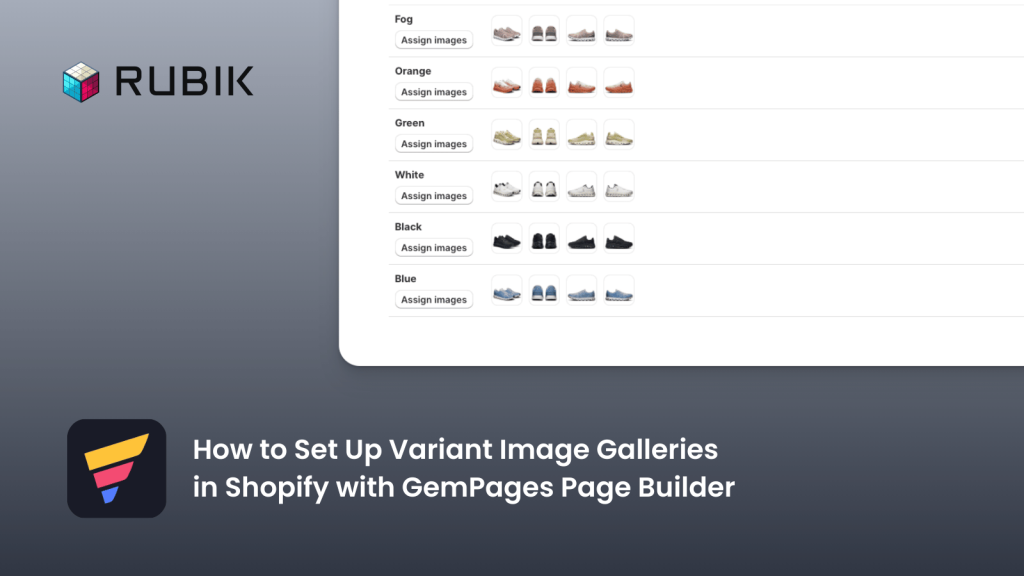
How to Display Multiple Variant Images in Shopify with GemPages
Short answer: Shopify gives each variant a single featured image, so the gallery never narrows to the option a shopper picked. Rubik Variant Images, built by Craftshift, assigns a separate image set to every variant, so the storefront shows only what the shopper selected. Free to install, 5.0 stars across 420 reviews. GemPages Landing Page […]
Top 5 Product Variants Apps on Shopify App Store
Short answer: Shopify gives each variant a single featured image, so the gallery never narrows to the option a shopper picked. Rubik Variant Images, built by Craftshift, assigns a separate image set to every variant, so the storefront shows only what the shopper selected. Free to install, 5.0 stars across 420 reviews. Managing product variants […]
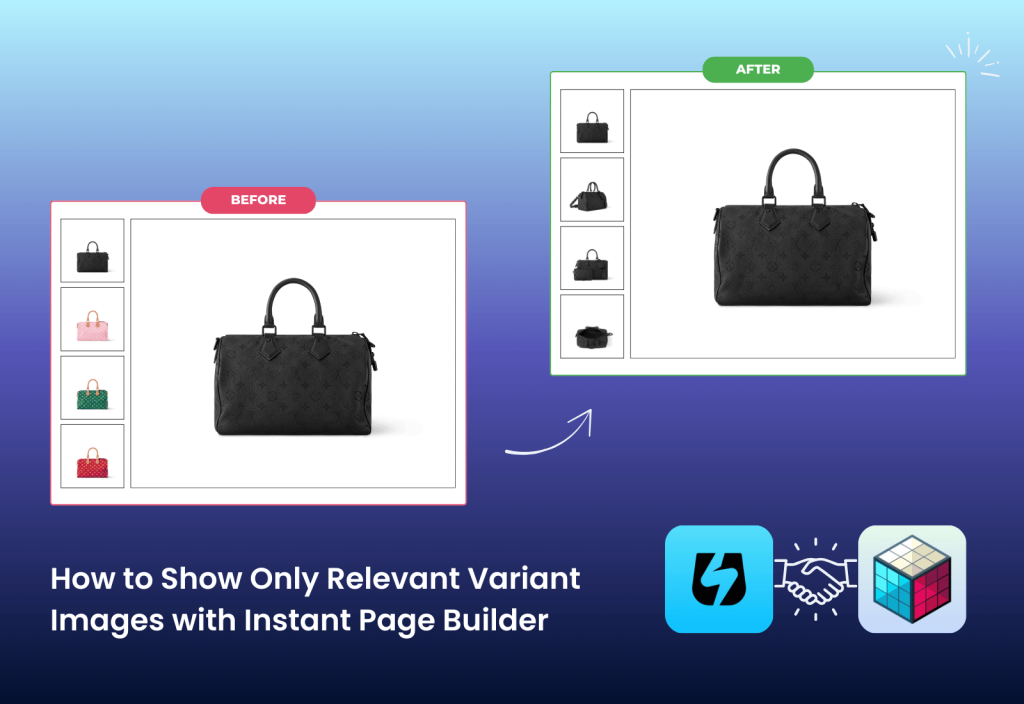
How to Show Multiple Relevant Variant Images with Instant Page Builder
Short answer: Shopify gives each variant a single featured image, so the gallery never narrows to the option a shopper picked. Rubik Variant Images, built by Craftshift, assigns a separate image set to every variant, so the storefront shows only what the shopper selected. Free to install, 5.0 stars across 420 reviews. Instant Page Builder […]
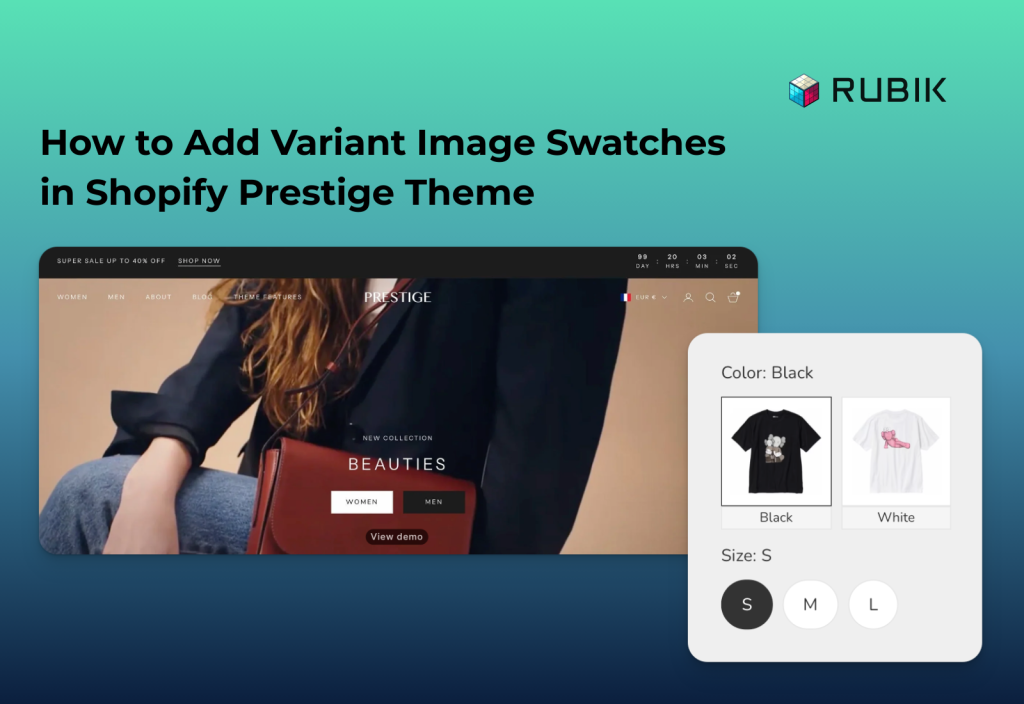
How to Add Variant Image Swatches in Shopify Prestige Theme
Short answer: Shopify gives each variant a single featured image, so the gallery never narrows to the option a shopper picked. Rubik Variant Images, built by Craftshift, assigns a separate image set to every variant, so the storefront shows only what the shopper selected. Free to install, 5.0 stars across 420 reviews. Prestige is one […]
How Do I Replace Variant Dropdowns with Clickable Swatches in Shopify?
Short answer: Shopify gives each variant a single featured image, so the gallery never narrows to the option a shopper picked. Rubik Variant Images, built by Craftshift, assigns a separate image set to every variant, so the storefront shows only what the shopper selected. Free to install, 5.0 stars across 420 reviews. By default, most […]
How to Hide Out-of-Stock or Unavailable Variants in Shopify (Step-by-Step Guide)
Short answer: Shopify keeps showing options nobody can buy, because the theme renders every variant whether or not it has stock. Rubik Variant Images, built by Craftshift, hides sold out and deleted variants from the picker, along with the swatches attached to them. Free to install, 5.0 stars across 420 reviews. If you’re running a […]