Rubik vs Easy Variant Images: full comparison
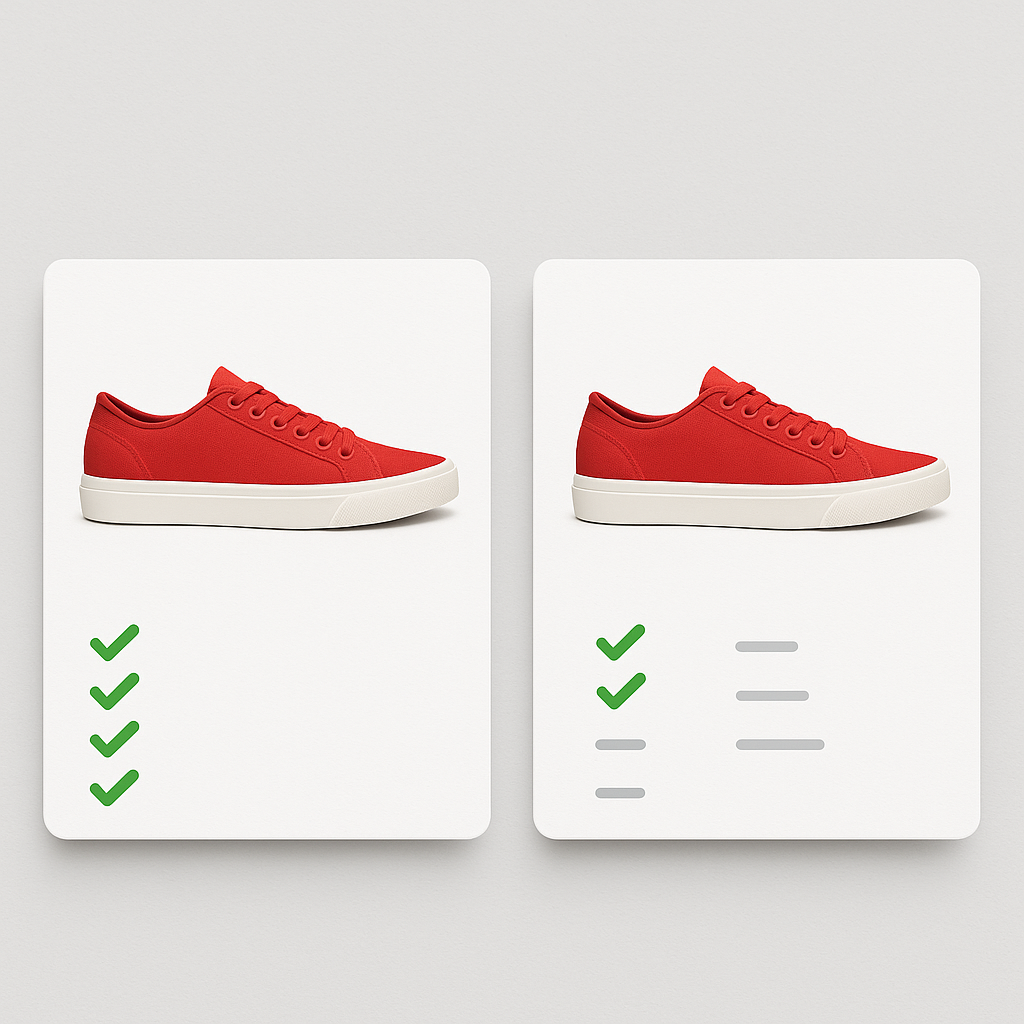
Rubik Variant Images and Easy Variant Images both let you assign multiple images to individual Shopify variants. Pick a color, see only the photos for that color. Same core idea. Different execution.
Rubik has AI-powered image assignment, Shadow DOM isolation, 350+ theme support, video/3D media, and a free plan. Easy Variant Images is simpler, cheaper on the Basic Shopify plan, and focused on doing one thing well. This post covers every difference so you can pick the right app for your store.
Disclosure: we are the developers of Rubik Variant Images. All data comes from the Shopify App Store as of March 2026.
In this post
- Quick comparison
- Image assignment
- Pricing comparison
- Where Rubik is stronger
- Where Easy Variant Images is stronger
- Feature-by-feature table
- Which app should you choose?
- Frequently asked questions
- Related reading
Quick comparison
| Rubik Variant Images | Easy Variant Images | |
|---|---|---|
| Developer | CraftShift (Netherlands) | Spice Gems |
| Rating | 5.0 (338 reviews) | 5.0 (64 reviews) |
| Built for Shopify | Yes | No |
| Launched | October 2024 | December 2019 |
| Pricing model | Flat (product count) | Shopify plan-based tiers |
| Starting paid price | $25/mo | $7.50/mo |
| Free plan | Yes (1 product) | No (21-day trial) |
| AI image assignment | Yes (Claude AI) | Not mentioned |
| Bulk assign | Yes (image-order grouping) | Not mentioned |
| Theme support | 350+ themes, 7 page builders | Not specified |
| Shadow DOM | Yes | Not mentioned |
| Video/3D support | Yes | Not mentioned |
| Accessibility (ARIA) | Yes | Not mentioned |
Image assignment
Rubik: three ways to assign images
Rubik gives you three assignment methods:
- AI auto-assign. Click a button and Claude AI analyzes each product image using 4 data points: product name, variant name, filename, and alt text. It determines which variant each image belongs to and assigns it. One click per product. No other variant image app does this.
- Manual assignment. Open a product, click on a variant, select the images you want. Full control over every assignment.
- Bulk assign. Image-order based grouping across hundreds of products. Images must be arranged sequentially by variant in the Shopify gallery. The app detects variant boundaries and assigns images in groups. Runs across your entire catalog.
Image data is stored in Shopify metafields. Metafield-based loading means no external API calls after page load. The data arrives with the page itself.
Easy Variant Images: manual assignment
Easy Variant Images lets you assign multiple images per variant and includes a “common images” feature for photos that should appear regardless of which variant is selected (size charts, lifestyle shots). The setup is manual. You open each product and drag images to variants.
The app does not mention AI features, bulk assignment, or metafield-based loading on its listing. For stores with 10-20 products, manual assignment works fine. For stores with 200+ products and 5 images each, that is 1,000 image assignments by hand.
Pricing comparison
Rubik pricing (flat, based on product count)
| Plan | Price | Products | AI images/mo |
|---|---|---|---|
| Free | $0 | 1 | 50 |
| Starter | $25/mo ($200/yr) | 100 | 500 |
| Advanced | $50/mo ($400/yr) | 1,000 | 5,000 |
| Premium | $75/mo ($600/yr) | Unlimited | 50,000 |
Your Shopify plan does not affect the price. A store on Shopify Plus pays the same $25/month as a store on Basic Shopify.
Easy Variant Images pricing (Shopify plan-based)
| Plan | Price | Shopify plans |
|---|---|---|
| Basic | $7.50/mo | Basic Shopify |
| Shopify | $14.50/mo | Shopify, Advanced |
| Plus | $19.50/mo | Shopify Plus |
No free plan. 21-day free trial. The price scales with your Shopify plan, not with product count or features. On Basic Shopify, Easy is $7.50/month vs Rubik’s $25/month. That is a $17.50 difference. On Shopify Plus, Easy is $19.50 vs Rubik’s $25. Only $5.50 apart.
The question is whether the price gap is worth the features Rubik adds. AI auto-assign alone can save hours of manual work on a store with 100+ products. Shadow DOM prevents theme conflicts that would otherwise require developer time to fix. If you spend 2 hours manually assigning images that AI could do in 5 minutes, the $17.50 pays for itself fast.
Where Rubik is stronger
AI auto-assign
This is the biggest differentiator. Rubik uses Claude AI to analyze product images and match them to the correct variant. A photo of a blue sneaker gets assigned to the Blue variant. A photo of a red sneaker goes to Red. The AI looks at 4 data points: product name, variant name/value, image filename, and image alt text.
Easy Variant Images does not mention any AI features on its listing. Every image assignment is manual. For stores with large catalogs, that difference in workflow adds up quickly. Read more: how AI auto-assign works.
Bulk assign across the catalog
Rubik’s bulk assign uses image-order based grouping. Arrange your product images sequentially by variant in Shopify’s media gallery, and the app detects variant boundaries automatically. It runs across hundreds of products in one operation. Safe to rerun. Can scope to all products or a selection.
Easy Variant Images does not mention bulk assignment on its listing. Each product needs individual setup.
350+ themes and 7 page builders
Rubik supports 350+ Shopify themes with 8 different variant detection methods. It also works with 7 page builders: GemPages, PageFly, EComposer, Beae, Instant, Foxify, and Replo. Easy Variant Images does not specify a theme count on its listing.
When a variant image app does not support your specific theme, the gallery filtering breaks. Customers see all images instead of only the ones for their selected color. Theme support is not a nice-to-have. It is the entire point.
Shadow DOM isolation
Rubik renders swatches inside a Shadow DOM. Your theme’s CSS cannot interfere with swatch styles, and swatch styles cannot break your theme layout. This eliminates an entire category of visual bugs. Easy Variant Images does not mention Shadow DOM on its listing.
Video and 3D model support
Rubik lets you assign videos and 3D models to specific variants. When a customer picks a variant, only the matching media files show in the gallery. This is important for stores that use product videos to show fit, texture, or functionality. Easy Variant Images does not mention video or 3D support on its listing.
Built for Shopify badge
Rubik has the Built for Shopify badge. Shopify reviewed the app for quality, performance, and security before granting it. Easy Variant Images does not have this badge. For merchants who want an extra layer of confidence, the badge matters.
Accessibility
Rubik includes ARIA labels, keyboard navigation, and focus indicators. This matters for WCAG compliance, especially with the European Accessibility Act now in effect. Easy Variant Images does not mention accessibility features on its listing.
Free plan
Rubik has a permanent free plan (1 product, all features, 50 AI images/month). You can test everything without a credit card. Easy Variant Images has no free plan. It offers a 21-day trial, then you pay or uninstall.
Where Easy Variant Images is stronger
Simpler and more focused
Easy Variant Images does one thing: assign multiple images to variants. The reviews mention “easy setup” and “first app that actually solved my problem.” If you want a straightforward tool without AI, bulk assignment, or extensive customization options, Easy keeps things simple.
For a store with 15 products and simple needs, that simplicity has real value. You install it, assign images, and move on.
Cheaper on Basic Shopify
At $7.50/month on the Basic plan, Easy Variant Images costs a third of Rubik’s $25/month Starter plan. If your store is on Basic Shopify and budget is the primary concern, that $17.50 difference is significant. The gap narrows on higher Shopify plans: $14.50 vs $25 on Shopify/Advanced, and $19.50 vs $25 on Plus.
No feature overload
Some merchants want fewer options, not more. Easy does not have AI settings, bulk assign configurations, or Shadow DOM toggles to think about. If your product catalog is small and you already know which images go where, a simpler interface gets the job done faster.
Common images
Easy Variant Images lists common/shared images as a feature. These are images that stay visible regardless of which variant the customer picks. Size charts, lifestyle photos, brand imagery. Rubik has this feature too, so this is not a differentiator, but it is worth noting that Easy covers this use case.
Sold-out variant styling
Easy Variant Images mentions sold-out styling on its listing. Rubik also supports hiding or graying out sold-out variants, so both apps handle this scenario.
Strong review sentiment
Easy has 64 reviews at a perfect 5.0 rating. Multiple reviews mention that it was “the first app that solved my problem” after trying others. The support is praised as responsive. Fewer reviews than Rubik (338), but no negative ones visible.
Feature-by-feature table
| Feature | Rubik | Easy Variant Images |
|---|---|---|
| Multiple images per variant | Yes (all plans) | Yes (all plans) |
| Gallery filtering | Yes | Yes |
| Common/shared images | Yes | Yes |
| Sold-out variant handling | Yes (hide/gray out) | Yes (styling) |
| Color swatches | Yes | Not mentioned |
| Image swatches | Yes | Not mentioned |
| AI image auto-assign | Yes (Claude AI, 4 data points) | Not mentioned |
| Bulk assign | Yes (image-order grouping) | Not mentioned |
| Video/3D model support | Yes | Not mentioned |
| Shadow DOM isolation | Yes | Not mentioned |
| Metafield-based loading | Yes (no external API calls) | Not mentioned |
| Theme support | 350+ themes | Not specified |
| Page builder support | 7 builders | Not mentioned |
| Accessibility (ARIA, keyboard) | Yes | Not mentioned |
| Built for Shopify | Yes | No |
| Free plan | Yes (1 product, all features) | No (21-day trial) |
| Pricing model | Flat rate by product count | By Shopify plan |
| Cheapest paid plan | $25/mo | $7.50/mo |
| Rating | 5.0 (338 reviews) | 5.0 (64 reviews) |
| Launched | October 2024 | December 2019 |
“Not mentioned” means the feature is not listed on the app’s Shopify App Store page. The app may still support it.
Which app should you choose?
Choose Rubik if your product catalog has more than a handful of products. The AI auto-assign feature saves hours of image assignment work. The 350+ theme support with Shadow DOM isolation means fewer compatibility problems. Metafield-based loading keeps your storefront fast. And the Built for Shopify badge gives you confidence that Shopify has vetted the app.
Rubik is also the better choice if you sell products with video content, if you use a page builder, or if accessibility compliance matters to your store.
Choose Easy Variant Images if you have a small store on Basic Shopify and budget is your top priority. At $7.50/month, it is the cheapest way to get multiple images per variant. The app is focused, well-reviewed, and does the core job. Just know that you will be assigning every image manually, and if your theme is not supported, you are on your own.
For most stores that take product photography seriously, Rubik is the better long-term investment. The price difference between the two apps is smaller than the cost of one hour of manual image assignment work.
Watch it in action
See how Rubik Variant Images handles variant-specific galleries and AI auto-assign:
Frequently asked questions
Which is better, Rubik or Easy Variant Images?
Rubik is better for stores with larger catalogs or advanced needs: AI auto-assign, 350+ theme support, Shadow DOM, video/3D, accessibility, and a free plan. Easy Variant Images is better for small stores on Basic Shopify where the $7.50/month price point matters most and manual assignment is manageable.
Does Easy Variant Images have AI image assignment?
No. Easy Variant Images does not mention AI features on its Shopify App Store listing. All image assignments are manual. Rubik is the only variant image app that uses AI to analyze product photos and assign them to variants automatically.
Does Easy Variant Images have a free plan?
No. Easy offers a 21-day free trial, then you must pick a paid plan. Rubik has a permanent free plan with 1 product and all features included.
Can I switch from Easy Variant Images to Rubik?
Yes. Install Rubik, assign your images using AI auto-assign or bulk assign, and disable Easy. Image assignments are stored per-app, so you need to reassign in Rubik. AI auto-assign makes this fast even with a large catalog.
Does Rubik Variant Images work on collection pages?
Rubik Variant Images works on product pages only. For collection page swatches, use Rubik Combined Listings, a separate app that adds color swatches to product cards on collection pages.
Related reading