Best Shopify apps to hide or cross out sold out variants in 2026, compared on live App Store figures, plus why crossing out usually beats hiding.


In-depth guides for Rubik Variant Images app features: AI auto-assign, bulk assign, swatch customization, and multi-option setup.
Best Shopify apps to hide or cross out sold out variants in 2026, compared on live App Store figures, plus why crossing out usually beats hiding.
Best Shopify apps for stores with many color variants, compared on real App Store figures. For catalogs running 10 to 30 colorways per product.

Assign videos and 3D models to specific Shopify variants and filter them like images, so each color shows only its own video and model. Here is how.

Image swatches turn a plain variant dropdown into clickable photo thumbnails of each option. Here is how to add image swatches in Shopify, step by step, and how they differ from hex color swatches.
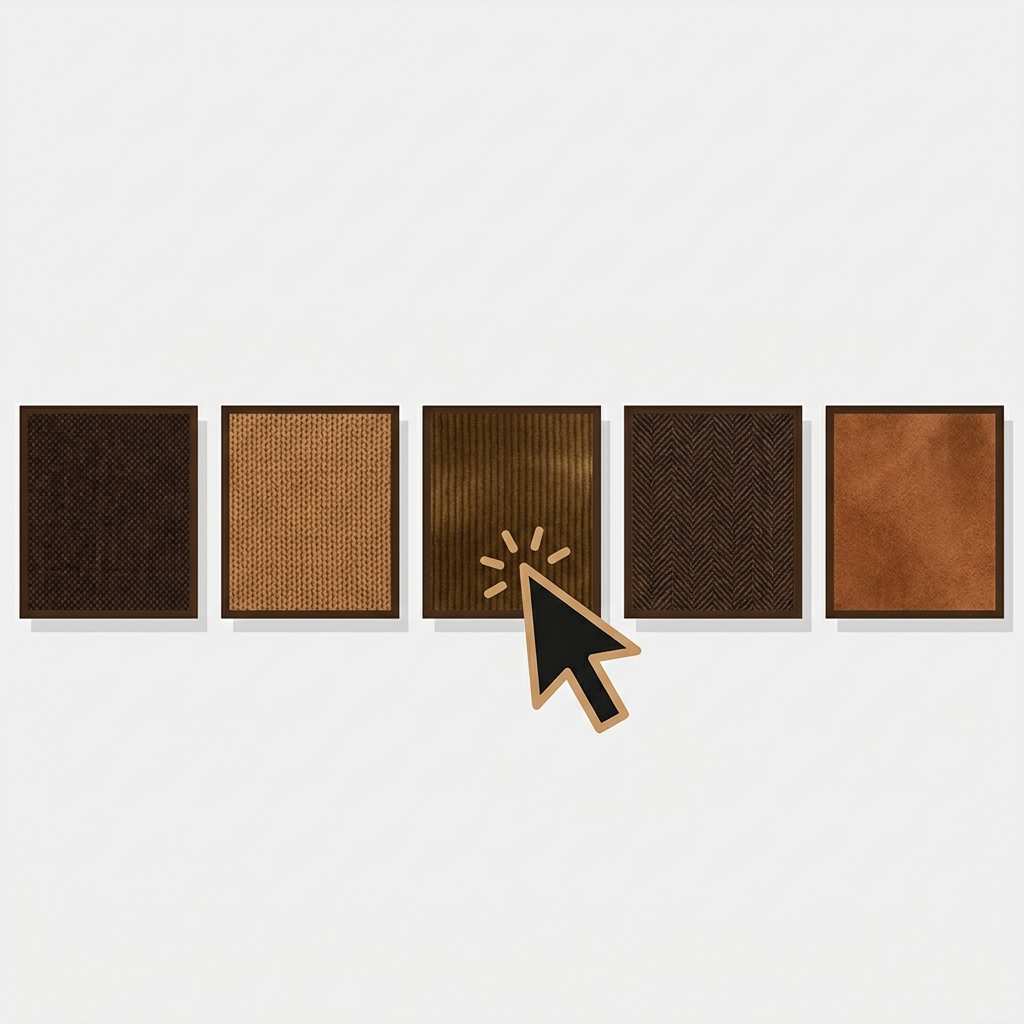
A swatch image is a small thumbnail that represents a product variant, like a fabric or color, that a shopper clicks to select it. Here is what a swatch image means, how it differs from a color swatch and a button, and where each one appears on Shopify.

Developers keep adding a variant:change listener in the Spotlight theme and getting nothing. Here is what the variant:change event actually is, which Shopify themes dispatch it, why Dawn-family themes like Spotlight do not, and a reliable way to hook variant changes on any theme.
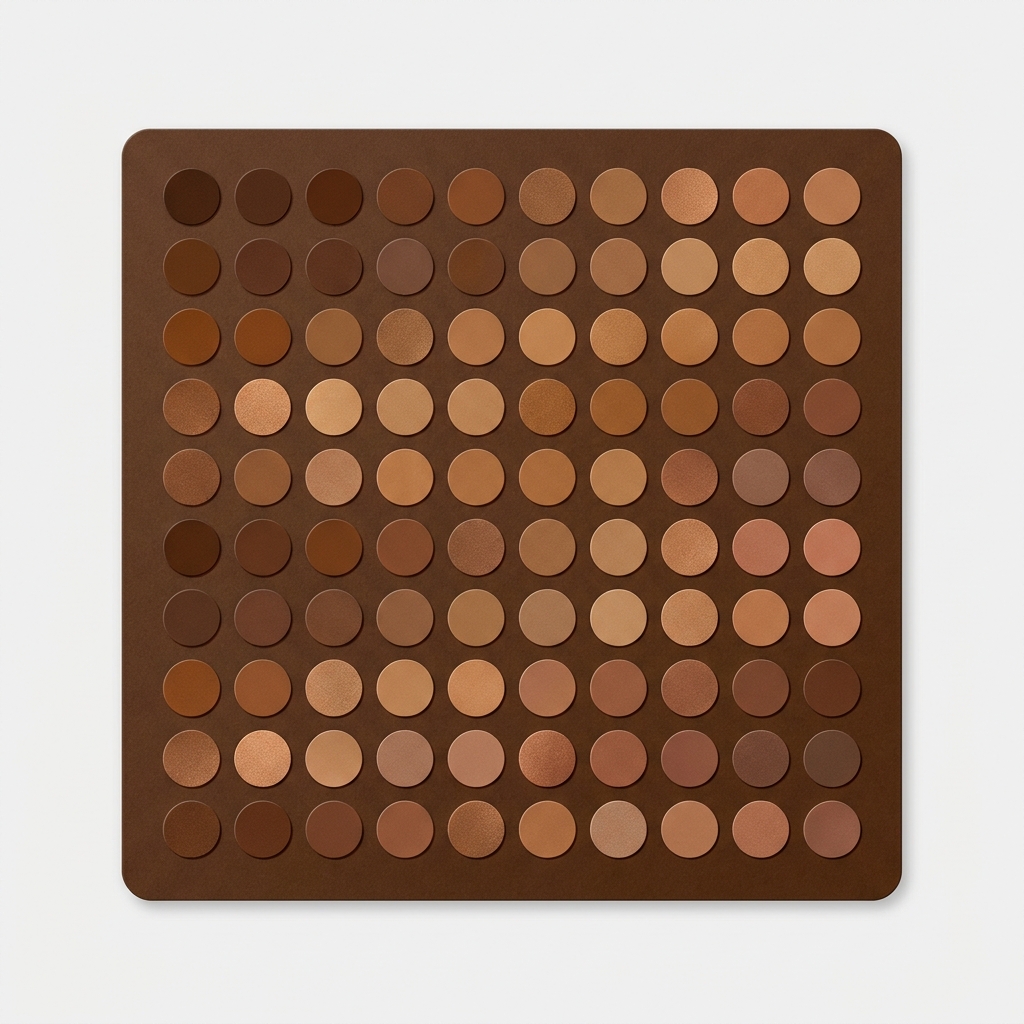
Got too many color swatches crowding your Shopify product page? Here is how to size, group, and trim the swatch row so it stays clean and converts.
Want a different video per variant on Shopify? Here is how variant media works, why the native gallery shows everything at once, and how to filter video per variant.
Quick view variant images break because the modal skips your product page logic. Here is why, plus how to show the right photos per color.
Color swatch images AI disclosure Shopify: when a swatch swaps to an AI model card, label the variant image so the conspicuous AI label travels with it.

AI backgrounds variant photos exempt Shopify? Object-only shots are generally exempt; AI human models can trigger NY (gray zone) and EU disclosure. Decision table inside.
AI-generated variant images on Shopify: label only the AI model photos, not flat AI product shots. NY 396-b and EU AI Act rules for 2026, explained.