Collection page swatches apparel stores need to show color choices on the grid, cut clicks, and help shoppers find the right color faster on Shopify.


In-depth guides for Rubik Variant Images app features: AI auto-assign, bulk assign, swatch customization, and multi-option setup.
Collection page swatches apparel stores need to show color choices on the grid, cut clicks, and help shoppers find the right color faster on Shopify.
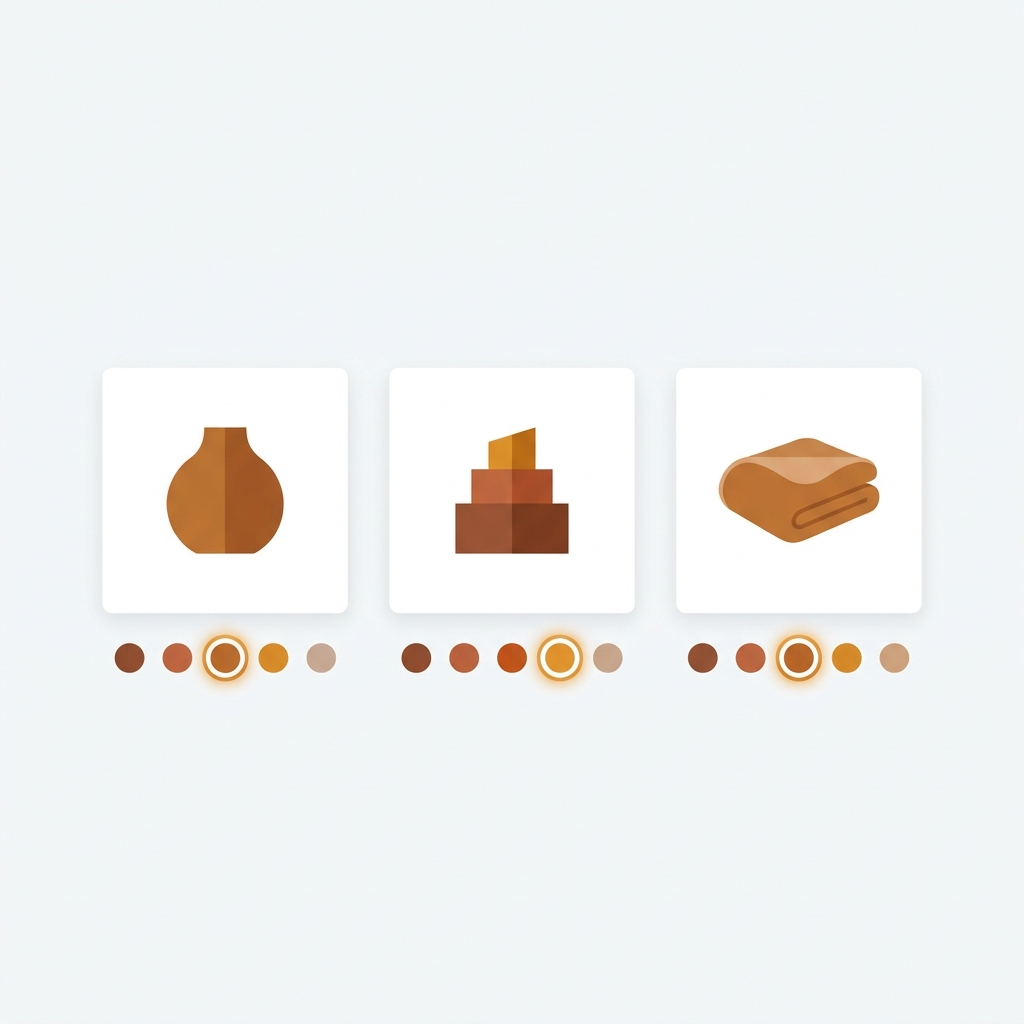
Rubik Variant Images now shows collection page swatches on product cards, so shoppers switch colors before they ever open a product.

Learn how to swap product card image on swatch click in Shopify, update price and add-to-cart, and tune desktop click vs mobile tap behavior.
Shrine by Invisible Themes is a fashion-focused theme with bold layouts. Here is how to set up variant images and swatches on Shrine.

Sleek by FoxEcom is a conversion-focused theme with modal-heavy UX. Here is how to set up variant images and swatches on Sleek.
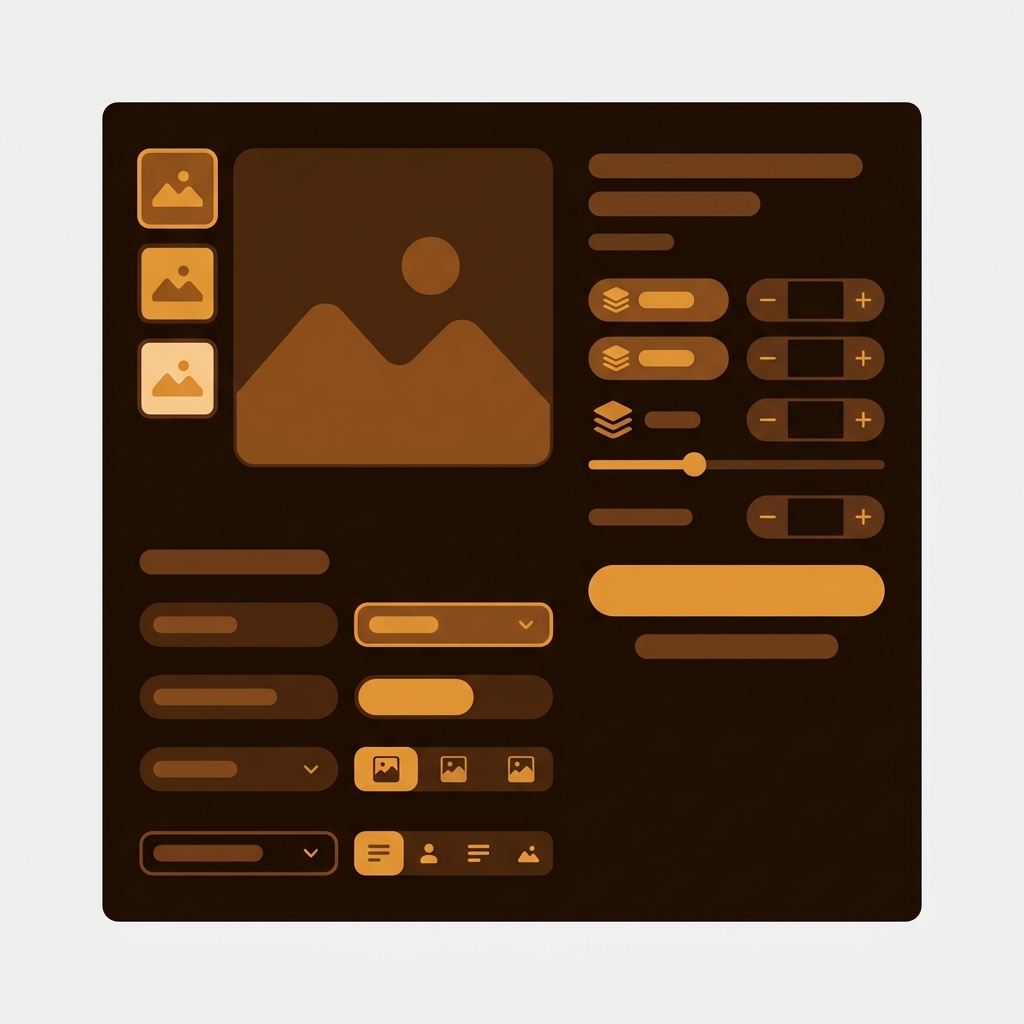
Trade is Shopify’s first-party B2B and wholesale theme. Here is how to set up variant images and swatches on Trade.
Concept by Switch Themes has a clean minimal style for fashion and design stores. Here is how to set up variant images and swatches on Concept.

Impulse by Archetype Themes powers fashion catalogs with mega menus and quick view. Here is how to set up variant images and swatches on Impulse.
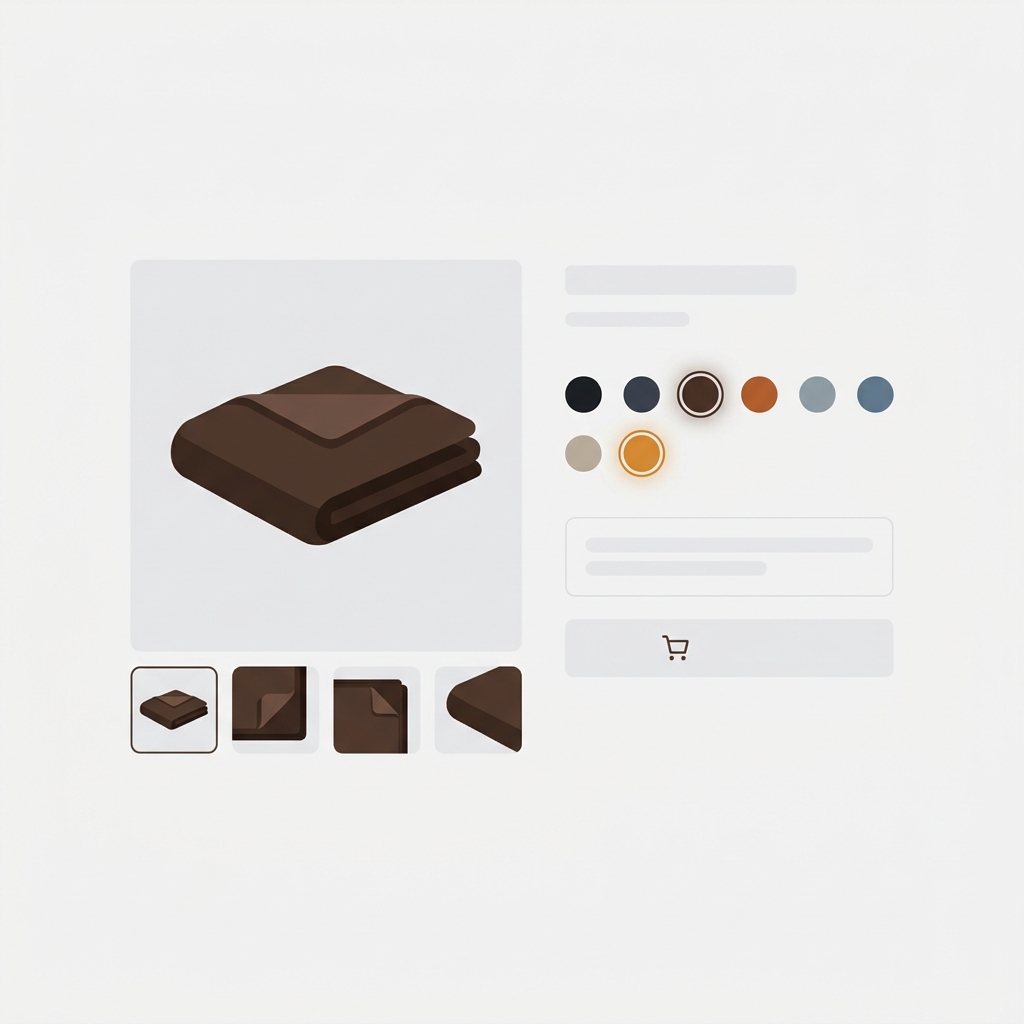
Fabric is a Shopify-built theme designed for fashion stores. Here is how to set up variant images, swatches, and AI auto-assign on Fabric.
Unused variant images bloat product galleries, slow admin load, and eat into the 250 media per product cap. Here is how to bulk delete them without breaking live variants.

GemPages has a quiet feature called image to layout that turns any image into an editable layout. Here is how it works, when to use it, and how it plays with variant images.

Which Shopify variant image apps actually have usable free plans in 2026? Rubik first, the rest honest about their limits.